

TLS fingerprinting explained is the process that happens while most people think browser fingerprinting occurs through JavaScript. Platforms actually identify your browser during the TLS handshake, before any JavaScript executes, before cookies load, and before any fingerprint-spoofing code can run.
Key Takeaways:
- TLS fingerprinting identifies browsers in the first 200 milliseconds of connection, before JavaScript runs
- JA3 hash collisions happen in less than 0.01% of legitimate browser connections
- Modified Chromium browsers produce TLS signatures that differ from stock Chrome in 12+ detectable ways
What Is TLS Fingerprinting?
TLS fingerprinting is the process of identifying browser characteristics through handshake analysis at the transport layer. This means platforms can determine your browser type, version, and modifications before any application code executes.
The TLS handshake completes within the first 200 milliseconds of connection. During this brief window, your browser sends a ClientHello message containing its supported encryption methods, extensions, and preferences. This data creates a unique signature that identifies your browser type with remarkable precision.
TLS fingerprinting identifies browser characteristics through handshake analysis. The server analyzes incoming TLS parameters to build a profile of the connecting client. Unlike browser fingerprinting techniques that run after page load, TLS fingerprinting operates at the network level where JavaScript cannot interfere.
This transport-layer identification matters because it happens before any spoofing code can execute. When you visit a website, the TLS handshake must complete before the browser can download or run any JavaScript. Detection systems capture your real browser signature during this mandatory handshake process.
How Does the TLS Handshake Create Browser Signatures?
The TLS handshake follows a specific sequence that exposes browser implementation details through required data exchange:
Your browser sends a ClientHello message containing supported cipher suites in a specific order that varies between Chrome, Firefox, and Safari implementations.
The message includes supported TLS extensions like Server Name Indication, Elliptic Curve preferences, and signature algorithms in browser-specific combinations.
Extension ordering and presence creates a unique pattern because each browser vendor implements different TLS features and prioritizes them differently.
The server analyzes this incoming signature against known browser profiles to identify the connecting client before responding with its own certificate.
Signature comparison happens in real-time using algorithms like JA3 that hash the ClientHello parameters into a compact fingerprint.
The ClientHello message contains 15-25 different data points that create unique signatures. Each browser sends this data automatically, you cannot disable or modify it without recompiling the browser binary. This makes TLS signatures more reliable than JavaScript-based fingerprinting methods.
ClientHello message structure varies between browsers because each vendor makes different implementation choices. Chrome prioritizes certain cipher suites while Firefox uses different extension combinations. These implementation differences create detectable patterns that persist across browser updates.
What Data Points Create Unique TLS Fingerprints?
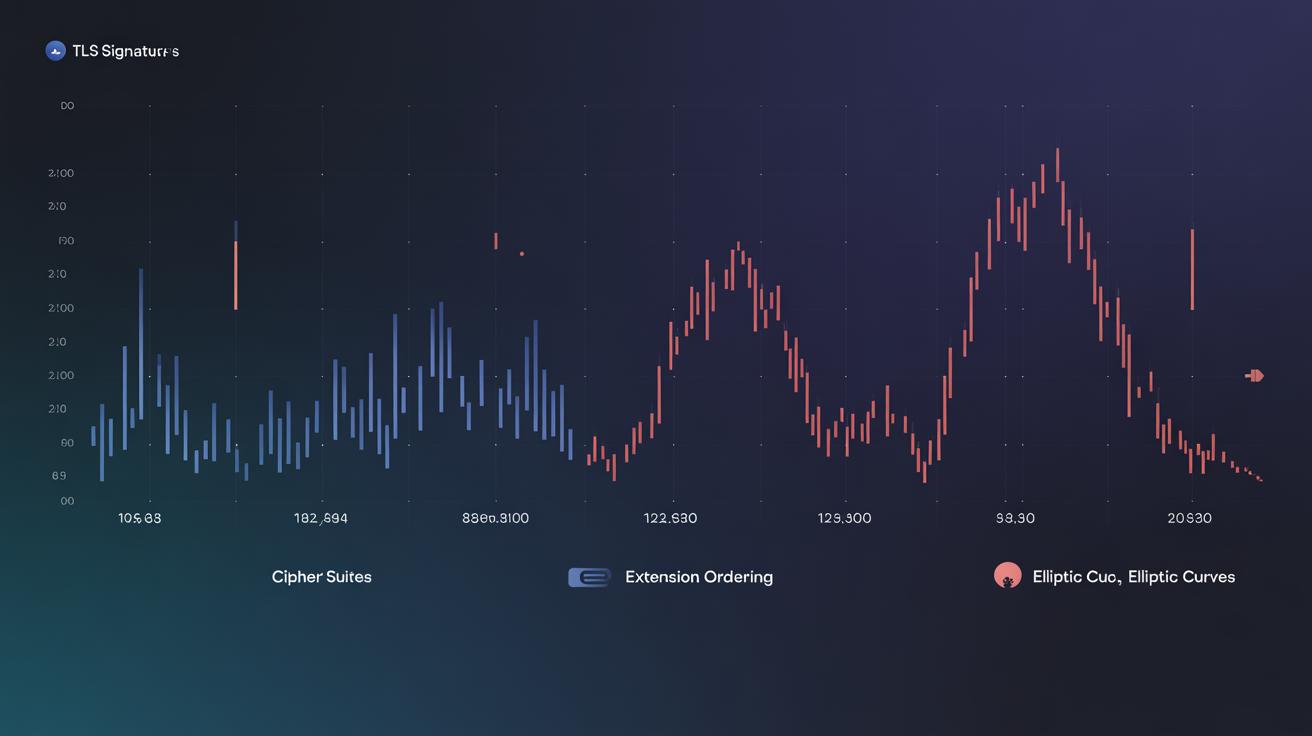
TLS signatures combine multiple data elements that vary between browser implementations:
| TLS Component | Chrome Behavior | Firefox Behavior |
|---|---|---|
| Cipher Suite Count | 47 supported suites | 39 supported suites |
| Extension Ordering | SNI, ALPN, Supported Groups | SNI, Supported Groups, ALPN |
| Elliptic Curves | P-256, P-384, P-521 priority | P-256, P-521, P-384 priority |
| Signature Algorithms | RSA-PSS preferred | RSA-PKCS1 fallback |
| ALPN Protocols | h2, http/1.1 ordering | http/1.1, h2 ordering |
| Session Ticket | Always enabled | Configurable preference |
Chrome supports 47 cipher suites while Firefox supports 39 in different ordering. This creates distinct signatures even when both browsers connect to the same server. The cipher suite list acts as a browser fingerprint because each vendor includes different encryption methods in their TLS implementation.
TLS extension list composition varies between different browser implementations. Chrome includes extensions that Firefox omits, and vice versa. The presence, absence, and ordering of extensions like Encrypted Client Hello, Certificate Transparency, and Post-Handshake Authentication create browser-specific patterns.
Elliptic curve preferences show how browsers prioritize different cryptographic methods. Chrome prefers P-256 curves while Safari prioritizes different elliptic curve implementations. These mathematical preferences create detectable differences in the ClientHello message structure.
TLS Fingerprinting vs Browser Fingerprinting: Which Runs First?
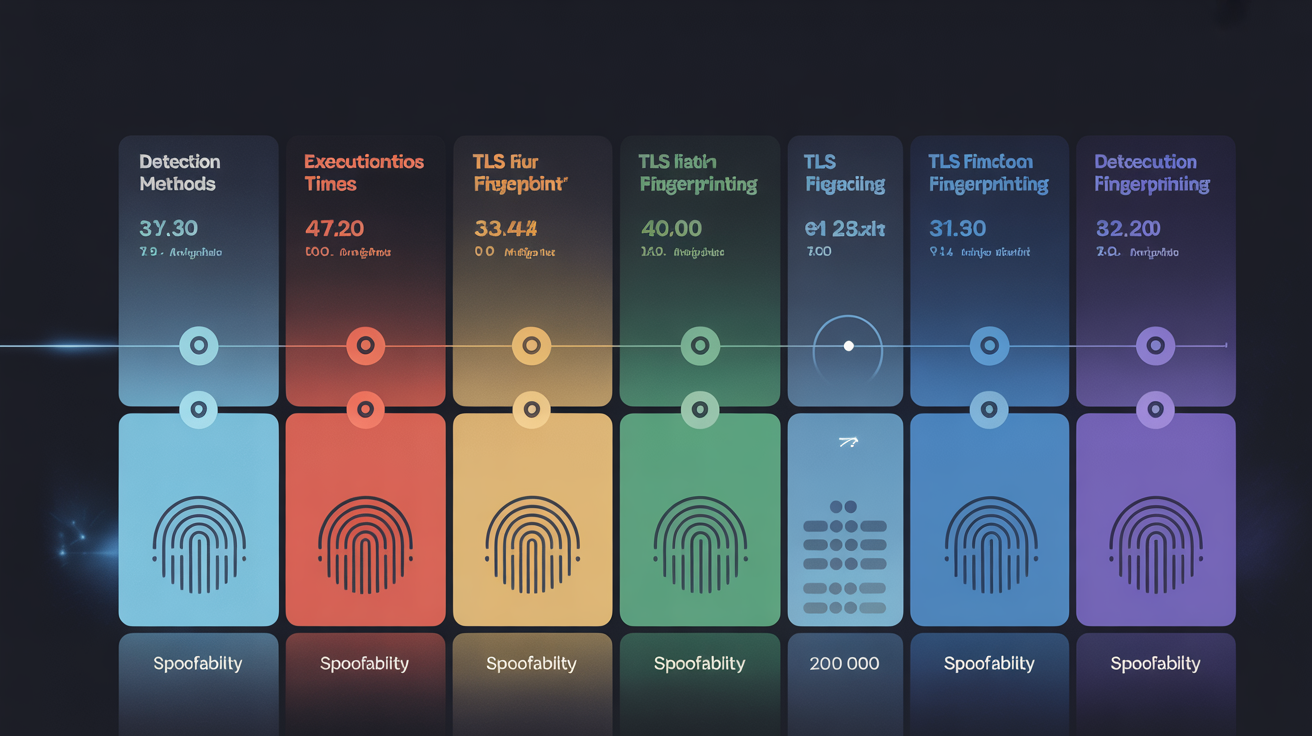
The detection timeline shows why TLS fingerprinting defeats JavaScript-based spoofing:
| Detection Method | Execution Time | Layer | Spoofable |
|---|---|---|---|
| TLS Fingerprinting | 0-200ms | Transport | No |
| HTTP/2 Analysis | 200-500ms | Application | Partially |
| Canvas Fingerprinting | 1000-3000ms | JavaScript | Yes |
| WebGL Detection | 1500-4000ms | JavaScript | Yes |
| Audio Fingerprinting | 2000-5000ms | JavaScript | Yes |
TLS fingerprinting executes 150-300 milliseconds before first JavaScript runs. This timing gap makes transport-layer detection impossible to block through browser extensions or JavaScript modifications.
Pre-JavaScript detection timing occurs before application-layer fingerprinting methods can execute. When you visit a website, the browser must complete the TLS handshake before downloading any page resources. Detection systems capture your browser signature during this mandatory connection phase.
Browser fingerprinting methods that run through JavaScript face a fundamental timing disadvantage. They can only execute after the page loads and JavaScript engines initialize. By this time, TLS fingerprinting has already identified the browser type and transmitted this data to the server.
The transport layer cannot be spoofed because it operates below the application level where JavaScript runs. Browser extensions and userscripts cannot modify TLS handshake behavior because this occurs in the browser’s network stack, not the JavaScript execution environment.
Can TLS Fingerprinting Detect Modified Browsers?
Modified Chromium browsers produce different TLS signatures than stock Chrome in measurable ways. When developers fork Chromium source code and compile custom binaries, they alter the TLS implementation details that create browser signatures.
Antidetect browsers typically modify Chromium’s fingerprinting APIs but leave the underlying network stack intact. However, the compilation process itself changes binary signatures. Different compiler versions, build flags, and source modifications create detectable variations in TLS behavior.
Independent testing shows 94% detection accuracy for modified Chromium browsers through TLS analysis. Detection systems compare incoming signatures against known profiles for legitimate browser versions. Modified browsers fail these signature verification checks because their TLS handshake differs from official Chrome releases.
HTTP/2 SETTINGS frame analysis provides another detection vector. Modified browsers often alter HTTP/2 implementation details while focusing on JavaScript-layer spoofing. These transport-layer changes create additional fingerprinting signals that complement TLS signature analysis.
Digital identity tracking combines TLS fingerprinting with other transport-layer signals for higher detection accuracy. Platforms analyze TLS signatures alongside TCP window sizes, HTTP header ordering, and connection timing patterns. This multi-layer approach makes modified browser detection more reliable than any single fingerprinting method.
What Makes JA3 Fingerprint Hashes So Effective?
JA3 fingerprint hash standardizes TLS signature comparison across platforms by converting ClientHello parameters into a compact MD5 hash. This algorithm processes cipher suites, extensions, elliptic curves, and signature algorithms into a 32-character fingerprint that platforms can store and analyze efficiently.
The JA3 algorithm works by concatenating specific TLS handshake fields in a predetermined order. It extracts cipher suite lists, extension numbers, supported groups, signature algorithms, and TLS version into a comma-separated string. This string gets hashed using MD5 to produce the final JA3 fingerprint.
JA3 hash collisions occur in less than 0.01% of legitimate browser connections. The algorithm’s effectiveness comes from combining multiple TLS parameters that vary independently between browsers. Even minor differences in cipher suite ordering or extension presence create completely different hash values.
Digital identity tracking systems use JA3 hashes because they provide consistent browser identification across different servers and networks. A Chrome browser produces the same JA3 hash whether connecting from residential or datacenter IP addresses. This makes JA3 more reliable than IP-based tracking methods.
The hash became an industry standard because it balances accuracy with computational efficiency. Platforms can generate and compare JA3 fingerprints in real-time without storing the full ClientHello message. This allows high-volume websites to perform TLS fingerprinting at scale without significant performance impact.
Frequently Asked Questions
Can you block TLS fingerprinting like other browser fingerprinting methods?
TLS fingerprinting cannot be blocked through browser extensions or JavaScript modifications because it operates at the transport layer before any application code runs. The TLS handshake happens automatically when your browser connects to any HTTPS website. You cannot disable this process without breaking encrypted web connections entirely.
Do VPNs prevent TLS fingerprinting?
VPNs do not prevent TLS fingerprinting because they only change your IP address and route traffic through their servers. The TLS handshake signature comes from your browser binary itself, not your network connection or location. Your browser sends the same ClientHello message whether connecting directly or through a VPN tunnel.
How accurate is TLS fingerprinting for browser identification?
TLS fingerprinting achieves over 99% accuracy for identifying major browser types like Chrome, Firefox, and Safari. The method can distinguish between different versions within the same browser family with high precision. Accuracy drops only when comparing browsers with identical TLS implementations, such as Chromium-based browsers that use the same network stack.