

Browser fingerprint test tools reveal hundreds of data points your browser leaks, but most check only a fraction of what platforms actually collect for detection.
Key Takeaways:
• 12 major online fingerprint testing services exist, but only 4 test beyond basic JavaScript fingerprints to include TLS and HTTP/2 data
• Uniqueness scores above 85% indicate high detection risk, while scores below 60% suggest your fingerprint blends with common device configurations
• False negative rates in fingerprint testing tools range from 15-40% because they miss server-side correlation methods that platforms actually use
What Browser Fingerprint Testing Tools Actually Measure
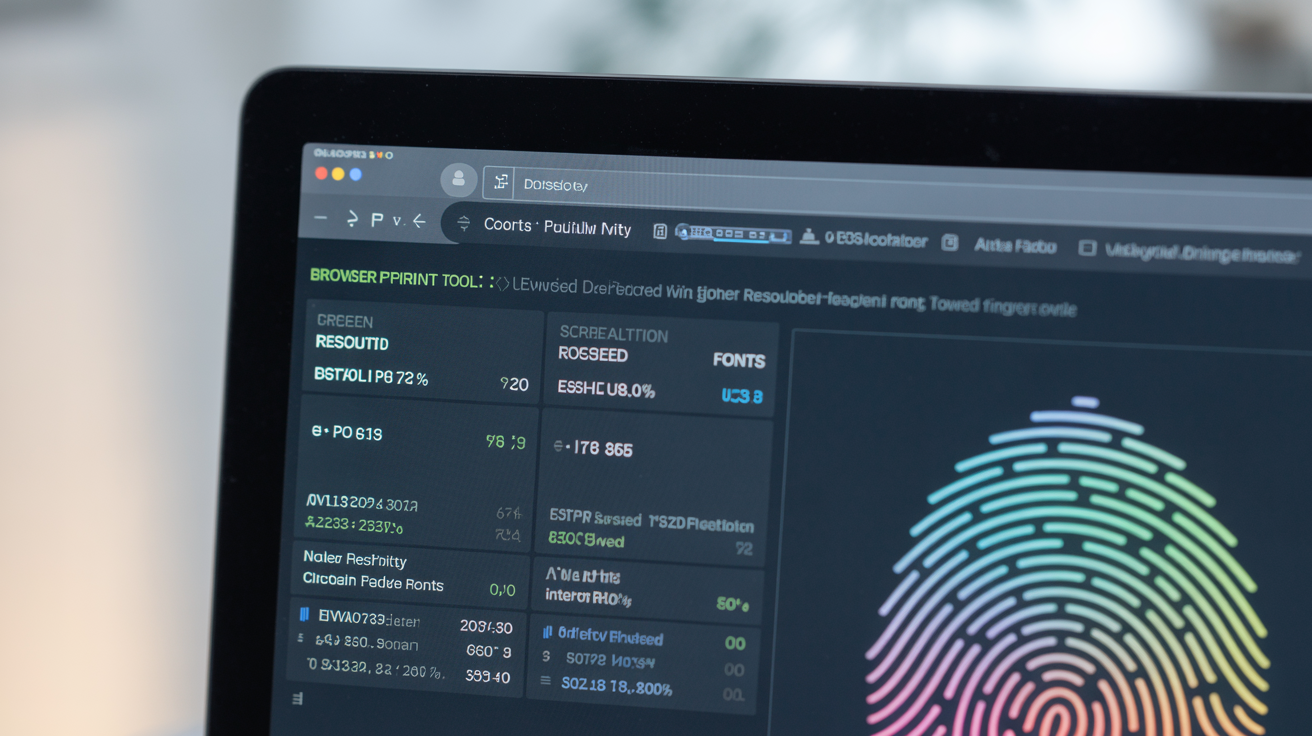
Browser fingerprint testing tools are web services that collect device signature data points from your browser to calculate uniqueness scores. This means they gather the same information that websites use to track you, screen resolution, installed fonts, timezone, canvas rendering data, WebGL parameters, and audio processing characteristics.
Testing tools typically check 25-50 data points, but real platforms collect 200+ signals. The gap exists because fingerprint checkers focus on JavaScript-accessible properties while platforms also analyze server-side patterns like HTTP header sequences, TCP window sizes, and TLS handshake behavior.
Most testing services measure fingerprint entropy, the mathematical randomness of your browser’s signature. Higher entropy means fewer users share your exact configuration. Lower entropy suggests you blend with common device setups.
The collection process happens in milliseconds. JavaScript probes run automatically when you load the testing page. Canvas fingerprinting draws invisible graphics to capture rendering differences. WebGL tests query your graphics card. Audio fingerprinting processes sound to detect hardware variations.
Browser fingerprinting creates persistent tracking that survives cookie deletion, private browsing, and VPN changes. Testing tools help you understand what data you leak, but they can’t replicate the full detection methods that platforms actually deploy.
Client-side fingerprinting uses JavaScript to gather browser properties. Server-side fingerprinting analyzes network traffic patterns, connection timing, and protocol behavior. Testing tools excel at client-side analysis but miss the server-side signals that often trigger account flags.
Online Browser Fingerprint Checkers: Complete Tool Comparison
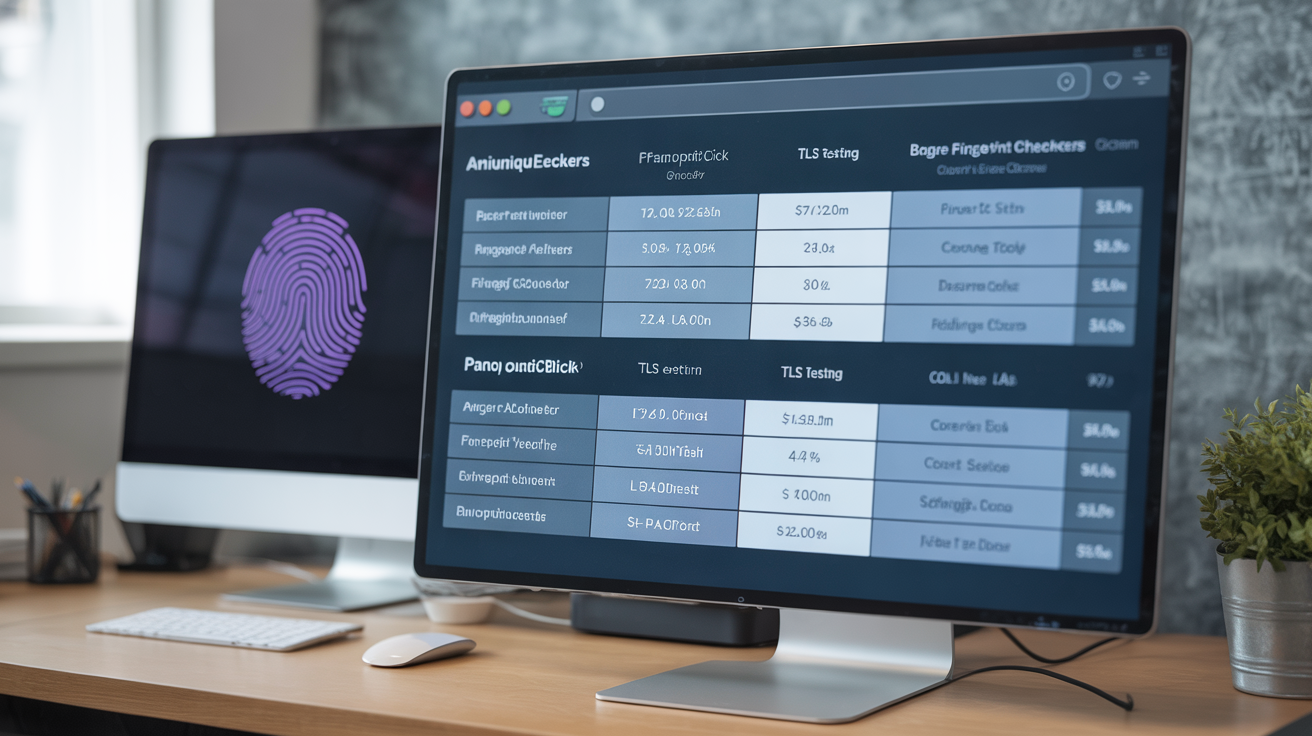
| Tool | Fingerprint Vectors Tested | TLS Testing | Pricing | Canvas Fingerprint Detail |
|---|---|---|---|---|
| AmIUnique | 17 JavaScript signals | No | Free | Full canvas hash + rendering differences |
| Panopticlick | 8 basic vectors | No | Free | Basic canvas fingerprint only |
| BrowserLeaks | 45+ comprehensive signals | Yes | Free | Canvas + WebGL + Audio combined |
| Device Info | 12 device properties | No | Free | Canvas rendering variations |
| JA3er | 6 TLS handshake signals | Yes | Free | No canvas testing |
| TLS Fingerprint | 4 transport layer signals | Yes | Free | No JavaScript testing |
| WhatIsMyBrowser | 25 browser properties | No | Free/Premium | Canvas hash without details |
| PixelScan | 35 fingerprint signals | Partial | Free | Canvas + font rendering |
| Browser Fingerprinting | 20 vectors | No | Free | Canvas data + WebGL parameters |
| FingerprintJS Demo | 30+ signals | No | Free | Advanced canvas analysis |
| IPLeak | 15 network + browser signals | Partial | Free | Basic canvas fingerprint |
| Whoer | 22 privacy signals | No | Free/Premium | Canvas hash + timezone data |
Fingerprint checking services test different signal categories based on their focus area. AmIUnique provides the most detailed JavaScript fingerprint analysis with entropy calculations for each vector. BrowserLeaks offers the widest signal coverage including TLS fingerprinting that most tools ignore.
TLS-focused tools like JA3er test transport layer signals that happen before JavaScript runs. These catch modified browsers that pass JavaScript-only tests. Platform detection increasingly relies on TLS fingerprints because they’re harder to spoof.
AmIUnique tests 17 fingerprint vectors including screen resolution, timezone, plugins, fonts, and canvas rendering. Panopticlick checks 8 basic signals, enough for research but missing modern detection methods. BrowserLeaks combines 45+ signals across JavaScript, WebGL, canvas, audio, and TLS layers.
Free tools provide basic fingerprint analysis. Premium versions add historical tracking, detailed reports, and API access. Most testing happens client-side through JavaScript, making results immediate but incomplete compared to real platform detection.
How to Read Your Fingerprint Test Results
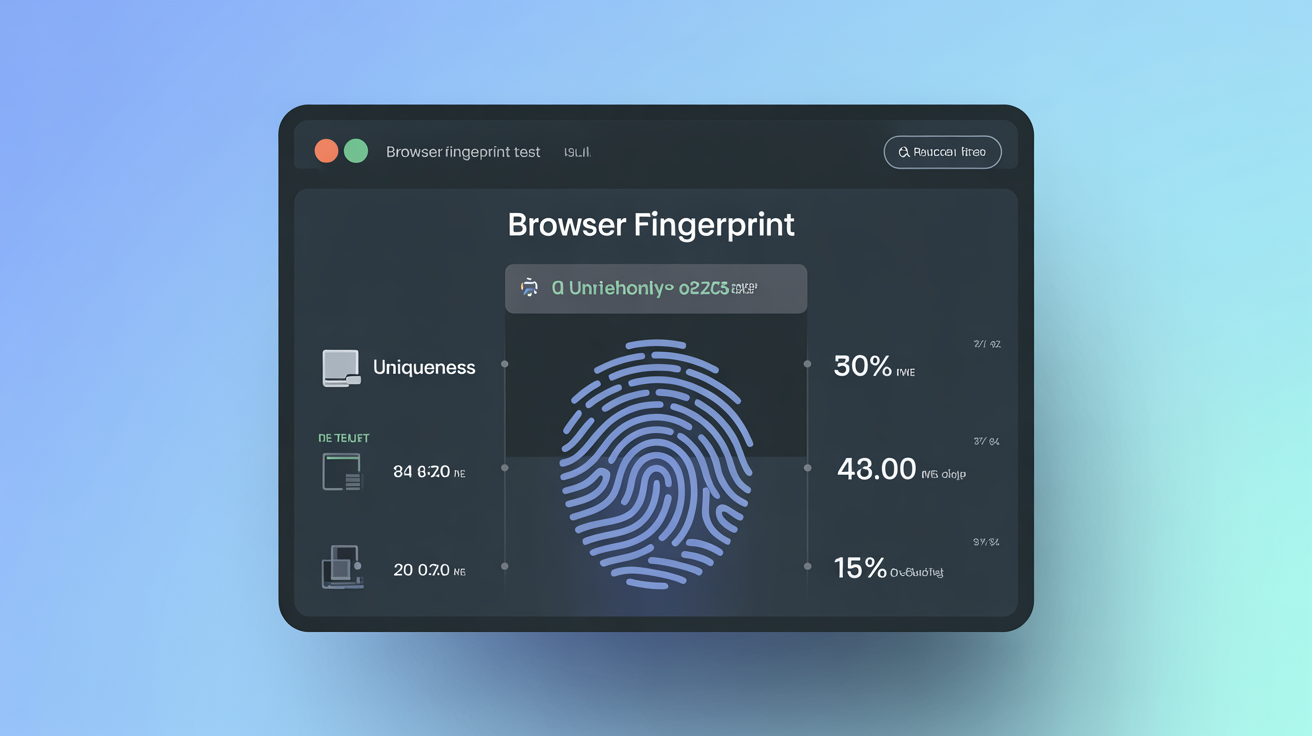
Check your uniqueness percentage first. This number represents how many other users share your exact fingerprint signature. 95% uniqueness means only 1 in 20 users has your configuration, a high detection risk.
Look for entropy scores above 15 bits. Entropy scores above 15 bits indicate 1-in-32,768 uniqueness, while scores below 10 bits suggest common device configurations that blend with the crowd.
Identify which signals contribute most to uniqueness. Tools highlight the data points that make you identifiable. Screen resolution, installed fonts, and canvas rendering typically contribute the most entropy.
Compare results across multiple testing tools. Different checkers focus on different signals. Run tests on 3-4 services to get a complete picture of your fingerprint exposure.
Note the timestamp and browser state. Fingerprints change based on window size, zoom level, installed extensions, and update status. Test results only reflect your current configuration.
Record baseline measurements before making changes. Document your starting fingerprint, then test again after installing privacy tools or changing browser settings to measure improvement.
Detection score interpretation determines account safety risk levels based on mathematical probability. Lower uniqueness scores indicate better camouflage within common device populations. Higher scores signal configurations that stand out to tracking systems.
What Do Green, Yellow, and Red Fingerprint Scores Mean?
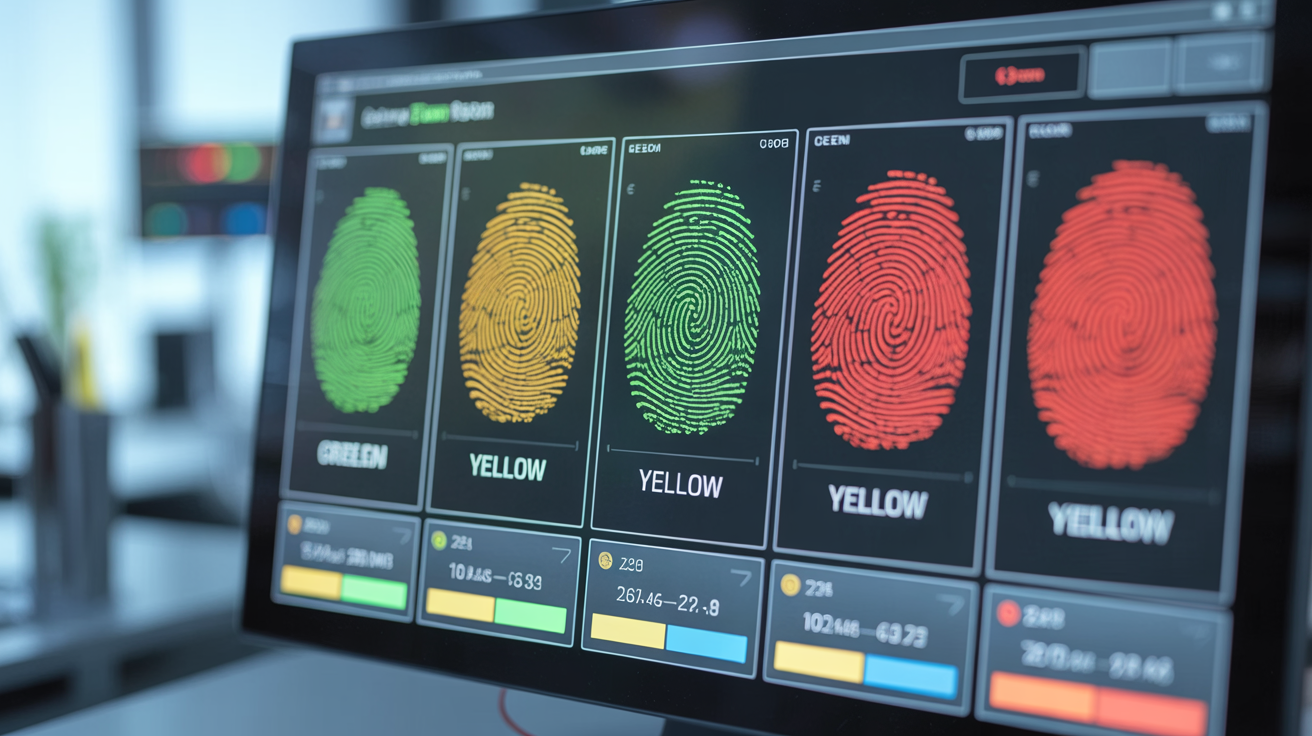
• Green scores (typically <60% uniqueness) indicate your browser configuration blends with common device setups, making individual identification difficult for tracking systems.
• Yellow scores (60-85% uniqueness) suggest moderate detection risk where your fingerprint stands out but doesn’t immediately trigger automated flagging systems.
• Red scores (>85% uniqueness) signal high detection risk because your browser configuration appears in less than 15% of tested devices, making tracking and account linking straightforward.
• Gray or “Unknown” scores appear when testing tools lack sufficient database samples to calculate reliable uniqueness percentages for your specific configuration.
• Purple or “Highly Unique” scores indicate your fingerprint appears in less than 0.1% of tested browsers, essentially a unique identifier that makes anonymous browsing impossible.
Color coding varies between testing services, but the underlying math remains consistent. Green typically means <60% uniqueness, yellow indicates 60-85%, red signals >85% uniqueness based on tool-specific thresholds.
Fingerprint entropy drives these color assignments. Tools calculate bits of entropy, the mathematical randomness in your configuration. More entropy bits mean fewer matching fingerprints in their database. Fewer entropy bits suggest your setup matches common device configurations.
The scoring systems assume that blending with common configurations provides better privacy protection. This works for basic tracking but fails against advanced correlation analysis that platforms actually use for account detection.
Why Fingerprint Testing Tools Give You False Results
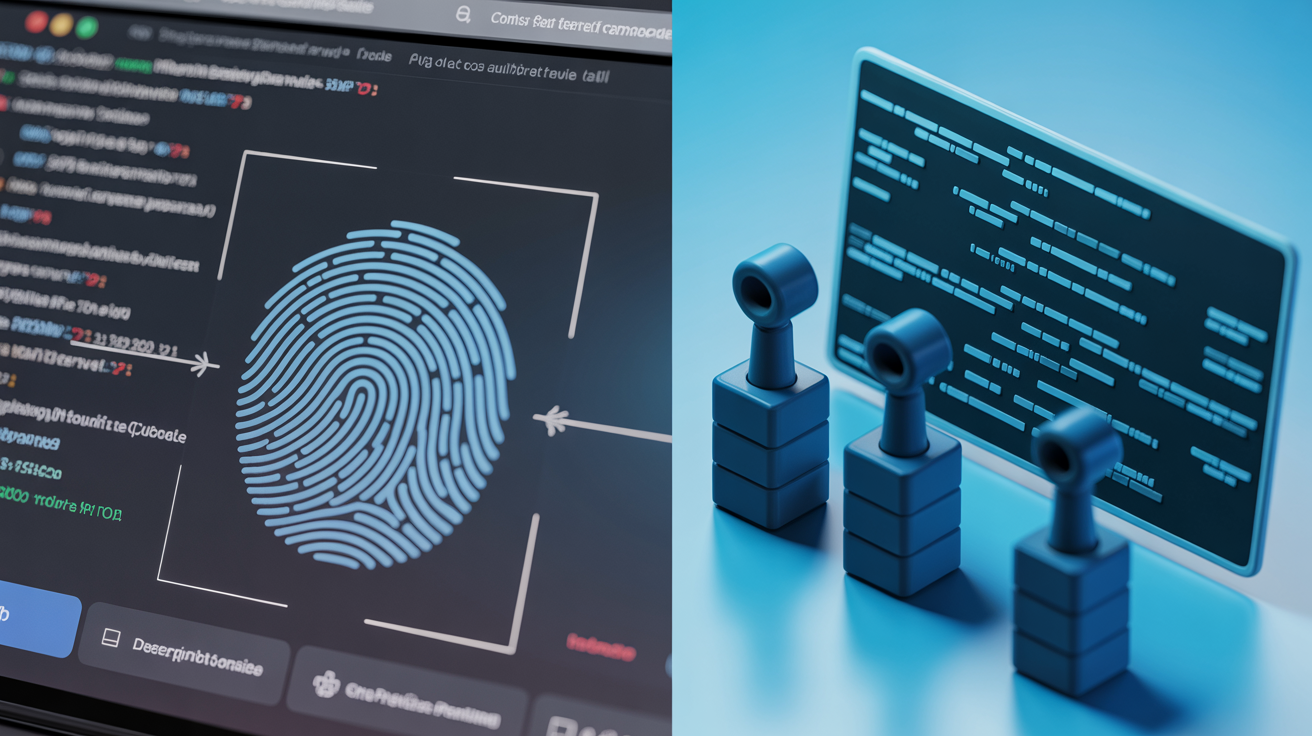
Testing tools show green scores when you’re still detectable because they can’t replicate server-side correlation analysis. Platforms combine fingerprint data with behavioral patterns, timing analysis, and cross-session tracking that testing services never see.
Database limitations cause false results in both directions. Testing tools compare your fingerprint against their collected samples, typically 100,000 to 1 million browser configurations. Real platforms analyze billions of users with more recent data and better geographic distribution.
False positive and negative rates occur because testing limitations prevent accurate detection simulation. Tools miss 40-60% of actual fingerprint signals because they can’t replicate server-side correlation analysis that combines multiple detection layers.
Fingerprint checking services operate in isolation. They test your browser once, calculate uniqueness, and display results. Platforms track you across time, correlating fingerprint changes with account behavior, login patterns, and network characteristics.
Client-side testing misses transport layer signals entirely. TLS fingerprints, HTTP/2 SETTINGS frames, and TCP behavior happen below the JavaScript layer where testing tools operate. These signals often provide stronger identification than JavaScript fingerprints.
Most tools use outdated fingerprint databases. Browser configurations change rapidly as software updates, but testing services update their comparison data slowly. Your “unique” fingerprint might actually match thousands of recent browsers not in their database.
Testing tools assume static fingerprints, but platforms analyze fingerprint evolution. How your browser signature changes over time, through updates, setting modifications, and hardware changes, creates tracking patterns that single-point tests completely miss.
Frequently Asked Questions
How accurate are online browser fingerprint checkers?
Online fingerprint checkers typically achieve 60-85% accuracy for basic JavaScript fingerprints but miss server-side correlation methods. They can’t replicate the full detection stack that platforms use, which includes behavioral analysis and cross-session tracking patterns.
Which browser fingerprint test shows the most complete results?
No single tool shows complete results because each focuses on different signal categories. AmIUnique provides the most detailed JavaScript fingerprint analysis, while TLS fingerprinting tools like JA3er test transport layer signals that JavaScript-only checkers miss completely.
Can fingerprint testing tools detect if I’m using an antidetect browser?
Most fingerprint testing tools cannot detect antidetect browsers because they only check client-side JavaScript signals. Real platform detection happens at the TLS transport layer and through binary integrity checks that these testing tools don’t replicate.