

A browser fingerprint privacy audit reveals that your browser broadcasts over 100 unique data points every time you visit a website, creating a fingerprint more unique than your actual fingerprint.
Key Takeaways:
- Modern browser fingerprints contain 100+ distinct data points that create uniqueness rates above 99.5%
- Canvas fingerprinting alone generates over 16,000 possible variations based on your hardware and font configuration
- Incognito mode provides zero fingerprint protection, your device signature remains identical across all browsing modes
What Data Points Does Your Browser Fingerprint Actually Contain?
Browser fingerprints contain over 100 distinct data points that tracking systems collect automatically. These data points split into hardware signals and software configuration markers. Hardware signals persist across browser updates, OS changes, and private browsing sessions. Software signals change when you update browsers or modify settings.
| Fingerprint Category | Data Points Collected | Persistence Level | Uniqueness Contribution |
|---|---|---|---|
| Hardware Signatures | GPU model, CPU cores, RAM size, screen resolution | 3-6 months | 40% of total entropy |
| Canvas Fingerprint | Font rendering, graphics processing, pixel output | 2-4 months | 35% of total entropy |
| Software Configuration | Browser version, plugins, timezone, language | 2-4 weeks | 15% of total entropy |
| Network Properties | WebRTC IPs, connection type, DNS settings | Session-based | 10% of total entropy |
Fingerprint entropy measures how many bits of uniqueness each data category contributes. Hardware signals generate the highest entropy because they reflect physical device characteristics that don’t change frequently. Canvas fingerprinting taps into your graphics hardware to generate pixel-perfect signatures based on how your GPU and fonts render text and shapes.
The combination of hardware and software signals creates fingerprints with 15+ bits of entropy. This translates to uniqueness probabilities exceeding 99.5% across global browser populations. Even users with identical browser versions and operating systems become distinguishable through hardware variations and font installations.
How Do You Calculate Your Browser’s Uniqueness Probability?

Fingerprint entropy determines your browser’s uniqueness probability through logarithmic calculation. Each data point contributes bits of entropy based on how rare your specific value is compared to the global population.
Count total entropy bits across all fingerprint categories. Add up entropy contributions from hardware signatures, software configuration, canvas output, and network properties.
Convert entropy bits to probability using the formula 1/(2^entropy). A fingerprint with 15 bits of entropy has a 1 in 32,768 chance of matching another user.
Cross-reference against known population distributions. Compare your entropy total against databases of millions of real fingerprints to validate uniqueness calculations.
Account for correlation between data points. Some fingerprint elements correlate (Windows users with specific font sets), reducing effective entropy below the theoretical maximum.
Fingerprints with 15+ bits of entropy achieve 99.97% uniqueness probability across global browser populations. Most modern browsers exceed 20 bits of entropy due to hardware diversity and software customization. Detection systems flag fingerprints as trackable when they cross the 10-bit threshold, which represents 1 in 1,024 uniqueness.
Browser Privacy Audit Checklist: 12 Steps to Evaluate Your Exposure

A browser privacy audit checklist provides 12 systematic evaluation steps to measure your tracking exposure across all fingerprint categories. Complete each step using online testing tools and document results for comparison.
Test canvas fingerprint output at multiple checking services. Canvas signatures remain consistent across sessions but vary between different testing implementations.
Verify WebGL renderer string and graphics driver information. WebGL exposes GPU model, driver version, and rendering capabilities that persist across browser restarts.
Document audio context fingerprint through AudioContext API testing. Audio processing generates unique signatures based on hardware audio processing chains.
Check font enumeration across different detection methods. Font lists reveal operating system, installed software, and regional configurations.
Measure screen resolution, color depth, and device pixel ratios. Display characteristics create hardware-based identification signals.
Record timezone, language, and locale configuration data. Geographic and language settings narrow identification scope significantly.
Audit installed browser plugins and extension signatures. Plugin enumeration reveals software installation patterns and security configurations.
Test JavaScript engine performance and timing signatures. Code execution timing reflects CPU performance and system load patterns.
Verify user agent string parsing and HTTP header combinations. Browser identification headers combine with other signals for enhanced tracking.
Check WebRTC IP leak potential and network configuration data. Network fingerprints expose local IP addresses, connection types, and NAT configurations.
Document cookie and storage behavior across sessions. Storage quotas and behavior patterns vary by browser configuration and available disk space.
Cross-reference results between normal and incognito browsing modes. Compare fingerprint consistency to verify privacy mode effectiveness.
Red flag thresholds include entropy scores above 15 bits, unique canvas outputs, or WebRTC IP leaks during VPN usage. Document baseline measurements monthly to track fingerprint drift over time.
What Does Canvas Fingerprint Data Reveal About Your Hardware?
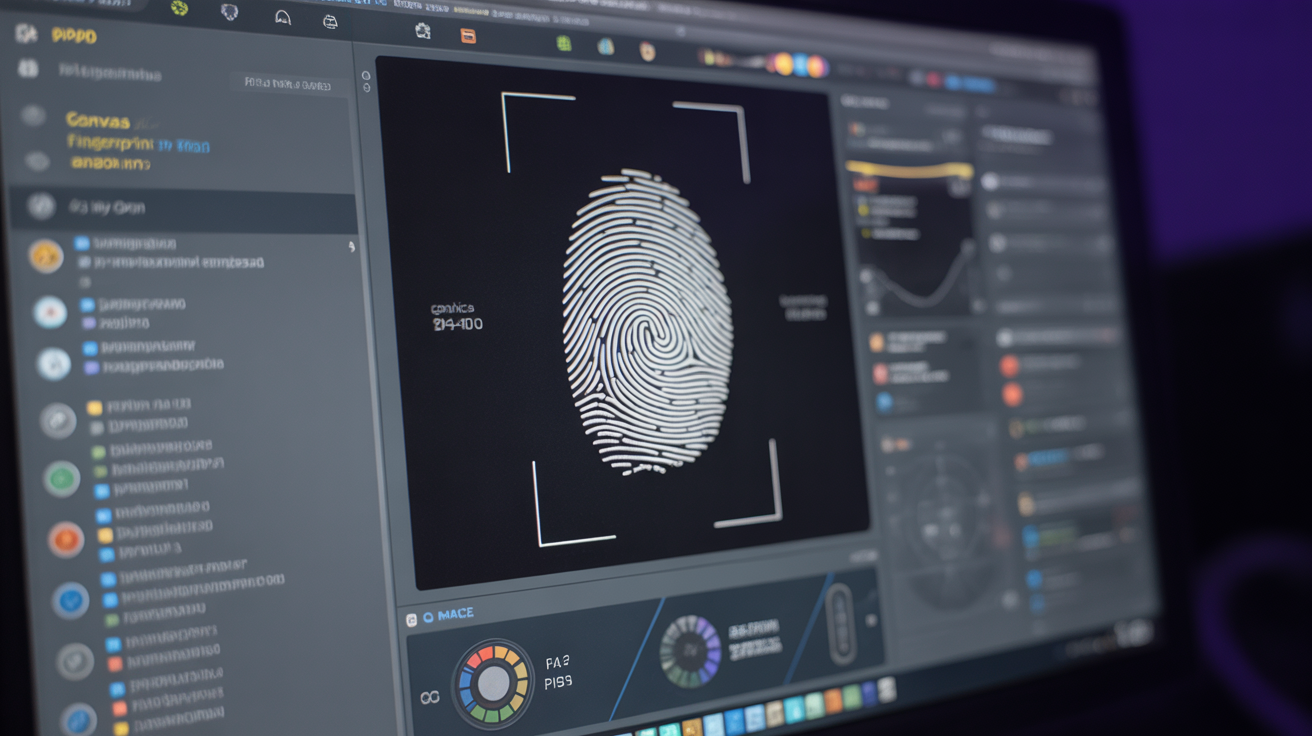
Canvas fingerprint is the process of using HTML5 Canvas API to generate unique signatures based on how your graphics hardware renders text and shapes. This means tracking systems can identify your specific GPU model, graphics driver version, and font rendering engine through pixel-level analysis.
Canvas fingerprinting forces your browser to render standardized text and geometric shapes, then extracts the pixel data as a hash. Different graphics cards, drivers, and operating systems produce subtly different pixel outputs for identical rendering commands. These variations create hardware-specific signatures that persist across browser sessions, incognito mode, and even browser reinstallations.
Your font configuration contributes significant entropy to canvas fingerprints. The combination of installed fonts, font rendering engines (DirectWrite on Windows, FreeType on Linux), and subpixel positioning creates thousands of possible variations. Graphics drivers add another layer of uniqueness through different implementations of antialiasing, gamma correction, and color management.
Canvas fingerprints expose GPU model, driver version, font list, and rendering engine through pixel-level analysis of text and shape rendering. Modern graphics cards produce over 16,000 distinct canvas signatures when combined with typical font installations. Hardware manufacturers’ driver implementations create vendor-specific rendering signatures that remain stable for months.
Does Incognito Mode Change Your Browser Fingerprint?
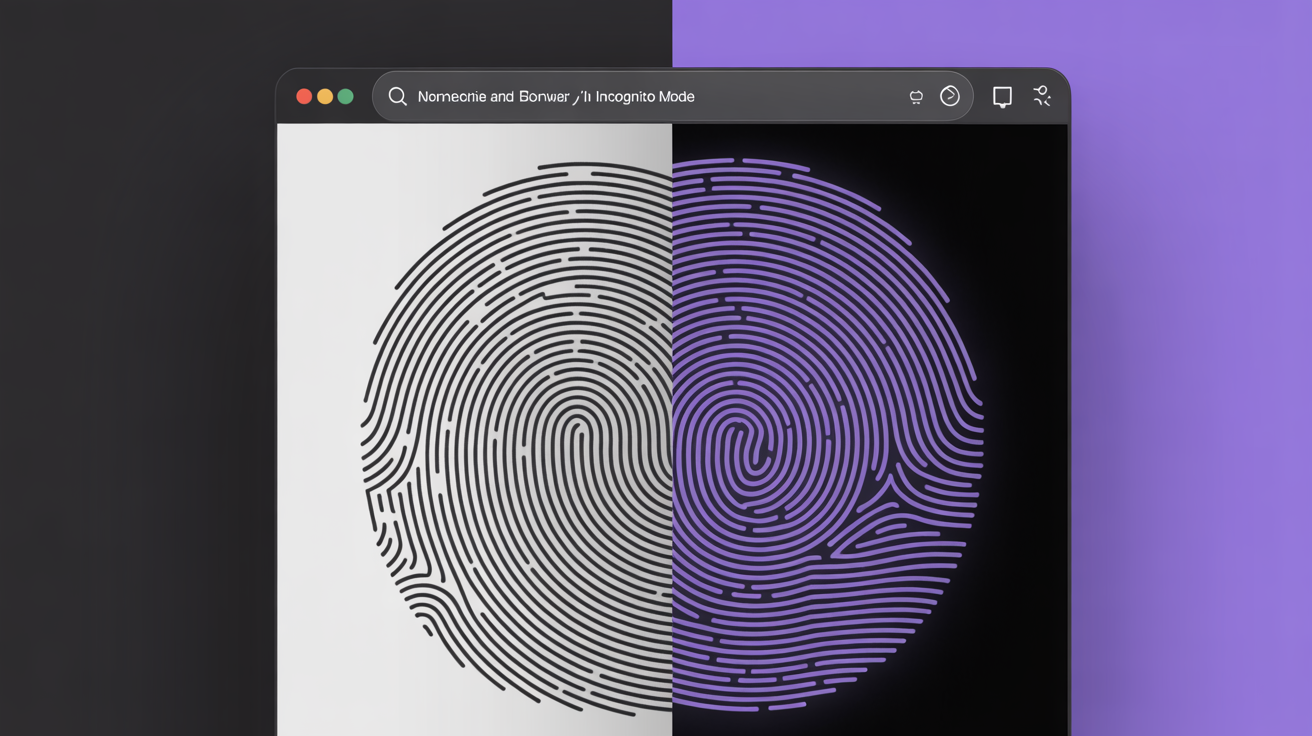
Incognito mode provides zero fingerprint protection compared to normal browsing because hardware and software signatures remain identical across all browsing modes. Private browsing affects cookies and local storage only.
| Fingerprint Component | Normal Mode | Incognito Mode | Protection Level |
|---|---|---|---|
| Canvas Rendering | Hardware-specific output | Identical hardware output | No protection |
| WebGL Information | Full GPU and driver data | Identical GPU data | No protection |
| Screen Resolution | Native display values | Identical display values | No protection |
| Font Enumeration | Complete font list | Identical font list | No protection |
| Audio Context | Hardware audio signature | Identical audio signature | No protection |
| JavaScript Timing | CPU performance patterns | Identical timing patterns | No protection |
Incognito mode fingerprints remain 100% identical to normal browsing sessions because hardware and software signatures don’t change. Your graphics card renders canvas elements the same way regardless of browsing mode. Font installations stay visible to websites. Screen resolution, timezone, and language settings persist unchanged.
Tracking systems correlate incognito sessions with normal browsing through fingerprint matching. The identical hardware signatures make session correlation trivial for detection systems. Only cookie-based tracking gets blocked by private browsing modes.
How Long Do Browser Fingerprints Persist for Cross-Session Tracking?
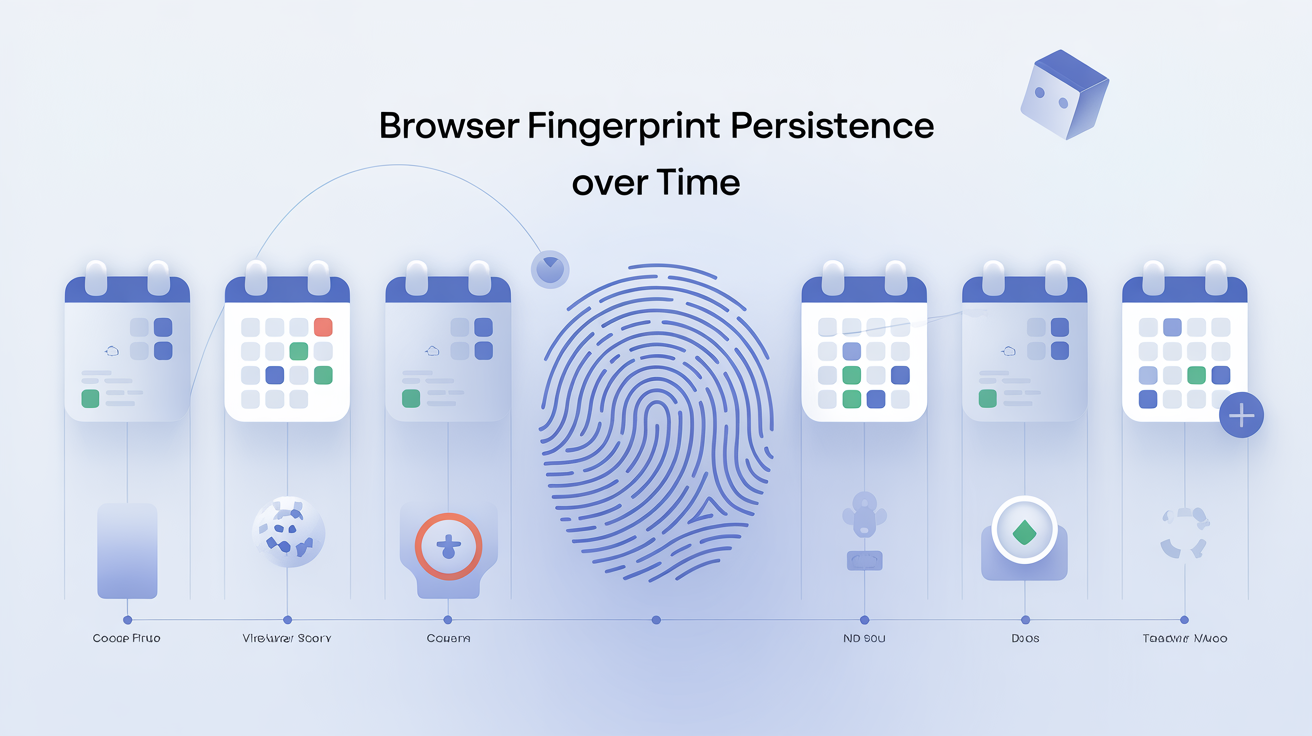
Browser fingerprints enable cross-session tracking persistence for weeks or months depending on the stability of underlying hardware and software components. Hardware-based fingerprint elements remain stable longer than software-based signals.
Hardware signatures like GPU model, screen resolution, and CPU characteristics persist until you physically upgrade components. These elements anchor your fingerprint for 3-6 months on average. Canvas fingerprints and WebGL signatures stay consistent across this timeframe because graphics hardware doesn’t change.
Software fingerprint components change within 2-4 weeks of browser updates. Browser version strings, JavaScript engine builds, and HTTP header formats evolve with each release. Font installations change when you install new software. Timezone and language settings shift with travel or system updates.
Detection systems track fingerprint evolution patterns to maintain user correlation across software changes. They build probability models linking old and new fingerprints based on stable hardware elements. Even partial fingerprint matches enable session correlation when combined with behavioral analysis and timing patterns.
Frequently Asked Questions
What browser fingerprint data gets collected when I visit a website?
Websites collect over 100 distinct data points including your screen resolution, installed fonts, graphics card model, browser version, installed plugins, timezone, language settings, and canvas rendering signatures. This data gets combined into a unique fingerprint that identifies your device across sessions. The collection happens automatically through standard web APIs without requiring permission or notification.
How unique is my browser fingerprint compared to other users?
Most browser fingerprints achieve 99.5%+ uniqueness rates due to the combination of hardware and software variations. Even common configurations become unique when combined with specific font lists, graphics drivers, and browser plugin combinations. Fingerprints with 15+ bits of entropy represent less than 0.003% of the global browser population, making them effectively unique identifiers.
Can I audit my browser’s privacy without installing special software?
Yes, browser privacy audits use online testing tools that analyze your fingerprint through standard web APIs. These tools examine canvas rendering, WebGL output, audio context processing, and font enumeration without requiring downloads or installations. Multiple testing services provide different perspectives on your fingerprint uniqueness and tracking vulnerability.