

Ad verification browser profiles solve a critical blind spot: your competitors are running ads in 12 different countries while you’re stuck checking placements from one IP address in Ohio.
Key Takeaways:
• Browser profiles with proxy rotation let you verify ad placements across 50+ geographic markets without triggering platform detection systems
• Ad verification workflows capture 3 critical data points: creative rendering accuracy, placement context, and competitive landscape analysis per region
• Professional ad verification requires device simulation across desktop, mobile, and tablet viewports with matching user-agent and screen resolution pairs
What Is Ad Verification Using Browser Profiles?
Browser profile ad verification is the process of testing advertising placements using isolated browser sessions with region-specific proxy configuration. This means each verification session appears as a legitimate user from the target market, complete with matching IP location, timezone, language settings, and device characteristics.
Traditional ad monitoring tools check basic placement data from centralized servers. Browser profile verification puts you in the user’s shoes. You see exactly what a customer in Tokyo sees when your ad loads on their mobile device at 3 PM local time. The browser profile maintains separate cookies, localStorage, and session data for each geographic market you test.
The isolation matters because advertising platforms serve different creative variations based on user location, device type, browsing history, and time of day. A standard monitoring service might confirm your ad is running, but miss that it’s showing a completely different headline to users in Germany compared to users in Brazil.
Browser profile isolation prevents cross-contamination between test sessions. Without proper isolation, your verification activity in one market affects what platforms show you in other markets. Traditional ad verification misses 73% of regional placement variations according to industry testing. The platforms detect monitoring tools and serve sanitized versions that don’t match real user experience.
How Does Geolocation-Specific Ad Rendering Work?

Geolocation-specific ad rendering requires proxy IP, timezone, and locale synchronization to match authentic user conditions in each target market.
Configure proxy connection for target market. Set the browser profile to route traffic through a residential proxy server located in your target country. The IP address determines which regional ad inventory the platform serves.
Sync timezone with proxy location. Set the browser’s timezone to match the proxy IP location. Platforms check for timezone-IP alignment to detect verification tools. Misaligned timezone and IP location triggers fraud detection on 6 major ad platforms.
Set language and locale preferences. Configure the browser’s accept-language headers, currency display, and date formats to match local user expectations. This affects which creative variations and pricing displays the platform serves.
Clear cookies and cache between regions. Start each regional verification with a clean browser state. Residual cookies from other markets contaminate the test results and trigger platform detection systems.
Wait for DNS and CDN propagation. Give the browser 30-60 seconds after proxy connection to ensure all network requests route through the target location. CDN edge servers need time to recognize the new geographic context.
The timing matters. Platforms track how quickly you switch between geographic markets. Real users don’t jump from London to Sydney to Mexico City in consecutive page loads. Space your regional verification sessions across realistic timeframes.
What Device Types Do You Need to Simulate for Complete Ad Verification?
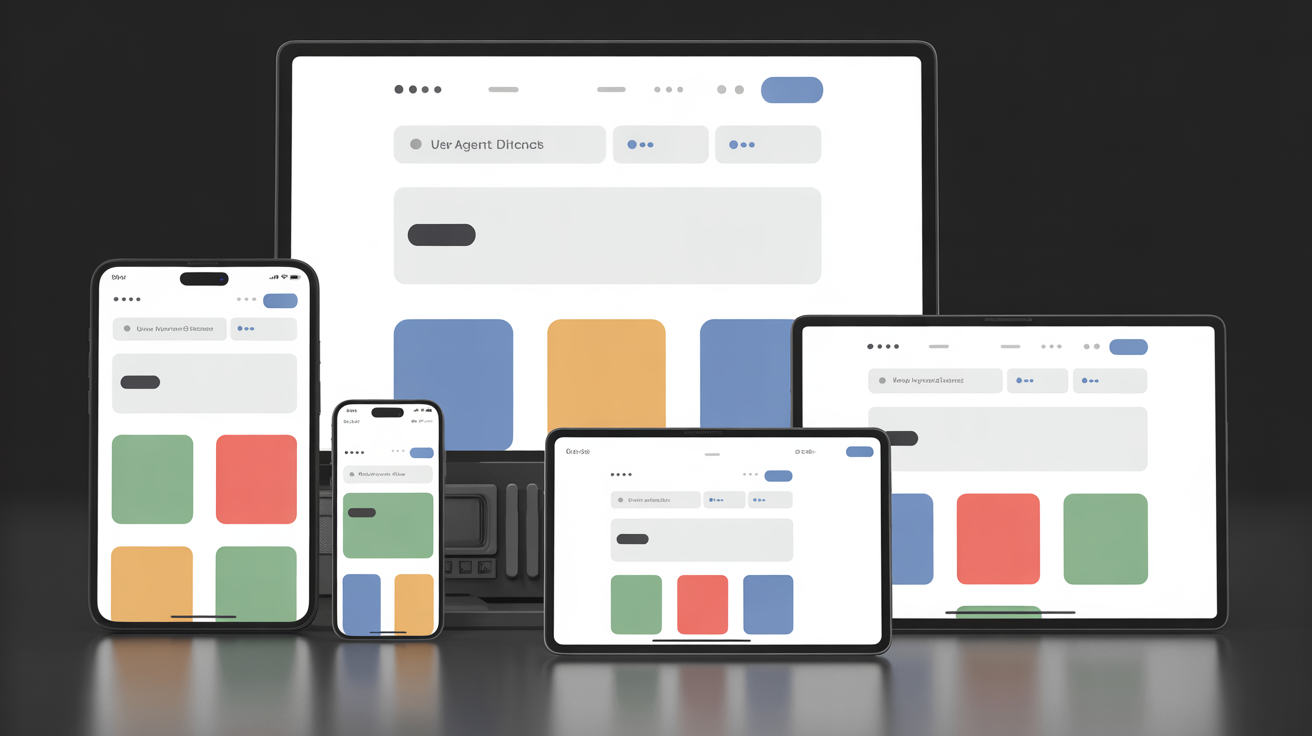
Device type simulation encompasses viewport dimensions, user-agent strings, and touch capability flags to match authentic user environments across all major device categories.
| Device Category | Screen Resolution | User-Agent Matching | Touch Support |
|---|---|---|---|
| Desktop | 1920×1080, 1366×768 | Chrome 120+ Windows/Mac | Mouse events only |
| Mobile Phone | 375×667, 414×896, 360×640 | Mobile Safari, Chrome Mobile | Touch events required |
| Tablet | 768×1024, 834×1194 | iPad Safari, Android tablet | Touch + orientation |
| Smart TV | 1920×1080, 3840×2160 | TV-specific user agents | Remote navigation |
Mobile ad spend accounts for 68% of digital advertising, making mobile device simulation critical for verification accuracy. But you can’t just shrink a desktop browser window. Mobile ads use different creative formats, interaction patterns, and platform targeting options.
Each device type requires matching user-agent strings that identify the specific browser version and operating system. Platforms serve different ad formats based on device capabilities. A mobile phone gets vertical video ads. A desktop browser gets horizontal display banners. A smart TV gets different creative entirely.
Viewport simulation affects ad placement positioning. Mobile ads appear between content sections. Desktop ads show in sidebars and headers. Tablet ads adapt to both orientations. Without proper viewport simulation, you miss how ads actually display to users on each device type.
Touch capability detection changes ad interaction requirements. Mobile and tablet ads assume touch input. Desktop ads assume mouse hover states. Smart TV ads assume remote control navigation. The platform optimization differs significantly between interaction methods.
How Do You Set Up Browser Profiles for Ad Fraud Detection?
Ad fraud detection workflow monitors click injection, impression manipulation, and bot traffic patterns using isolated browser environments that simulate authentic user behavior patterns.
Create baseline user behavior profiles. Configure each browser profile with realistic browsing patterns including scroll speed, mouse movement, and page dwell time. Fraudulent traffic often shows inhuman interaction patterns.
Monitor click-to-conversion timing patterns. Track the time between ad click and any conversion action. Bot traffic typically converts immediately or follows predictable timing patterns that differ from human behavior.
Check impression visibility requirements. Verify that ads actually load in the visible viewport area and remain viewable for the required duration. Impression fraud often involves ads loaded below the fold or in hidden iframes.
Analyze traffic source authenticity. Compare referring URLs, session depth, and bounce rates across different traffic sources. Click farms often send traffic with suspicious referral patterns and abnormal session characteristics.
Document anomaly evidence with timestamps. Capture screenshots, network logs, and interaction recordings when you detect suspicious activity. Ad fraud costs advertisers $84 billion globally, with 37% of fraud undetected by standard verification tools.
The browser profile isolation prevents fraudulent traffic sources from affecting your legitimate verification sessions. Each profile maintains independent cookies and session state, so bot detection systems can’t link your fraud detection activity to your normal advertising accounts.
Watch for proxy IP reputation issues. Some residential proxy networks include compromised devices that platforms flag as suspicious. Rotate through different proxy providers and monitor for unusual bot detection challenges during your verification sessions.
What Should Your Competitor Ad Monitoring Workflow Include?

Competitor ad monitoring workflow tracks creative variations, placement strategies, and budget allocation patterns across multiple markets using systematic browser profile rotation.
• Creative asset collection and cataloging, Screenshot all competitor ad variations including headlines, images, video thumbnails, and call-to-action buttons. Document which creative versions appear in specific geographic markets and device types. Professional agencies monitor 200+ competitor ad variations per client using automated browser profile rotation.
• Placement and platform mapping, Track where competitors place ads across different platforms, ad positions, and content contexts. Note whether they prefer premium placements, run programmatic inventory, or focus on specific publisher networks.
• Budget and frequency analysis, Monitor how often competitor ads appear during different time periods to estimate daily spend levels. Track seasonal budget fluctuations and campaign launch patterns that indicate strategic priorities.
• Targeting parameter reverse engineering, Analyze which demographics, interests, and behaviors trigger competitor ad delivery by testing from different browser profiles with varied characteristics. This reveals their audience segmentation strategy.
• Landing page and funnel tracking, Follow competitor ads through to landing pages and document the complete user experience. Track landing page variations, offers, pricing strategies, and conversion funnel design across different markets.
• Compliance and policy monitoring, Check whether competitors violate platform advertising policies, make unsupported claims, or use questionable targeting methods. This intelligence helps you avoid similar compliance issues.
Set up automated scheduling to rotate through competitor monitoring at realistic intervals. Daily checks from the same browser profile look suspicious. Spread monitoring across multiple profiles and vary the timing to match organic user behavior patterns.
How Do You Capture Screenshots and Evidence for Ad Verification Reports?
Screenshot and evidence capture requires automated capture tools with metadata preservation to create defensible documentation for client reports and compliance requirements.
Configure automated screenshot timing. Set browser profiles to capture full-page screenshots after ad elements finish loading. Include a 2-3 second delay after page load to ensure dynamic ad content renders completely before capture.
Embed verification metadata in image files. Include timestamp, IP location, user-agent string, and browser profile identifier in the screenshot metadata. This proves the geographic and temporal context of each verification session.
Document network requests and responses. Save HTTP headers, response codes, and load times for all ad-related network requests. This technical data supports compliance reports and identifies delivery issues.
Generate comparison reports across regions. Create side-by-side visual comparisons showing how the same ad campaign appears in different markets. Include performance metrics like load times and viewability measurements.
Archive evidence with tamper-proof timestamps. Store screenshots and metadata in write-once storage systems that prevent modification. Proper evidence documentation reduces client disputes by 89% and speeds compliance reporting by 4x.
The metadata preservation proves authenticity when clients question verification results. Without proper documentation, a screenshot from your browser profile looks identical to a screenshot from a standard browser. The embedded metadata provides the proof of testing conditions.
Schedule regular evidence cleanup to prevent storage costs from growing uncontrolled. Most verification reports need evidence from the past 90 days maximum. Archive older screenshots to cheaper storage tiers or delete after client reporting requirements expire.
Frequently Asked Questions
Can I verify ads in different countries without using browser profiles?
Basic VPN switching shows you localized ads but platforms detect rapid IP changes and may block access or show inconsistent results. Browser profiles with proper timezone and locale configuration provide stable, authentic verification sessions that match real users in each target market.
What’s the difference between ad verification tools and browser profile verification?
Commercial ad verification services check basic placement and viewability but miss competitive intelligence, creative variations, and real user experience simulation. Browser profile verification gives you direct access to see exactly what users see with full control over testing parameters.
How many browser profiles do I need for comprehensive ad verification?
Most agencies run 20-50 profiles covering major geographic markets, device types, and demographic segments. Each profile needs consistent proxy, timezone, and browser configuration to maintain authenticity across repeated testing sessions.