

WebGL fingerprinting extracts your GPU’s exact make, model, and driver version through renderer strings that create identification signals more persistent than cookies.
Key Takeaways:
- WebGL renderer and vendor strings expose exact GPU hardware details that remain constant across sessions and incognito mode
- Shader precision format variations create 50+ unique combinations that differ by graphics card architecture
- WebGL2 exposes 15 additional fingerprinting vectors compared to WebGL1 through expanded API surface
What Is WebGL Fingerprinting?
WebGL fingerprinting is a browser identification technique that extracts GPU hardware information through graphics rendering APIs. This means websites can identify your graphics card, driver version, and rendering capabilities without installing software or requesting permissions.
Unlike canvas fingerprinting which tests pixel-level rendering differences, WebGL fingerprinting queries your graphics hardware directly. The WebGL API exposes system details through renderer strings, supported extensions, and precision testing that reveal your GPU’s exact specifications.
WebGL fingerprinting extracts GPU hardware information that stays constant across browser sessions, incognito mode, and even different browsers on the same machine. Your graphics card doesn’t change when you clear cookies or switch browsers.
The technique works because the WebGL API is required by 97% of modern websites for 3D graphics, animations, and hardware-accelerated rendering. Disabling WebGL breaks website functionality, making it impractical for most users.
WebGL queries execute automatically when websites load 3D content. You don’t see prompts or notifications. The fingerprinting happens in the background as part of normal graphics rendering.
How Do WebGL Renderer and Vendor Strings Create Unique Signatures?
WebGL renderer strings contain specific GPU model information that varies by manufacturer, model, and driver version. Every graphics card reports a unique identifier string when websites query the WebGL context.
| GPU Type | WebGL Renderer String | Vendor String | Uniqueness Factor |
|---|---|---|---|
| NVIDIA GTX 1080 | NVIDIA GeForce GTX 1080/PCIe/SSE2 | NVIDIA Corporation | Driver version changes |
| AMD RX 580 | AMD Radeon RX 580 Series | ATI Technologies Inc. | Architecture-specific |
| Intel UHD 620 | Intel(R) UHD Graphics 620 | Intel Inc. | Integrated vs discrete |
| Apple M1 | Apple M1 | Apple Inc. | ARM-based mobile GPU |
Renderer strings contain exact driver version numbers that change with each GPU update. Windows users with NVIDIA GeForce GTX 1080 cards might show “NVIDIA GeForce GTX 1080/PCIe/SSE2” with driver version 471.96, while the same card with driver 472.12 produces a different string.
Vendor strings identify the GPU manufacturer through WebGL’s getParameter(gl.VENDOR) call. The combination of vendor and renderer creates a hardware-specific signature that persists across browser sessions.
WebGL also exposes unmasked vendor and renderer strings through the WEBGL_debug_renderer_info extension. These bypass any browser privacy settings that might mask the standard renderer information.
The renderer/vendor combination creates millions of possible signatures when combined with driver versions, making WebGL fingerprinting more precise than other browser identification techniques.
What WebGL Extensions Does Your Graphics Card Support?
WebGL extensions reveal graphics hardware capabilities that differ by GPU manufacturer and model. Each graphics card supports a specific subset of available extensions based on its architecture and drivers.
Common WebGL extensions include:
• EXT_texture_filter_anisotropic – Anisotropic filtering support varies by GPU generation and affects texture rendering quality
• OES_texture_float – Floating-point texture support depends on graphics hardware precision capabilities
• WEBGL_compressed_texture_s3tc – S3TC compression support differs between NVIDIA, AMD, and Intel graphics architectures
• ANGLE_instanced_arrays – Instanced rendering capabilities vary by DirectX support level and graphics driver implementation
• OES_element_index_uint – 32-bit index buffer support depends on OpenGL ES version compatibility
• WEBGL_depth_texture – Depth texture access varies by graphics hardware generation and feature support
Chrome supports over 40 WebGL extensions with different availability per graphics card. NVIDIA cards typically support more extensions than Intel integrated graphics, while AMD cards have different extension profiles than NVIDIA equivalents.
Extension support creates fingerprint uniqueness because graphics drivers implement different subsets based on hardware capabilities. Two users with different GPU manufacturers will report different extension lists even when using identical browsers.
WebGL queries all supported extensions through getSupportedExtensions(), creating a hardware-specific capability fingerprint that reveals GPU architecture details.
How Do Shader Precision Formats Vary Between Graphics Cards?
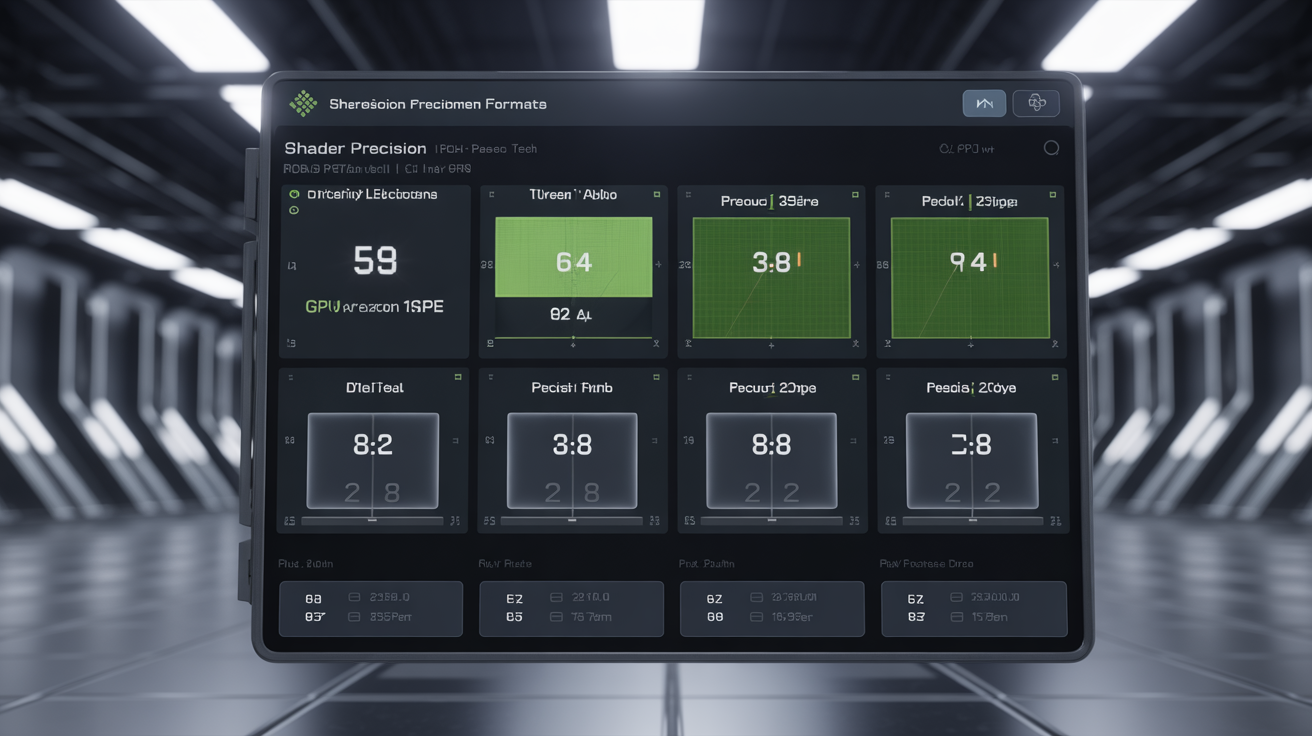
Shader precision formats differ across GPU architectures because different graphics cards implement floating-point calculations with varying precision levels. WebGL exposes these differences through precision testing that reveals hardware-specific mathematical capabilities.
WebGL tests precision for vertex and fragment shaders using getShaderPrecisionFormat(). This function returns range and precision values for different data types (highp, mediump, lowp) that vary by graphics hardware.
NVIDIA cards typically report different precision ranges than AMD equivalents. Intel integrated graphics often show lower precision capabilities compared to discrete GPUs. ARM-based mobile processors report different precision characteristics than x86 desktop graphics.
Float precision testing returns different ranges for NVIDIA vs AMD vs Intel integrated graphics. NVIDIA GeForce cards might report highp float precision with range [-2^127, 2^127] and precision 2^-23, while Intel UHD graphics report different values based on integrated GPU limitations.
Shader precision creates reliable identification because graphics hardware implements IEEE 754 floating-point standards differently. The precision format testing reveals these implementation differences as fingerprint data.
Precision variations multiply across vertex shaders, fragment shaders, and different data types (int, float) to create over 50 unique combinations. Graphics cards from different manufacturers rarely report identical precision formats across all shader types.
WebGL2 adds additional precision testing for new data types, expanding the fingerprint surface area beyond WebGL1 capabilities.
WebGL2 vs WebGL1: What Additional Fingerprint Data Gets Exposed?
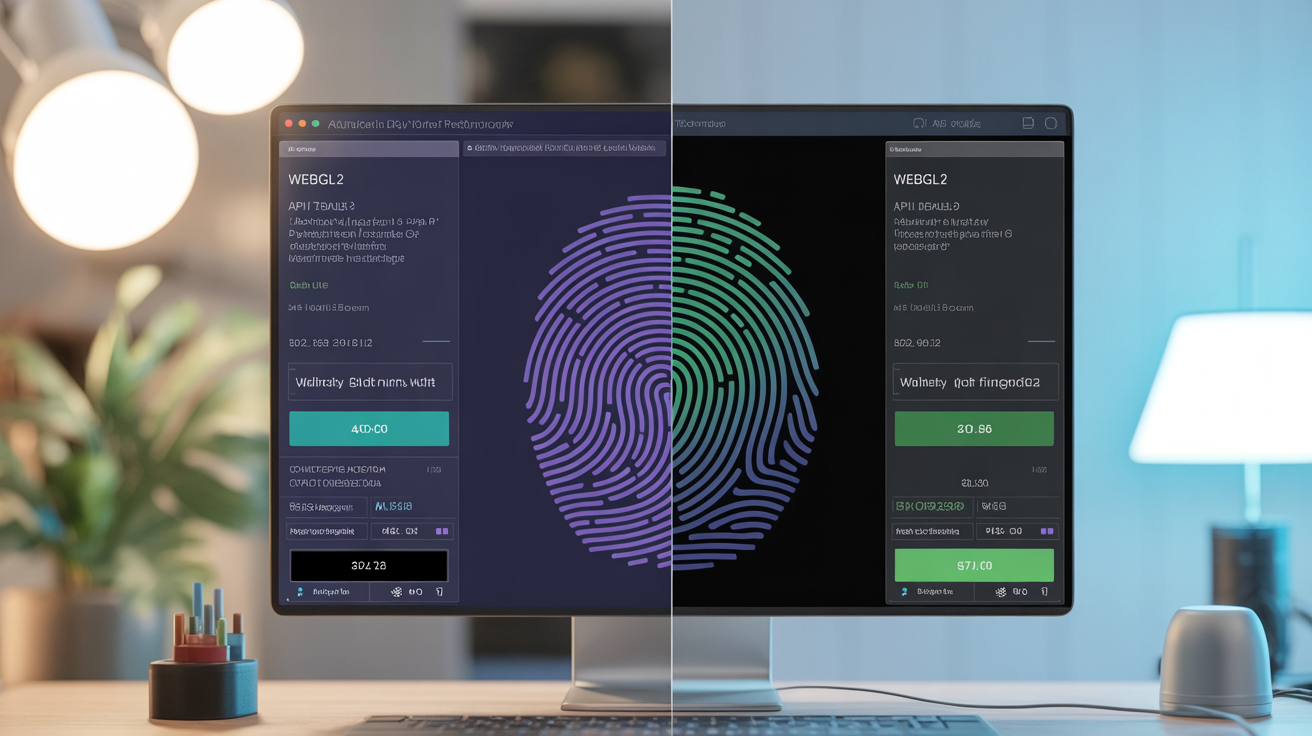
WebGL2 exposes additional fingerprinting vectors through expanded API surface area that reveals more graphics hardware details than WebGL1. The newer specification adds features that leak additional GPU characteristics.
| Feature Category | WebGL2 Additional Data | WebGL1 Equivalent | Fingerprint Impact |
|---|---|---|---|
| Buffer Objects | Uniform buffer objects expose memory layout | Basic buffer binding only | Hardware memory architecture |
| Transform Feedback | GPU computation capabilities revealed | Client-side processing only | Parallel processing detection |
| Texture Features | 3D textures and texture arrays | 2D textures limited | Graphics memory detection |
| Shader Features | Integer operations and bitwise functions | Float-only operations | Arithmetic unit capabilities |
| Query Objects | GPU timing and pipeline statistics | No performance queries | Hardware performance profiling |
WebGL2 adds uniform buffer objects and transform feedback that expose additional GPU characteristics. Uniform buffer objects reveal how graphics hardware organizes memory, while transform feedback shows GPU computation capabilities.
Query objects in WebGL2 allow performance measurement that reveals graphics hardware speed characteristics. Websites can benchmark GPU performance through disjoint timer queries that expose relative hardware capabilities.
WebGL2 supports integer shaders and bitwise operations that weren’t available in WebGL1. Different graphics cards implement integer arithmetic differently, creating new precision testing opportunities for fingerprinting.
Three-dimensional textures and texture arrays in WebGL2 expose graphics memory architecture details. Different GPUs handle 3D texture storage differently based on memory bandwidth and architecture design.
WebGL2 adds 15 additional fingerprinting vectors compared to WebGL1 through these expanded capabilities, making hardware identification more precise for browsers that support the newer specification.
Why Does WebGL Fingerprint Spoofing Create Detectable Inconsistencies?

WebGL spoofing creates detectable anomalies because graphics hardware capabilities cannot be fully masked through software manipulation. The spoofing attempts introduce inconsistencies that detection systems flag.
Typical spoofing detection process:
- Cross-reference renderer strings with performance benchmarks – Spoofed high-end GPU strings paired with slow rendering performance reveal software masking attempts
- Test precision formats against claimed hardware – Reported NVIDIA precision values from systems showing Intel graphics driver behavior create detectable mismatches
- Verify extension support consistency – Claimed AMD extension support on systems lacking AMD-specific driver features produces impossible combinations
- Compare WebGL rendering with Canvas output – Graphics rendered through different APIs should match hardware capabilities, but spoofing often creates inconsistent results
- Benchmark actual GPU performance vs reported specifications – Real hardware performance testing reveals true capabilities regardless of spoofed identification strings
- Analyze shader compilation behavior – Different GPU architectures compile shaders differently, creating timing and capability patterns that resist spoofing
Rendering performance benchmarks reveal hardware capabilities even when renderer strings are spoofed. A system claiming NVIDIA RTX 3080 specifications but delivering Intel UHD graphics performance creates obvious inconsistencies.
WebGL spoofing typically masks identification strings but cannot change actual graphics hardware behavior. Precision testing, extension support, and rendering performance still reflect the real GPU architecture.
Software-based spoofing introduces timing anomalies because fake renderer information must be generated in real-time. These processing delays create detectable patterns that distinguish spoofed from authentic WebGL responses.
Graphics drivers implement WebGL differently at the hardware level. Spoofing cannot replicate these low-level implementation differences without access to actual graphics hardware.
Frequently Asked Questions
Can you block WebGL fingerprinting by disabling WebGL?
Disabling WebGL blocks the fingerprinting technique but breaks website functionality that requires 3D graphics rendering. Most modern websites expect WebGL support, so disabling it creates a more unique browser signature than leaving it enabled. You become one of the few users without WebGL support, making you more identifiable.
Do mobile browsers expose different WebGL fingerprints than desktop?
Mobile browsers expose different GPU architectures through WebGL fingerprinting, typically showing ARM-based graphics processors instead of discrete NVIDIA or AMD cards. The fingerprinting technique works the same way but reveals mobile-specific hardware signatures. ARM Mali, Qualcomm Adreno, and Apple GPU architectures create distinct fingerprint patterns.
How accurate is WebGL fingerprinting for identifying individual users?
WebGL fingerprinting alone can distinguish between different GPU models and driver versions but requires combination with other fingerprinting techniques for individual user identification. The entropy depends on how many users share identical graphics hardware configurations. Popular GPU models create larger anonymity sets than rare graphics cards.