

Most buyers choose antidetect browser solutions by counting features while ignoring the architecture that determines whether accounts survive the next Chrome update. The wrong choice costs you campaigns, not just money.
Key Takeaways:
• Modified Chromium browsers break with every Chrome release, stock browser solutions maintain 98% uptime automatically through OS updates
• Profile count pricing jumps from $19/month for 50 profiles to $300+ for enterprise, evaluate scaling costs before commit
• TLS fingerprint analysis happens before JavaScript runs, browser architecture determines detection resistance more than feature lists
What Architecture Type Should You Choose: Modified Chromium vs Stock Browser Solutions?
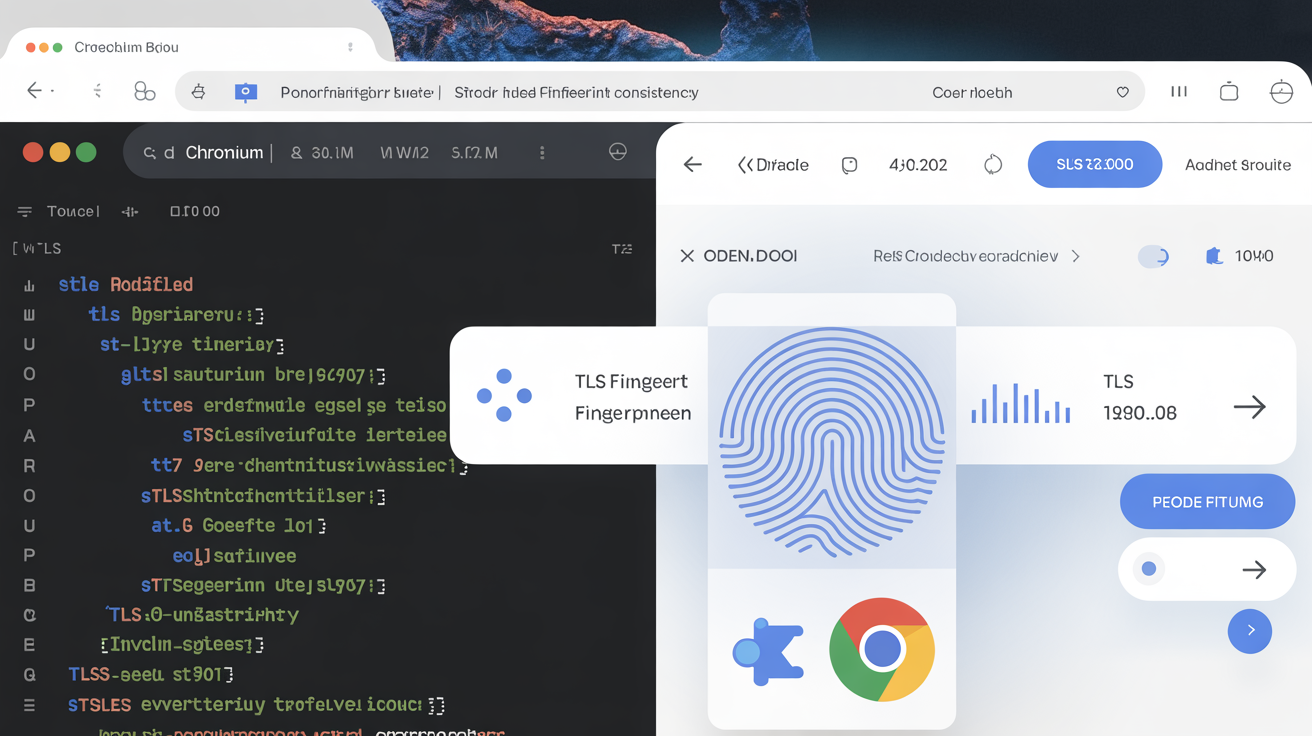
Browser architecture determines detection resistance. This decision affects everything else.
Modified Chromium browsers fork the open-source Chromium codebase and patch the binary to spoof fingerprints. Stock browser solutions use vendor-signed Chrome, Firefox, and Brave binaries without modification. The difference shows up in TLS fingerprint consistency and update maintenance burden.
Chrome releases 4-6 updates per year that break modified browsers for 2-3 weeks each. Detection systems run TLS fingerprint analysis before JavaScript executes. Modified binaries produce different JA3/JA3S hashes than stock Chrome, creating detection surface at the transport layer.
| Feature | Modified Chromium | Stock Browser |
|---|---|---|
| TLS Fingerprint | Differs from real Chrome | Matches legitimate Chrome users |
| Update Maintenance | Manual patches required | Auto-updates through OS |
| Binary Integrity | Fails platform verification | Passes all integrity checks |
| Detection Trajectory | Gets worse with each update | Improves as fingerprint normalizes |
| Development Overhead | High, patches break constantly | Zero, OS handles updates |
Stock browser solutions control the environment around the browser instead of modifying what’s inside it. Profile isolation, timezone sync, and geolocation matching happen at the system level. The browser stays authentic.
Modified Chromium tools face compounding maintenance problems. Each Chrome update introduces new detection vectors, patches lag behind releases, and the TLS fingerprint drifts further from real Chrome. Stock browser approaches get more effective over time because the fingerprint always matches millions of legitimate Chrome installs.
The architecture choice determines your long-term burn rate more than any feature comparison.
How Do You Evaluate Profile Count and Scaling Requirements?
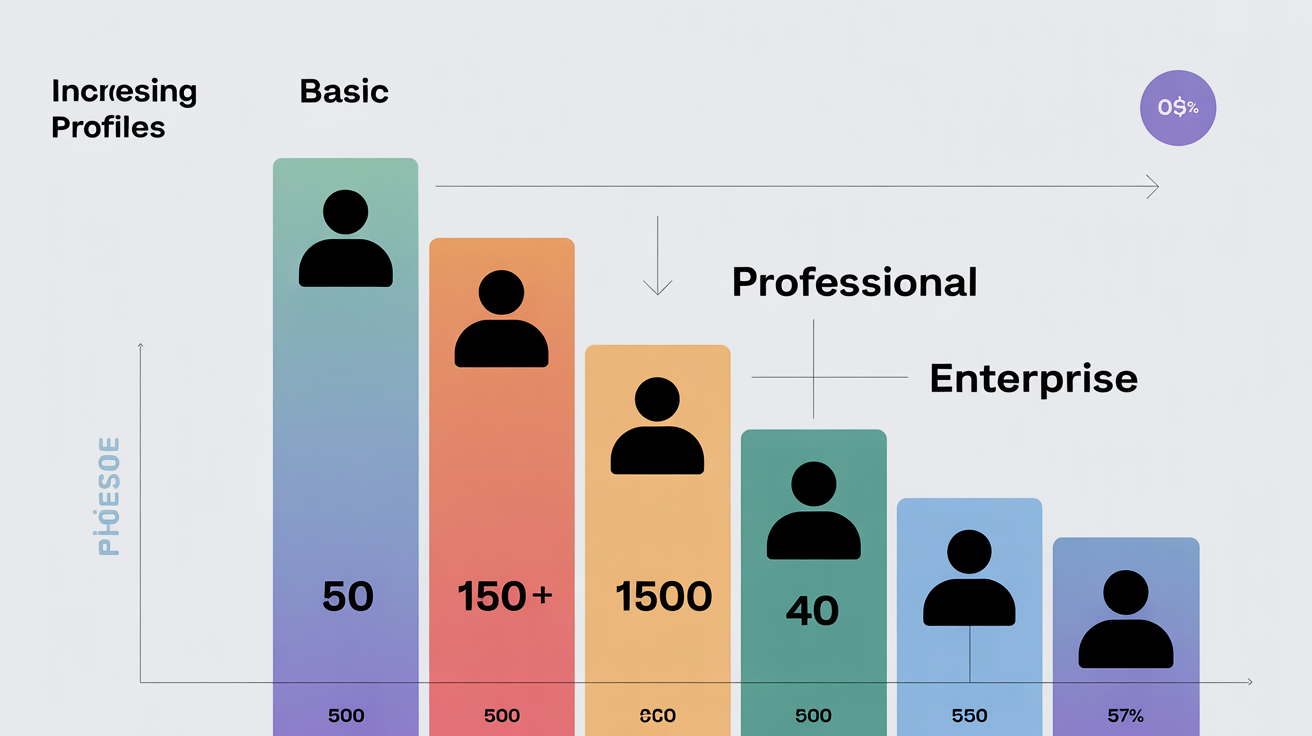
Profile scaling affects monthly cost trajectory. Plan for growth, not current needs.
Basic tiers offer 50-100 profiles for $19-39/month. Professional plans jump to 300-500 profiles for $69-149/month. Enterprise solutions provide 1,500+ profiles for $199-499/month. The cost per profile drops as you scale, but team features and automation access change the equation.
| Tier | Profile Count | Monthly Cost | Cost Per Profile | Team Members |
|---|---|---|---|---|
| Basic | 50 profiles | $19 | $0.38 | 1 user |
| Professional | 300 profiles | $69 | $0.23 | 5 users |
| Enterprise | 1,500 profiles | $199 | $0.13 | Unlimited |
| Agency | 5,000 profiles | $499 | $0.10 | 25+ users |
Enterprise plans cost 15x more per profile than basic tiers, $0.38 vs $6.00 per profile monthly when you factor in minimum commitments and feature requirements.
Concurrent session limits matter more than total profile count for active campaigns. A tool with 1,000 profiles but 50 concurrent session limits constrains throughput. Check session-to-profile ratios before committing.
Team size requirements affect tier selection. Agency plans support 5-25 team members with role-based access controls. Solo operators waste money on collaboration features they never use.
Calculate your true scaling path. If you need 200 profiles today and expect 400 within six months, the professional tier makes sense despite current overprovisioning. Monthly plan flexibility costs 30-50% more than annual commitments.
Which Automation Features Actually Matter for Campaign Management?
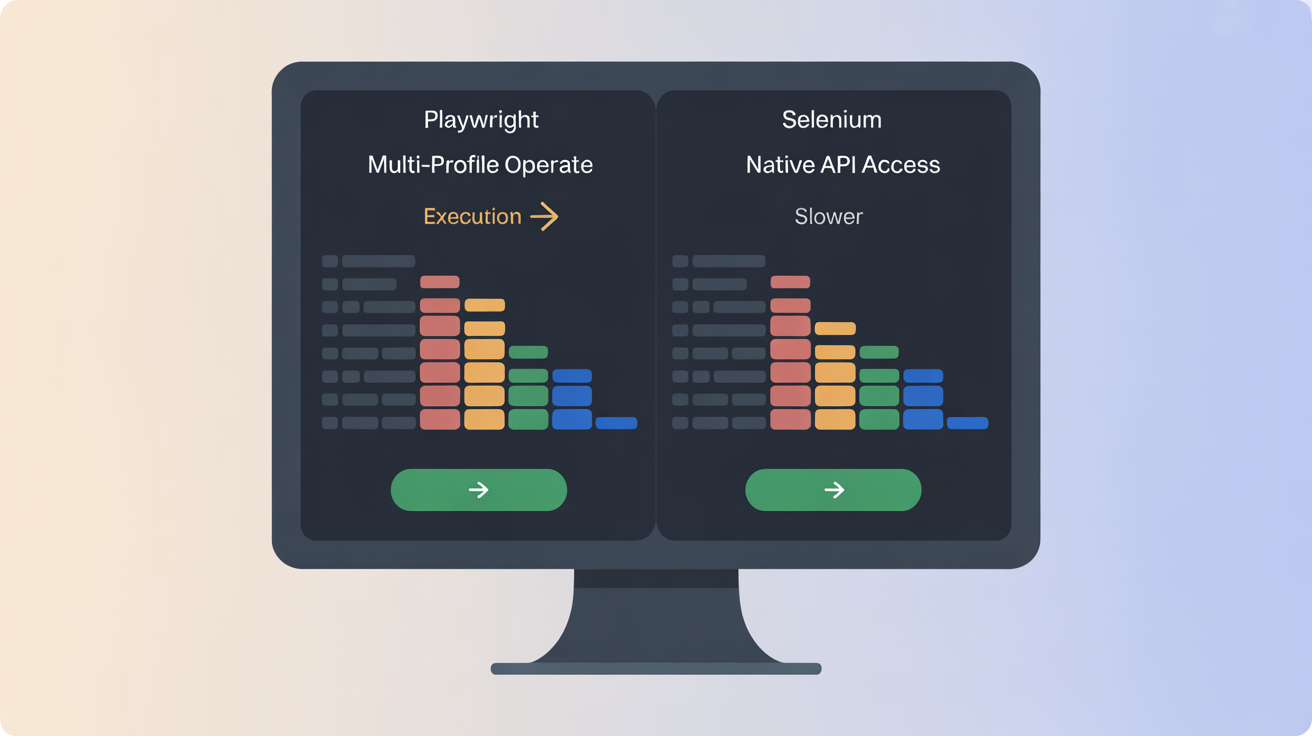
Automation capability determines campaign efficiency. Focus on execution speed, not feature count.
Playwright automation runs 3x faster than Selenium for multi-profile operations. Native API support beats browser extension automation every time. The architecture determines what’s possible.
• API Access Levels: Full REST APIs allow custom workflow integration, while limited APIs restrict automation to basic profile creation and session management
• Bulk Profile Operations: Mass profile creation, configuration sync, and batch proxy assignment save hours during campaign setup compared to manual processes
• Session Recording: Macro recording captures user actions for replay across profiles, but quality varies significantly between platforms
• Headless Operation: Background execution without GUI overhead increases throughput for data collection and automated interactions
Selenium WebDriver support is universal but slow. Playwright offers better performance with modern async execution. Check which automation frameworks the platform supports natively versus through third-party bridges.
Script execution environments matter. Some platforms run automation inside the browser context, others provide separate execution environments. Browser-based automation inherits fingerprint inconsistencies. Separate environments maintain cleaner separation.
API rate limits constrain automation throughput. Professional tiers typically allow 100-500 API calls per minute. Enterprise plans remove rate limits entirely. Factor API capacity into automation planning.
Session persistence affects automation reliability. Profiles that maintain state between automation runs reduce setup overhead. Stateless profiles require full initialization every time.
What Team Collaboration Controls Do You Need?
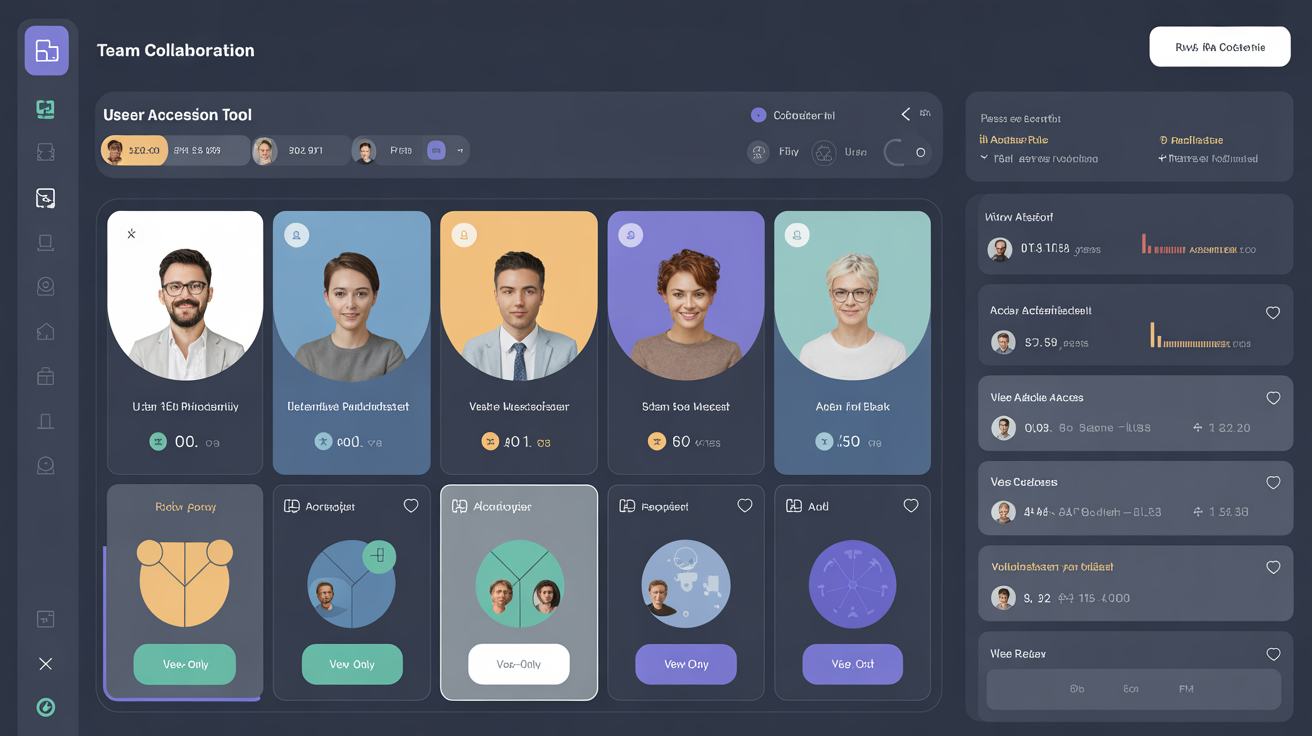
Team collaboration features enable multi-user access control. Structure determines workflow efficiency.
Agency plans support 5-25 team members with role-based profile access controls. The permission model affects operational security and workflow organization.
- Define user permission levels, Admin, Manager, and User roles with different profile access rights and configuration capabilities
- Set up profile sharing mechanisms, Determine which profiles need shared access versus dedicated ownership for specific team members
- Configure audit trail requirements, Track profile access, configuration changes, and session activity for compliance and troubleshooting
- Enable cross-device sync capabilities, Allow team members to access profiles from different machines while maintaining session continuity
User permission granularity varies between platforms. Some offer profile-level access controls, others use team-wide permissions. Profile-level control matters for client separation in agency environments.
Profile sharing methods affect security. Link-based sharing exposes profiles to unauthorized access. User-based sharing maintains access controls but requires more administrative overhead.
Audit logging depth impacts compliance requirements. Basic platforms log login events. Advanced systems track profile modifications, session duration, and API usage. Choose based on your accountability needs.
Cross-device synchronization includes cookies, localStorage, and browser cache. Partial sync creates inconsistent fingerprints. Full sync maintains profile integrity across team member devices.
How Do You Test Fingerprint Quality Before Committing?
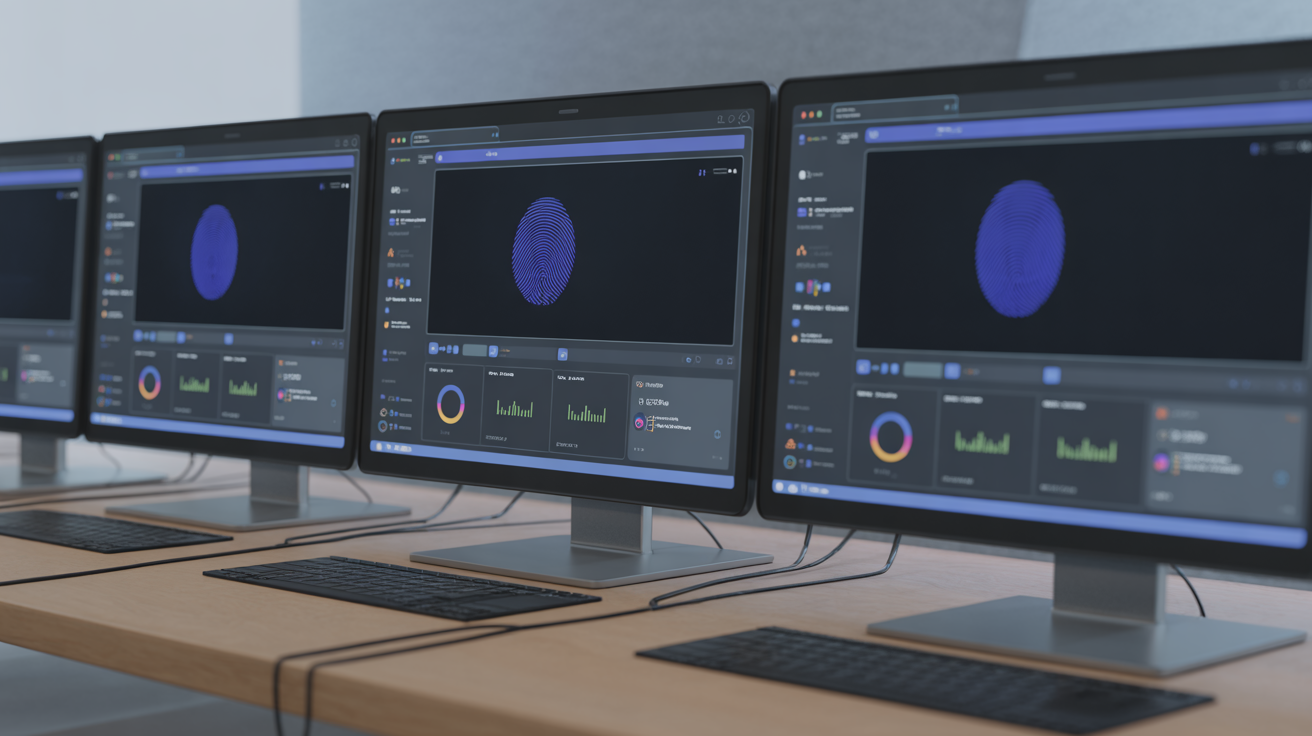
Fingerprint quality evaluation reveals detection vulnerability. Test consistency before purchase decisions.
Fingerprint quality evaluation is the systematic testing of browser identity consistency across multiple sessions and page loads. This means running identical operations multiple times to verify that Canvas rendering, WebGL output, and Audio context fingerprints remain stable.
Consistency checks matter because detection systems flag browsers that produce different fingerprints across sessions. Quality fingerprints maintain identical Canvas/WebGL/Audio output across 100+ page loads.
Test methodology affects result reliability. Load the same webpage 50 times in a fresh profile. Capture Canvas, WebGL, and Audio fingerprints each time. Compare hash values for consistency. Inconsistent hashes indicate fingerprint instability.
Detection tool verification provides external validation. Run profiles through multiple fingerprint analysis tools, Pixelscan, BrowserLeaks, and CreepJS. Compare results between tools for the same profile. Discrepancies suggest spoofing artifacts.
Baseline measurements establish comparison standards. Test stock Chrome from the same IP and timezone as your antidetect browser profiles. The fingerprints should match closely for stock browser solutions. Modified Chromium tools will show detectable differences.
TLS fingerprint testing happens at the transport layer. Use online TLS analyzers to capture JA3/JA3S hashes from your profiles. Compare against known Chrome fingerprints. Mismatches indicate binary modification detection risk.
Session persistence testing verifies profile stability. Open a profile, browse normally, close it, then reopen. Fingerprints should remain identical. Profile corruption shows up as fingerprint drift between sessions.
Frequently Asked Questions
What should I look for in antidetect browser pricing models?
Antidetect browser pricing scales by profile count, ranging from $19/month for 50 profiles to $300+ for enterprise. Look for annual discounts (typically 30%), team member limits, and automation API access. Avoid pay-per-use models that spike costs during campaign scaling.
How do I compare antidetect browser features effectively?
Focus on browser architecture first (modified vs stock), then profile count limits, automation capabilities, and team sharing features. Feature lists matter less than detection resistance and maintenance overhead. Test fingerprint consistency and TLS signatures before purchasing.
What questions should I ask antidetect browser vendors before buying?
Ask about browser architecture (modified Chromium vs stock), update maintenance schedules, profile scaling costs, team collaboration limits, and automation API documentation. Request trial access to test fingerprint quality and detection resistance with your specific use case.