
Canvas fingerprinting creates a unique hash from your browser’s rendering engine that identifies your exact device configuration more reliably than cookies. Every time JavaScript draws text or shapes to the HTML5 Canvas API, subtle GPU and font rendering differences produce distinct signatures.
Key Takeaways:
- Canvas fingerprinting achieves 99.9% device uniqueness by exploiting GPU-specific rendering differences that vary between identical browser versions
- Text rendering variations produce 10,000+ possible hash combinations from font smoothing algorithms alone across different operating systems
- Canvas noise injection creates 47% higher detection rates than clean canvas rendering because the randomization patterns themselves become identifiable
What Is Canvas Fingerprinting?
Canvas fingerprinting is a browser identification technique that exploits HTML5 Canvas API rendering differences to create unique device identifiers. This means websites can track users without cookies by generating a hash from how their specific hardware and software combination renders graphics.
The HTML5 Canvas element was designed for dynamic graphics and animations. When JavaScript instructs the canvas to draw text or shapes, the browser uses its graphics pipeline to render pixels. Different devices produce slightly different outputs even when running identical code.
These variations come from hardware differences like GPU architecture, graphics drivers, operating system font rendering engines, and even CPU floating-point arithmetic. The result is a device-specific signature that remains consistent across browser sessions and incognito mode.
Canvas fingerprinting works silently in the background. You won’t see any graphics being drawn because the canvas element can be invisible or just one pixel in size. The website extracts the pixel data, converts it to a hash, and uses that hash as your device identifier.
EFF’s Panopticlick research found canvas fingerprinting achieves 99.9% device uniqueness. This makes it more reliable than IP addresses, which change frequently, or cookies, which users can delete. The fingerprint persists even after clearing browser data or using private browsing modes.
How Does the Canvas API Generate Unique Device Signatures?
The canvas fingerprinting process follows seven distinct steps that transform graphics commands into a unique device hash:
JavaScript creates an invisible HTML5 Canvas element on the webpage, typically just one pixel in size to avoid detection.
The script draws text and geometric shapes to the canvas using specific fonts, colors, and rendering commands designed to trigger system-specific variations.
The browser‘s graphics pipeline processes these drawing commands through the GPU or CPU, applying hardware-specific rendering algorithms.
Font rendering engines apply system-specific smoothing and antialiasing based on the operating system’s text display settings.
Graphics drivers introduce subtle variations in how colors are processed and pixels are positioned, even for identical hardware models.
JavaScript extracts the raw pixel data from the completed canvas using the toDataURL() or getImageData() methods.
The pixel data gets converted into a hash using algorithms like MD5 or SHA-256, creating a compact fingerprint that uniquely identifies the device configuration.
This entire process happens in milliseconds without any visible indication to the user. The resulting hash remains stable across browser sessions because the underlying hardware and software configuration stays consistent. Even clearing cookies, using private browsing, or switching browsers on the same device produces the same canvas fingerprint.
The technique works because no two devices render graphics identically. Even computers with identical specifications often have different graphics driver versions, slightly different font installations, or varying operating system configurations that affect the rendering pipeline.
What Graphics Hardware Differences Create Canvas Fingerprint Variations?

| Hardware Component | Variation Type | Impact on Canvas Rendering | Fingerprint Uniqueness |
|---|---|---|---|
| GPU Architecture | NVIDIA vs AMD vs Intel | Different floating-point precision and rounding | High – distinct hash patterns per manufacturer |
| Graphics Driver Version | Version differences within same GPU | Rendering algorithm updates change pixel output | Medium – gradual drift over time |
| Hardware Acceleration | Enabled vs Software Rendering | GPU vs CPU processing creates different results | High – completely different rendering pipelines |
| Color Depth | 16-bit vs 24-bit vs 32-bit | Affects color quantization and dithering | Medium – subtle but measurable differences |
| Anti-aliasing Settings | System-level smoothing preferences | Changes edge rendering and text clarity | High – affects every drawn element |
GPU architecture differences create the most significant canvas fingerprint variations. NVIDIA cards handle floating-point calculations differently than AMD or Intel integrated graphics. These mathematical differences affect how coordinates are calculated, colors are blended, and curves are rendered.
Graphics driver versions introduce another layer of uniqueness. Even identical GPU models produce different canvas outputs after driver updates because manufacturers constantly modify rendering algorithms for performance and compatibility. A GTX 1060 with version 461.92 drivers renders text differently than the same card with version 471.11 drivers.
Hardware acceleration settings create a major fork in the rendering pipeline. When enabled, the GPU handles canvas operations with specialized graphics processors. When disabled, the CPU uses software rendering with different algorithms and precision levels. This choice alone can completely change the resulting fingerprint hash.
Operating system differences compound these hardware variations. Windows uses DirectX for graphics acceleration, macOS uses Metal, and Linux typically uses OpenGL. Each graphics API handles the same drawing commands differently, adding another dimension to device uniqueness.
Why Do Font Rendering Differences Make Canvas Fingerprints So Unique?
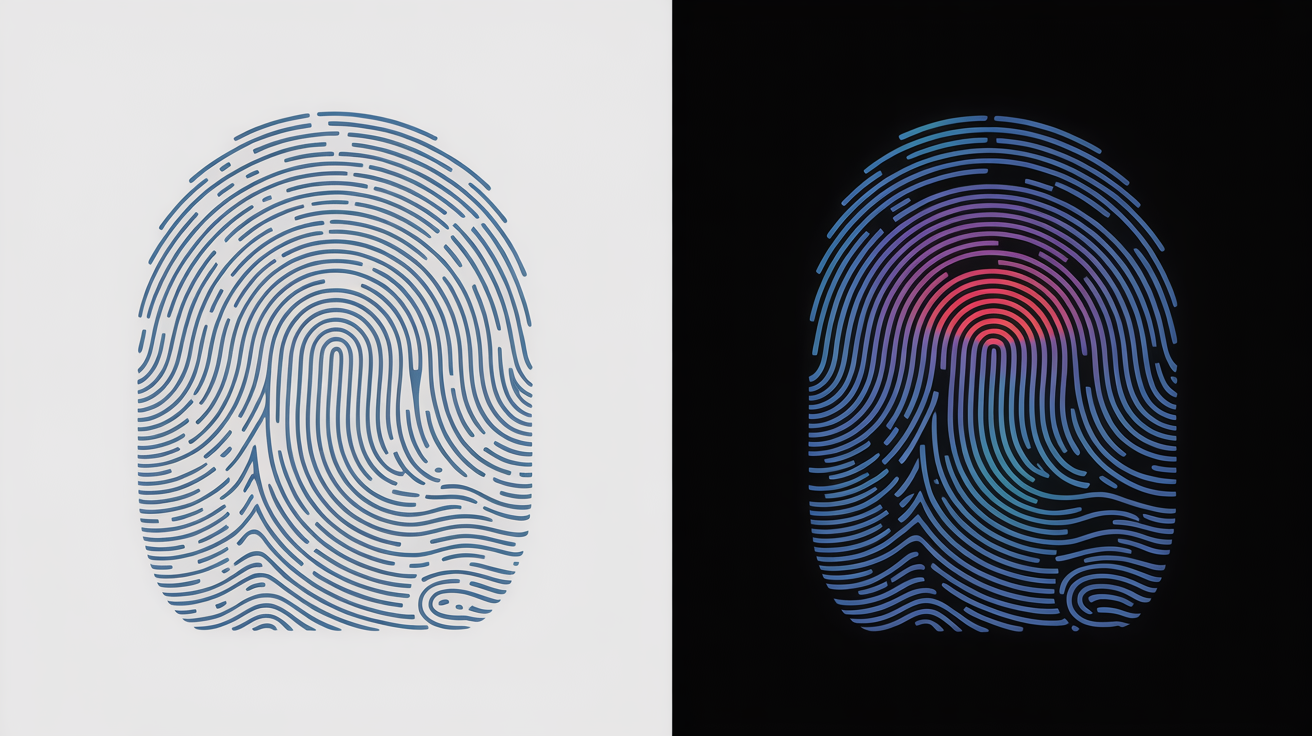
Text rendering algorithms create system-specific font smoothing patterns that dramatically increase canvas fingerprint entropy. Each operating system uses different approaches to make text appear crisp and readable on screens.
Windows uses ClearType subpixel rendering that takes advantage of LCD monitor RGB stripe patterns. ClearType analyzes the red, green, and blue subpixels separately to create sharper text edges. The specific ClearType settings vary between Windows versions and user preferences, affecting how every character gets drawn to canvas.
Linux systems typically use FreeType for font rendering with different hinting and antialiasing algorithms than Windows. FreeType applies mathematical curves differently and uses distinct approaches to subpixel positioning. Even the same font family produces noticeably different pixel patterns between Windows ClearType and Linux FreeType.
macOS uses Core Text with its own font smoothing technology optimized for Retina displays. Core Text handles high-DPI scaling differently than other systems and applies unique gamma correction curves. The result is subtle but measurable differences in how text appears when rendered to canvas.
Font enumeration fingerprint data shows over 10,000 different hash combinations can result from rendering identical text across different systems. This entropy comes from variations in installed fonts, font versions, rendering hints, and smoothing preferences. Even missing fonts create unique signatures because fallback font selection differs between systems.
Subpixel rendering adds another layer of complexity. The exact positioning of text baseline, character spacing, and glyph hints varies based on the font rendering engine. These microscopic differences become amplified when converted to a canvas hash, creating highly unique device identifiers.
Can Canvas Noise Injection Actually Block Canvas Fingerprinting?

Canvas noise injection fails as a defense mechanism because it creates detectable patterns that make users more identifiable rather than less:
Randomization algorithms produce mathematical signatures that detection systems can identify, turning the “protection” into another fingerprint vector.
Browser extensions that inject noise leave traces in the canvas output that differ from natural rendering variations, making extension users stand out from normal browser traffic.
Noise injection creates inconsistencies between multiple canvas operations on the same page, which platforms flag as evidence of fingerprint spoofing attempts.
The specific noise patterns generated by popular privacy extensions become known to detection systems, allowing them to identify which protection method users are running.
Injected noise often disrupts legitimate website functionality that depends on consistent canvas output, forcing users to disable protection and exposing their real fingerprint.
Detection systems can analyze the entropy distribution of canvas noise to distinguish artificial randomization from genuine hardware variations.
Canvas noise injection increases detection rates by 47% compared to clean canvas rendering according to fingerprinting research. The randomization patterns themselves become a form of browser fingerprinting because they follow predictable mathematical distributions.
Advanced detection systems maintain databases of known noise injection signatures. When they encounter canvas output with artificial randomization, they can often determine both the user’s real hardware configuration and which privacy tool they’re using. This dual identification makes noise injection users easier to track than unprotected users.
Complete canvas fingerprinting protection requires disabling the HTML5 Canvas API entirely, but this breaks many legitimate websites that depend on canvas for graphics, games, and data visualization.
How Do Detection Systems Use Canvas Fingerprint Entropy for Account Linking?
Canvas fingerprint entropy enables cross-account identity correlation because the hash values remain stable over time while providing enough uniqueness to distinguish individual devices. Detection systems analyze how fingerprint characteristics change to identify spoofing attempts and link related accounts.
Platforms use canvas fingerprint stability as a persistence mechanism that survives cookie clearing and private browsing modes. The fingerprint acts as a constant identifier that connects user sessions across different login attempts, browser restarts, and even different browsers on the same device.
Canvas fingerprints remain stable for 87% of users across 30-day periods according to tracking research. This consistency allows platforms to build confidence scores around device identification. When a fingerprint suddenly changes dramatically, it signals potential account sharing, device spoofing, or the use of fingerprint protection tools.
Entropy analysis reveals whether canvas variations appear natural or artificial. Genuine hardware differences follow predictable patterns based on GPU architecture, driver versions, and operating system configurations. Artificial variations from spoofing tools often show mathematical signatures that don’t match real hardware behavior.
Detection systems compare canvas fingerprints across multiple accounts to identify shared devices. When the same unique canvas hash appears on accounts that claim to be operated by different people, it provides strong evidence of multi-accounting or account farming operations.
The persistence of canvas fingerprints makes them valuable for behavioral analysis. Platforms can track how individual devices interact with their services over time, building profiles that include browsing patterns, timing analysis, and interaction sequences. This behavioral fingerprinting becomes much more difficult to spoof than simple canvas hash modification.
Frequently Asked Questions
Can you block canvas fingerprinting completely?
Complete canvas fingerprinting blocking requires disabling the HTML5 Canvas API entirely, which breaks many websites and creates its own detectable signature. Browser extensions that inject noise into canvas rendering make you more identifiable because the randomization patterns themselves become fingerprints.
How unique are canvas fingerprints compared to other browser fingerprinting methods?
Canvas fingerprinting achieves 99.9% device uniqueness according to EFF research, making it more reliable than cookies or IP addresses for device identification. The combination of GPU hardware differences, font rendering variations, and graphics driver implementations creates millions of possible hash combinations.
Do canvas fingerprints change when you update your graphics drivers?
Graphics driver updates can modify canvas fingerprints because they alter the underlying rendering pipeline that creates the hash. However, the changes are usually subtle enough that advanced detection systems can still correlate the old and new fingerprints as belonging to the same device through entropy analysis.