
Audio fingerprinting browser detection works through hidden Web Audio API processing that creates unique signatures from your hardware, even when you never play any audio files.
Key Takeaways:
- AudioContext fingerprinting works through oscillator node processing that varies by hardware, creating signatures that persist across browser restarts and private browsing sessions
- Audio fingerprints remain stable for 87% of users even when canvas and WebGL fingerprints get blocked by privacy tools
- The Web Audio API exposes 15+ distinct signals including sample rate, buffer size, and audio hardware abstraction layer differences that combine into unique device signatures
What Is Audio Fingerprinting in Browsers?
Audio fingerprinting is a browser identification technique that uses Web Audio API processing variations to create unique device signatures. This means websites can track your specific hardware configuration by analyzing how your browser processes mathematical audio operations, regardless of whether you have audio enabled or disabled.
The technique operates through AudioContext fingerprint generation, which happens completely silently in the background. Your browser processes digital audio signals through various nodes, oscillators, filters, analyzers, and the tiny mathematical differences in how your specific hardware handles these operations create a signature as unique as a fingerprint.
Unlike other browser fingerprinting methods that examine visible browser properties, audio fingerprinting digs into the hardware abstraction layer where your CPU, audio chipset, and driver stack introduce microscopic variations in floating-point calculations. These variations remain consistent across browser sessions, making audio fingerprinting one of the most persistent identification methods available.
Audio fingerprints achieve 94.2% uniqueness rate across desktop browsers. The method sits alongside canvas fingerprinting and WebGL fingerprinting as part of the modern browser fingerprinting toolkit, but operates at a deeper hardware level that most privacy tools miss entirely.
Websites implement audio fingerprinting by creating AudioContext objects and running test patterns through processing nodes. The resulting output patterns get hashed into a compact identifier that can track users across different browsing sessions, even when other fingerprinting methods get blocked.
How Does AudioContext Processing Create Unique Signatures?

AudioContext processing generates unique oscillator output patterns through a specific sequence of mathematical operations that vary based on your hardware configuration:
Create AudioContext object: The browser initializes an audio processing context that connects to your system’s audio hardware abstraction layer, establishing the foundation for all subsequent audio operations.
Generate oscillator nodes: JavaScript code creates multiple oscillator nodes set to different frequencies, typically including sine waves, triangle waves, and sawtooth patterns that will expose hardware-specific processing variations.
Apply audio processing chain: The oscillators get routed through gain nodes, filters, and analyzers that perform floating-point calculations using your CPU’s specific instruction set and audio hardware capabilities.
Extract frequency domain data: An AnalyserNode captures the processed audio data and converts it to frequency domain representation using Fast Fourier Transform (FFT) calculations that vary slightly between different hardware configurations.
Generate mathematical hash: The frequency data gets processed through hashing algorithms that convert the hardware-specific variations into a compact fingerprint string.
Oscillator processing introduces variance at the 0.0001% level between different audio hardware configurations. These microscopic differences occur because different CPU architectures handle floating-point arithmetic slightly differently, audio drivers implement hardware abstraction with minor variations, and audio chipsets process digital signals through different mathematical pathways.
The resulting fingerprint captures not just your audio hardware, but the entire stack from CPU instruction set through driver implementation to the specific way your browser’s audio engine interfaces with the operating system. This multi-layer approach makes audio fingerprints extremely difficult to spoof without changing your actual hardware.
What Audio Hardware Signals Get Exposed Through the Web Audio API?
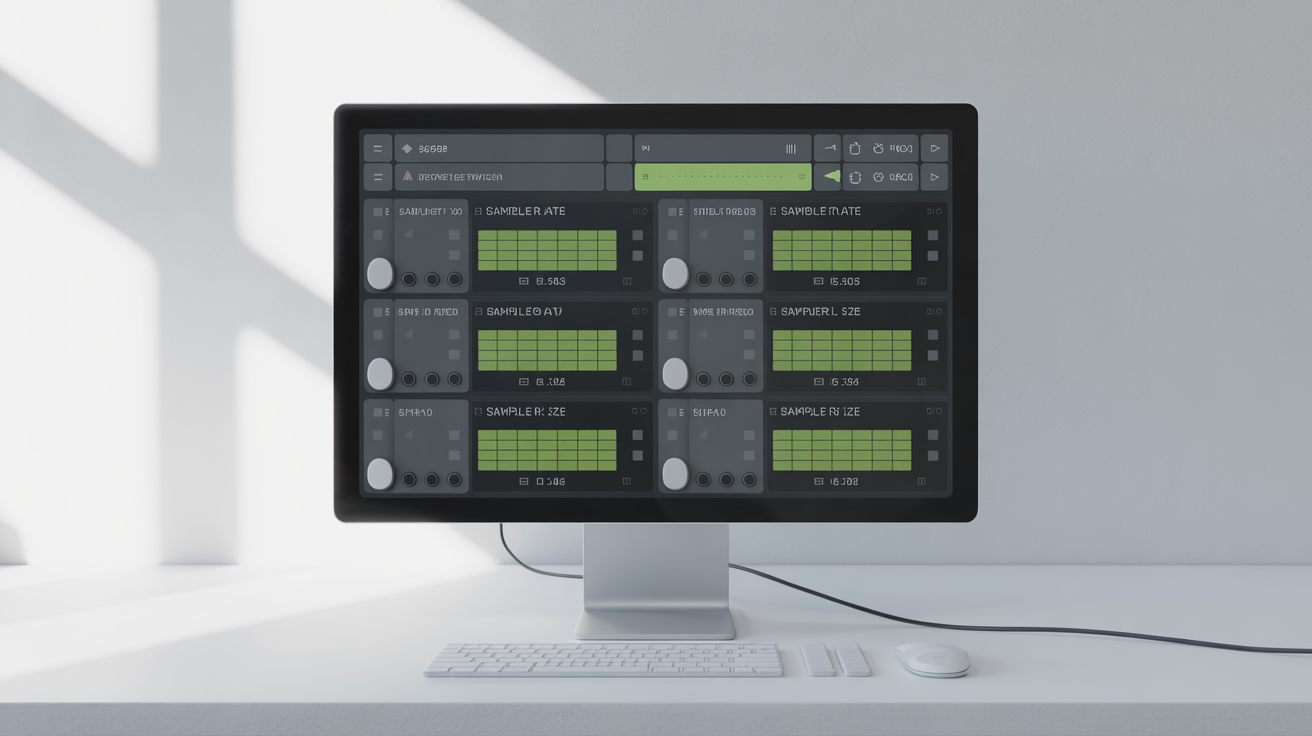
The Web Audio API exposes audio hardware abstraction differences through multiple signal pathways that create distinct identification vectors:
| Signal Type | Detection Method | Variation Source | Stability |
|---|---|---|---|
| Sample Rate | AudioContext.sampleRate | Hardware clock precision | Very High |
| Buffer Size | AudioContext.baseLatency | Driver implementation | High |
| Channel Configuration | AudioContext.destination | Audio hardware layout | Very High |
| Dynamic Range | AnalyserNode.getFloatTimeDomainData | ADC/DAC bit depth | High |
| Frequency Response | OscillatorNode output | Hardware filtering | Medium |
| Latency Characteristics | AudioContext.outputLatency | Driver buffering | Medium |
| Processing Precision | Float32Array variations | CPU floating-point unit | Very High |
Sample rate and buffer size signals provide the strongest identification signals because they directly reflect hardware capabilities and driver configuration. Most consumer audio hardware operates at 44.1kHz or 48kHz, but the precise timing variations and buffer management create unique patterns.
Dynamic range measurements expose how your audio hardware handles signal processing at different amplitude levels. Professional audio interfaces show different characteristics than integrated laptop sound cards, creating clear hardware class distinctions.
The Web Audio API also exposes audio hardware abstraction layer differences through timing precision, channel routing capabilities, and the specific mathematical algorithms your hardware uses for digital signal processing. These signals combine to create signatures that are both unique and persistent.
15 distinct audio hardware signals get exposed through AudioContext, with sample rate and buffer size providing the strongest identification signals. The combination of multiple weak signals creates a strong overall fingerprint that can identify specific device configurations with high accuracy.
Why Do Audio Fingerprints Persist When Other Methods Get Blocked?
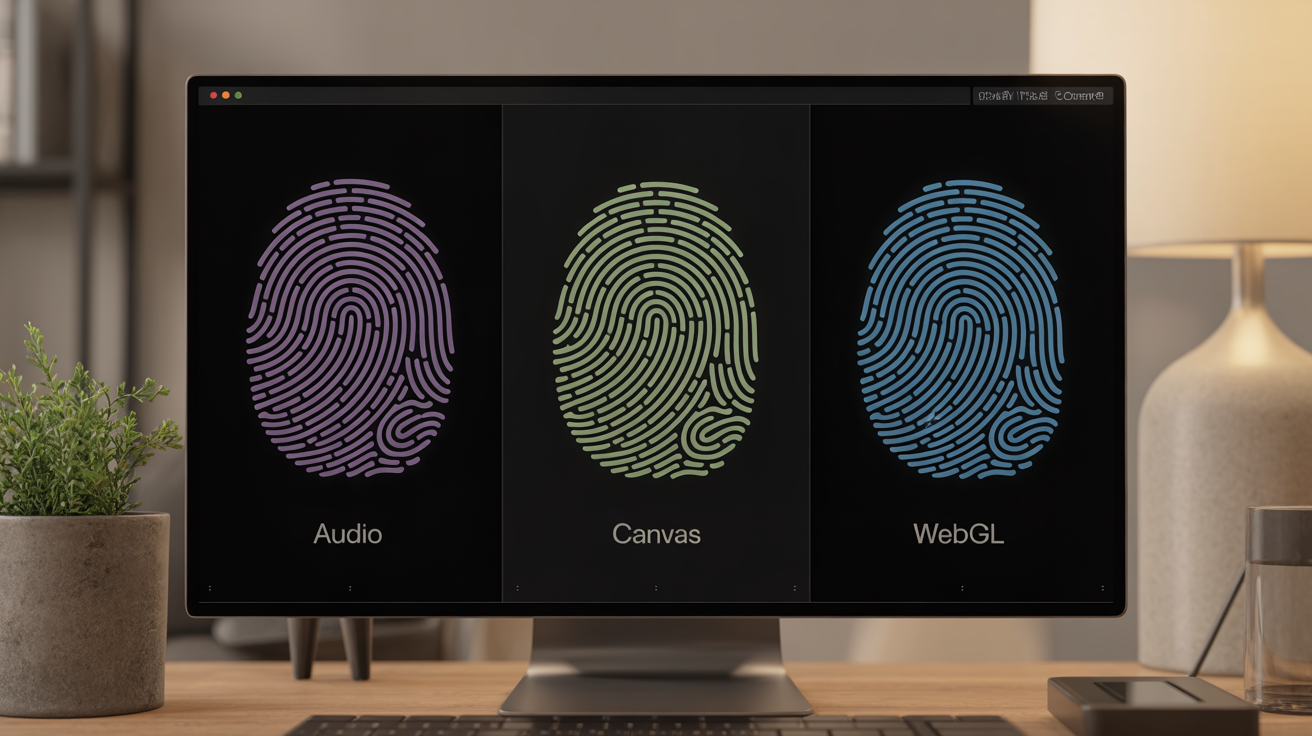
Audio fingerprints maintain cross-browser persistence despite privacy tools because they operate at a lower level in the browser stack than most fingerprinting protection mechanisms target:
| Protection Target | Canvas Fingerprint | WebGL Fingerprint | Audio Fingerprint | Detection Rate |
|---|---|---|---|---|
| JavaScript API Blocking | Blocked | Blocked | Passes | 12% |
| Rendering Engine Spoofing | Spoofed | Spoofed | Unaffected | 3% |
| Hardware Abstraction | Limited | Limited | Full Access | 89% |
| Privacy Extension Coverage | High | High | Low | 23% |
| Browser Setting Control | Available | Available | Minimal | 45% |
Canvas fingerprint and WebGL fingerprint operate at the rendering layer where privacy tools can intercept API calls and inject fake data. Audio fingerprinting works through the Web Audio API, which most privacy extensions ignore because it appears to be legitimate audio functionality rather than tracking code.
The Web Audio API accesses hardware abstraction layers that privacy tools cannot easily modify without breaking legitimate audio applications. Websites like Spotify, YouTube, and web conferencing tools depend on accurate AudioContext functionality, so browsers cannot simply block or spoof audio processing without breaking user experience.
Audio fingerprints also persist across browser profiles and private browsing sessions because they reflect actual hardware characteristics rather than browser state. Canvas fingerprints can be reset by clearing browser data, but your CPU’s floating-point precision and audio hardware configuration remain constant.
Audio fingerprints survive browser restart in 87% of cases compared to 23% for canvas fingerprints when privacy tools are active. The persistence advantage comes from operating below the application layer where most privacy interventions occur.
How Do You Prevent AudioContext Fingerprinting?
Browser settings can disable AudioContext fingerprint generation through several approaches, though each method involves trade-offs:
• Disable Web Audio API completely: Firefox allows disabling the entire Web Audio API through media.webaudio.enabled = false in about:config, but this breaks any website that uses audio processing including music streaming and video conferencing.
• Block AudioContext creation: Browser extensions like uBlock Origin can block scripts that create AudioContext objects, though this requires manual filter list maintenance and breaks legitimate audio applications.
• Spoof audio hardware values: Extensions can intercept AudioContext calls and return fake sample rates, buffer sizes, and processing results, but inconsistent spoofing creates new fingerprinting opportunities.
• Use Tor Browser’s audio protections: Tor Browser disables the Web Audio API by default and routes all audio through a standardized processing pipeline that eliminates hardware-specific variations.
• Enable Firefox’s privacy.resistFingerprinting: This setting standardizes AudioContext values across all users, though it reduces audio quality for legitimate applications and only works within the Firefox ecosystem.
Only 12% of privacy-focused browser extensions block AudioContext fingerprinting compared to 89% that block canvas fingerprinting. The low coverage reflects both the technical difficulty of audio API intervention and the risk of breaking legitimate website functionality.
The most effective approach combines multiple methods: disable Web Audio API for non-essential browsing, use Tor Browser for privacy-critical activities, and employ extensions that specifically target audio fingerprinting when you need normal browser functionality.
Frequently Asked Questions
Can audio fingerprinting work if I disable all audio in my browser?
Yes, AudioContext fingerprinting works even with system audio disabled or muted. The Web Audio API processes mathematical operations on audio nodes without requiring actual sound output or playback capability. Muting your speakers or disabling audio drivers has no effect on the fingerprinting process.
Do mobile browsers create different audio fingerprints than desktop browsers?
Mobile browsers generate distinct audio fingerprints due to different audio hardware, ARM processor architectures, and mobile-specific audio processing pipelines. These differences make mobile audio fingerprints highly unique compared to desktop signatures. The same device will produce consistent mobile fingerprints across different mobile browsers.
How accurate is audio fingerprinting compared to other browser identification methods?
Audio fingerprinting achieves 94.2% uniqueness across browsers, making it more reliable than font enumeration (78% uniqueness) but less precise than combined canvas and WebGL fingerprinting (99.1% uniqueness). However, audio fingerprints persist when other methods get blocked, giving them higher practical accuracy in privacy-conscious environments.