

JA3 JA4 fingerprinting techniques extract TLS handshake parameters to identify browsers before JavaScript runs. Chrome’s extension randomization broke every JA3 system in 2019, forcing security teams to develop JA4 with normalized field ordering.
Key Takeaways:
- JA3 creates MD5 hashes from 5 specific TLS handshake fields in their exact transmission order
- Chrome’s extension randomization generates different JA3 hashes per connection for identical browsers
- JA4 fixes extension ordering by normalizing TLS extensions into consistent alphabetical sequences
What Is JA3 Fingerprinting?

JA3 fingerprinting is a method that extracts specific parameters from TLS handshakes and converts them into MD5 hashes for browser identification. This means websites can identify your browser before any JavaScript executes or cookies load.
JA3 fingerprinting extracts TLS handshake parameters from the transport layer. The process captures five fields from the Client Hello message: TLS version, cipher suites list, extensions list, elliptic curves, and elliptic curve point formats. These fields get concatenated with commas as separators, then hashed using MD5 to create a 32-character fingerprint.
Salesforce released JA3 in 2017 as an open-source tool for malware detection. Security teams used JA3 hashes to identify malicious TLS traffic patterns that bypassed traditional IP-based blocking. The technique worked because TLS implementations vary between software clients, legitimate Chrome produces different handshakes than malware using custom TLS libraries.
JA3 operates at the transport layer, not the application layer where browser fingerprinting techniques like Canvas or WebGL function. This timing difference matters. TLS handshakes complete before HTTP requests begin, before JavaScript runs, and before any browser APIs become accessible. JA3 captures your TLS signature during the initial SSL negotiation.
The JA3 fingerprint hash represents your browser’s TLS implementation signature. Two identical Chrome browsers should produce identical JA3 hashes because they use the same TLS stack with the same cipher preferences and extension support. This assumption held true until Chrome 70.
How Does the JA3 Field Extraction Method Work?
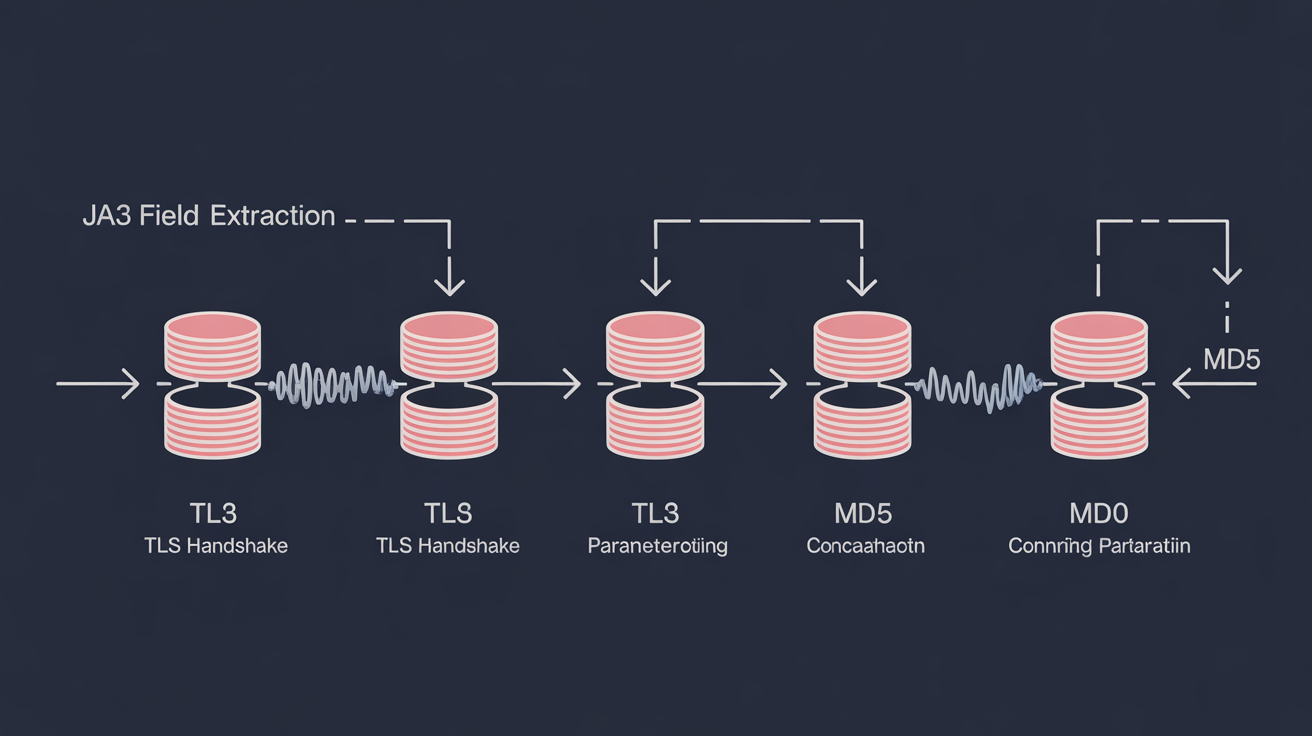
The JA3 field extraction method concatenates five TLS handshake parameters in transmission order, then generates MD5 hashes from the combined string. Field order determines the final hash, identical parameters in different sequences create different fingerprints.
| TLS Field | Data Source | Example Value |
|---|---|---|
| TLS Version | Protocol version number | 771 (TLS 1.2) |
| Cipher Suites | Client’s supported encryption methods | 4865,4866,4867,49195 |
| Extensions | TLS extension IDs in transmission order | 0,23,65281,10,11,35 |
| Elliptic Curves | Supported ECDHE curve identifiers | 29,23,24 |
| Point Formats | EC point compression format preferences | 0 |
JA3 uses fields from the TLS version, cipher suites, extensions, elliptic curves, and elliptic curve point formats. The extraction process concatenates these five comma-separated lists with commas between each field group. A typical JA3 string before hashing looks like: “771,4865-4866-4867,0-23-65281,29-23-24,0”.
The MD5 hash generation process converts this concatenated string into a 32-character hexadecimal fingerprint. MD5 produces consistent output, the same input string always generates identical hashes. This consistency allows security systems to build databases of known JA3 signatures for comparison against incoming connections.
Field transmission order creates the stability problem. TLS extensions appear in the handshake in whatever sequence the client transmits them. If Chrome sends extension 23 before extension 10 in one connection but extension 10 before extension 23 in the next connection, JA3 generates different hashes despite identical browser configuration.
The concatenation happens with dash separators within each field group and comma separators between field groups. Extension lists use dashes: “0-23-65281”. The final string uses commas between field types: “version,ciphers,extensions,curves,formats”.
What Does JA3S Server Response Fingerprinting Capture?

JA3S server response fingerprinting is the server-side complement to JA3 that hashes parameters from the Server Hello message during TLS handshakes. This means security systems can fingerprint both ends of the TLS connection for complete session identification.
JA3S extracts 3 server fields: TLS version, chosen cipher suite, and server extensions. The server responds to the client’s handshake with its selected encryption parameters. JA3S captures these choices and creates MD5 hashes using the same concatenation method as JA3.
Server fingerprint pairing works by combining JA3 client hashes with JA3S server hashes. Security teams can identify specific client-server combinations that indicate suspicious behavior. A legitimate Chrome browser connecting to Google’s servers produces predictable JA3/JA3S pairs. Malware connecting to command-and-control servers creates different patterns.
The server extension field captures fewer parameters than client extensions because servers typically respond with minimal TLS extensions. Common server extensions include Server Name Indication responses, session ticket parameters, and heartbeat configurations. This reduced complexity makes JA3S more stable than JA3 for identification purposes.
JA3S server response fingerprinting completes the TLS session profiling by capturing both client capabilities and server selections. The client advertises what it supports. The server responds with what it chooses. Together, these signatures create a bidirectional fingerprint of the entire TLS negotiation process.
Why Did Chrome’s Extension Randomization Break JA3?
Chrome began randomizing TLS extension order in version 70, released October 2018, to prevent tracking based on deterministic handshake patterns. The randomization process fundamentally broke JA3’s field ordering assumptions.
Extension Transmission Order Changes Per Connection: Chrome randomizes the sequence of TLS extensions in each handshake, even when connecting to the same server repeatedly. Extension 23 might appear before extension 10 in the first connection, then after extension 10 in the second connection.
Identical Browsers Generate Different Hashes: Two Chrome 90 browsers with identical configurations now produce different JA3 fingerprints because their extension order varies randomly. The same browser connecting twice to the same website creates different JA3 signatures.
Hash Stability Becomes Impossible: JA3 database matching fails when the same client produces multiple possible hashes. Security systems cannot maintain stable fingerprint records for legitimate browsers because each connection generates new signatures.
Detection Systems Lose Accuracy: Malware detection based on JA3 signatures becomes unreliable when legitimate browsers produce constantly changing hashes. Whitelist approaches fail because approved browsers generate unknown signatures on each connection.
TLS extension permutation handling randomizes extension field ordering to prevent passive fingerprinting by network observers. Chrome’s privacy team implemented this change to reduce tracking vectors available to websites and network monitoring systems. The randomization affects extensions like Server Name Indication, Application-Layer Protocol Negotiation, and supported groups.
Firefox followed Chrome’s approach in version 78, then Safari and Edge added similar randomization. By 2020, all major browsers randomized TLS extension order, making JA3 fingerprinting unreliable for browser identification across the entire browser ecosystem.
How Does JA4 Normalized Extension Sorting Fix This Problem?

JA4 normalized extension sorting alphabetizes TLS extension sequences before hashing to eliminate randomization effects and restore fingerprint stability. The normalization process ensures identical browsers produce consistent hashes regardless of transmission order.
| JA3 vs JA4 Factor | JA3 Approach | JA4 Approach | Stability Impact |
|---|---|---|---|
| Extension Order | Uses transmission sequence | Alphabetical normalization | Eliminates randomization |
| Hash Algorithm | MD5 (32 characters) | Custom format (37+ characters) | Better collision resistance |
| Field Selection | 5 TLS fields | 12+ fields including QUIC | More comprehensive profiling |
| Version Handling | Single TLS version | TLS and QUIC support | Future protocol compatibility |
JA4 was developed by FoxIO and released in 2022 to address JA3 randomization issues. The normalization process sorts all TLS extensions into alphabetical order by extension ID before concatenation and hashing. Extension 10 always appears before extension 23 in JA4 strings, regardless of transmission order.
The alphabetization process works by collecting all extension IDs from the Client Hello, sorting them numerically (which creates alphabetical order for hex values), then rebuilding the extension list in consistent sequence. JA4 performs this sorting step before concatenating fields for hash generation.
JA4+ variants extend the base JA4 approach with additional TLS parameters. JA4H captures HTTP/2 and HTTP/3 header patterns. JA4L processes light TLS implementations. JA4X extracts X.509 certificate parameters. These variants provide specialized fingerprinting for different protocol layers while maintaining the normalized sorting approach.
Consistent hash generation restores the database matching capability that Chrome’s randomization broke for JA3. Security teams can build stable signature databases for JA4 hashes because identical browsers produce identical fingerprints across multiple connections. The normalization eliminates the randomization variable while preserving the underlying TLS implementation differences that make fingerprinting effective.
Frequently Asked Questions
Can JA3 fingerprinting identify specific browser versions?
JA3 identifies TLS implementation patterns, not browser versions directly. Identical Chrome versions can produce different JA3 hashes due to extension randomization. JA3 works better for identifying TLS libraries and network stacks than specific browser builds.
What’s the main difference between JA3 and JA4 fingerprinting accuracy?
JA4 provides consistent hashes for identical browsers because it normalizes TLS extension order before hashing. JA3 generates different hashes from the same browser due to Chrome’s extension randomization, making it unreliable for modern browser identification.
Does JA4 fingerprinting work with all browsers in 2024?
JA4 works with any browser that uses TLS, including Chrome, Firefox, Safari, and Edge. The normalization process handles extension randomization from all major browsers, making JA4 more stable than JA3 for consistent identification across browser updates.