

VPN vs antidetect browser debates miss the point entirely. Most account bans happen before your IP address matters, but 90% of marketers stack tools that protect the wrong detection layers.
Key Takeaways:
- VPNs protect IP-layer signals only, they cannot block browser fingerprinting, TLS handshake analysis, or behavioral detection
- Browser fingerprint extensions create statistical anomalies that make you 73% more detectable than doing nothing
- Detection systems check 5 separate layers: IP reputation, TLS fingerprint, browser fingerprint, behavioral patterns, and account linking
What Detection Layers Do Platforms Actually Check?

Detection systems check five separate layers before granting account access. Each layer runs different validation checks at different points in your connection sequence.
| Detection Layer | What Gets Checked | When It Happens |
|---|---|---|
| IP Reputation | Proxy detection, geolocation consistency, ASN blacklists | First packet arrival |
| TLS Fingerprint | JA3 hash, cipher suites, extension order | SSL handshake initiation |
| Browser Fingerprint | Canvas hash, WebGL renderer, font enumeration | JavaScript execution |
| Behavioral Patterns | Mouse movements, typing cadence, scroll velocity | User interaction |
| Account Linking | Cookie matching, device correlation, usage patterns | Session analysis |
The IP layer gets checked first because it’s the cheapest computation. Platforms reject known proxy ranges before running expensive fingerprint analysis. But passing the IP check just gets you to the next validation gate.
Browser fingerprinting happens third in this sequence. Your Canvas rendering, WebGL output, and installed font list get hashed into a unique identifier. This fingerprint stays consistent across IP changes, making account linking trivial even with premium residential proxies.
Digital identity tracking connects all five layers. Platforms correlate your TLS signature with your browser fingerprint, then match both against historical behavioral patterns. Change your IP but keep the same browser configuration, and you’re still the same digital identity.
Most marketers focus on the wrong layer. They spend hundreds monthly on residential proxies while leaving fingerprint signals completely exposed.
What Does a VPN Actually Protect Against?

VPNs protect IP-layer signals only. They cannot touch browser fingerprinting, TLS signatures, or any detection method that runs inside your browser.
Here’s what VPNs actually cover:
- IP geolocation spoofing, Makes websites think you’re connecting from a different country or city based on your exit node location.
- ISP masking, Hides your actual internet provider by showing the VPN company’s network instead of your home connection.
- Basic traffic encryption, Prevents your ISP from seeing which websites you visit, though the destination sites still see your encrypted traffic.
- Network-level tracking prevention, Stops correlation based purely on IP address across different websites during the same session.
VPNs address 1 of 5 detection layers platforms check. Your browser still sends the same TLS handshake signature, renders Canvas elements identically, and reports the same installed fonts whether you connect through NordVPN or your home internet.
This creates a dangerous false confidence. You think you’re protected because your IP shows a different location, but your browser fingerprint remains completely unchanged. Platforms can link accounts through Canvas hashes even when you’re connecting from different continents.
The VPN industry markets privacy protection, but account protection requires much deeper isolation. Changing your network route while keeping the same digital identity just gives platforms two data points to correlate instead of one.
How Do Browser Fingerprint Extensions Create Detection Signals?
Browser privacy extensions generate statistical anomalies that detection systems flag as artificial traffic. Extensions like canvas blockers, WebGL spoofers, and user-agent randomizers create entropy patterns that make you more detectable, not less.
Real browser fingerprints follow natural consistency patterns. Your Canvas rendering stays stable across sessions because your graphics hardware doesn’t change. Your WebGL output remains consistent because your GPU drivers update infrequently. Your font list changes slowly as you install new software.
Extensions break these natural patterns by injecting random values. Canvas blockers return different hashes every session. WebGL spoofers cycle through GPU renderer strings your hardware can’t actually produce. User-agent randomizers pick combinations that don’t match your actual operating system and browser version.
This randomization creates fingerprint entropy that real devices never produce. Detection models compare your fingerprint variance against known human baselines. Natural fingerprints show 95%+ consistency over time. Extension-generated fingerprints show wild randomization that screams “bot traffic.”
The math works against you. Extensions that randomize fingerprints increase detection probability by creating unnatural entropy signatures that stand out in statistical analysis. You become the outlier in a dataset of consistent, stable human fingerprints.
Worst case: extensions create fingerprinting paradoxes. Your Canvas hash says you’re using integrated Intel graphics while your WebGL renderer claims dedicated NVIDIA hardware. These impossible combinations get flagged instantly because no real device produces conflicting GPU signatures.
Fingerprint randomization risks compound over time. Each randomized value gets logged and analyzed. Platforms build behavioral models that flag accounts with impossible device configurations or unnatural fingerprint variance patterns.
What Browser-Level Signals Do Antidetect Browsers Address?
Antidetect browser is a tool that modifies Chromium source code to control browser-level fingerprinting vectors. This means antidetect browsers can manipulate JavaScript APIs, rendering engine outputs, and plugin detection to create consistent but artificial device profiles.
Antidetect browsers target 15+ JavaScript fingerprinting vectors but cannot control TLS handshake signatures. They modify Canvas rendering, WebGL output, font enumeration, timezone data, screen resolution, CPU core count, memory reporting, and plugin lists. Each profile gets assigned consistent values that don’t change between sessions.
The modification happens at the browser engine level. Antidetect tools patch Chromium’s source code to return fake values when websites query device information through JavaScript APIs. Your real hardware stays the same, but the browser reports whatever configuration the profile specifies.
This approach covers browser fingerprinting signals that VPNs and extensions cannot touch. You get stable, consistent fingerprints that don’t create randomization entropy. Each browser profile maintains the same Canvas hash, WebGL renderer, and font list across sessions.
However, modified Chromium binaries produce different TLS fingerprints than stock Chrome. The compilation process, code patches, and binary signing changes create distinct JA3 hashes that detection systems can identify. Platforms check TLS signatures before JavaScript runs, so modified browsers get flagged before your carefully crafted fingerprint profile even loads.
Digital identity tracking at the transport layer bypasses all browser-level modifications. Your antidetect browser might report perfect device consistency, but the TLS handshake reveals you’re not using real Chrome.
Which Tool Combination Actually Reduces Account Ban Risk?
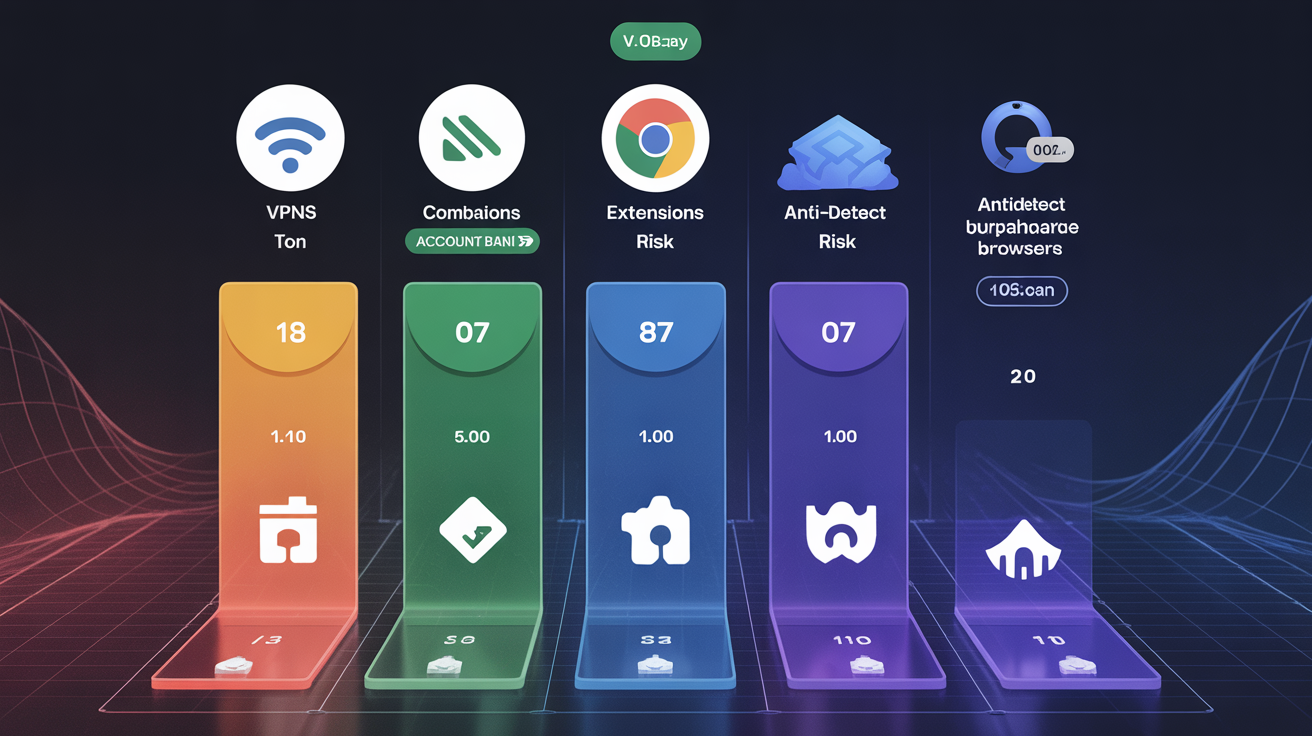
Tool combinations produce different risk profiles depending on which detection layers they address and which signals they leave exposed.
| Tool Combination | Protected Layers | Exposed Vulnerabilities | Risk Level |
|---|---|---|---|
| VPN Only | IP geolocation | Browser fingerprint, TLS signature, behavior | High |
| Extensions Only | Partial browser fingerprint | IP reputation, TLS signature, entropy patterns | Very High |
| Antidetect Browser Only | Browser fingerprint consistency | Modified binary detection, TLS signature | Medium |
| VPN + Extensions | IP + randomized fingerprint | TLS signature, entropy flags, consistency gaps | Very High |
| VPN + Antidetect Browser | IP + browser fingerprint | Modified binary detection at TLS layer | Medium-Low |
The worst combination is VPN plus privacy extensions. You get IP masking with fingerprint randomization, creating accounts that show different locations but impossible device configurations. Detection systems flag this pattern because real users don’t randomly change their graphics hardware between sessions while maintaining the same behavioral patterns.
Stacking tools often increases rather than decreases detection risk by creating conflicting signals. Your VPN claims you’re in London while your timezone reports Pacific Standard Time. Your Canvas hash changes randomly while your typing cadence stays identical. These inconsistencies become detection signals.
The most effective approach addresses detection layers in order of platform priority. Fix IP reputation first, then TLS fingerprint, then browser fingerprint consistency. Tools that protect lower-priority layers while exposing higher-priority vulnerabilities waste money and increase ban risk.
Real browser management takes a different approach entirely. Instead of modifying browsers or spoofing fingerprints, it uses stock Chrome with environment-level profile isolation. Each profile gets separate cookies, localStorage, and network state while maintaining authentic TLS signatures that match millions of other legitimate Chrome users.
Frequently Asked Questions
Can a VPN stop websites from fingerprinting my browser?
No, VPNs only change your IP address and cannot prevent browser fingerprinting. Websites collect fingerprints through JavaScript APIs that run inside your browser, which happens after the VPN connection is established. Your Canvas fingerprint, WebGL renderer, and font list remain identical whether you use a VPN or not.
Do I need an antidetect browser if I already have a premium VPN?
Yes, if you’re managing multiple accounts that could get linked. VPNs only mask your IP address but leave browser fingerprinting, TLS signatures, and behavioral patterns completely exposed. Platforms like Facebook and Google can link accounts through browser fingerprints even when you’re using different IP addresses from premium residential proxies.
Why do privacy extensions make browser fingerprints worse instead of better?
Privacy extensions create artificial randomization patterns that statistical detection models flag as non-human behavior. Real devices produce consistent, stable fingerprints over time, while extensions generate random values that change between sessions. This randomization entropy becomes a detection signal that makes you more identifiable, not less.