

Antidetect browser Chrome update cycles create a maintenance nightmare. Chrome released 117 updates in the past five years, and each one breaks antidetect browsers that rely on patched Chromium code. The antidetect browser development process cannot keep pace with Google’s release velocity.
Key Takeaways:
- Chrome releases a new stable version every 4 weeks with TLS and HTTP/2 changes that break fingerprint patches
- Antidetect browser vendors face a 2-4 week delay rebuilding patches after each Chrome release
- Maintenance costs compound 15-20% annually as Chrome’s codebase grows more complex
How Often Does Chrome Release Updates?

Chrome’s release cycle is a continuous deployment model with predictable intervals. Chrome releases stable versions every 4 weeks with security patches every 2 weeks. This means the Chromium source code changes 26 times per year through major releases, plus additional security updates that can modify core browser behavior.
The rapid release cycle affects all downstream Chromium forks. Antidetect browser vendors must monitor each Chrome release for changes that break their fingerprint patches. The 4-week window between stable releases leaves no buffer time for testing or gradual deployment. When Chrome ships version 119, every modified Chromium binary based on version 118 becomes detectable within days.
Google maintains this pace because Chrome competes directly with Safari and Firefox. Security patches cannot wait for downstream vendors to catch up. The antidetect browser industry operates on Google’s timeline, not their own development capacity.
What Breaks When Chrome Updates?
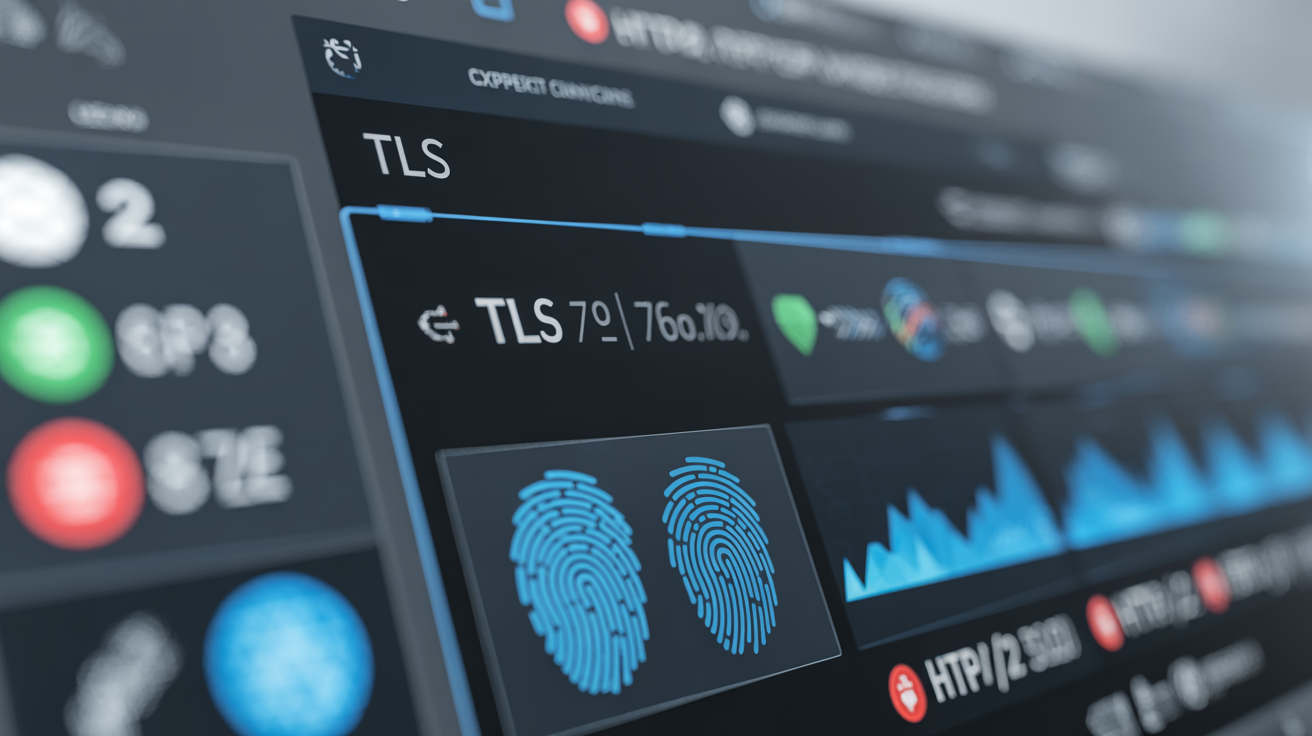
Chrome updates break multiple layers of browser fingerprint spoofing. TLS fingerprint changes occur in 60% of Chrome releases according to security researchers. Each update modifies how the browser negotiates encrypted connections, handles HTTP/2 streams, or renders graphics.
| Component | What Changes | Impact on Modified Chromium |
|---|---|---|
| TLS Stack | JA3/JA3S fingerprint hashes | Patched browsers produce different signatures than real Chrome |
| HTTP/2 Settings | SETTINGS frame parameters | Modified browsers send outdated HTTP/2 configurations |
| Canvas Rendering | Graphics API calls and outputs | Fingerprint spoofing produces detectable inconsistencies |
| WebGL Implementation | GPU rendering pipeline changes | Spoofed WebGL signatures drift from real Chrome behavior |
| Binary Integrity | Code signing and checksums | Patched binaries fail authenticity verification |
The TLS layer breaks most frequently. Chrome’s TLS implementation changes with every security update to address new attack vectors. Modified Chromium browsers cannot replicate these changes without rebuilding their entire patch set. Detection systems compare TLS fingerprints against known Chrome versions. Outdated fingerprints flag modified browsers immediately.
WebGL and Canvas fingerprinting break differently. Chrome updates modify how the browser calls graphics APIs or processes rendering commands. Antidetect browsers that spoof graphics fingerprints must update their spoofing logic to match new Chrome behavior. Missing even one graphics API change creates a detectable anomaly.
Why Do Antidetect Browser Patches Take Weeks to Fix?

Antidetect browser vendors follow a predictable repair process after each Chrome update breaks their patches. The technical complexity and testing requirements create unavoidable delays.
Identify broken components by comparing new Chrome behavior against existing patches. Vendors must reverse-engineer which Chrome changes affect their fingerprint spoofing code.
Rebuild patches for the new Chrome codebase. This requires modifying C++ source code, recompiling binaries, and testing across multiple operating systems.
Test patch effectiveness against detection systems. Each patch must produce fingerprints that match real Chrome while maintaining the spoofing functionality users expect.
Package and distribute updates through vendor-specific update mechanisms. Users must download new binaries and restart their browser profiles.
The average patch delay window spans 2-4 weeks based on vendor release patterns. Smaller vendors with limited development resources often take 6-8 weeks or abandon support for complex updates. Large vendors like GoLogin and Multilogin maintain faster turnaround but still cannot eliminate the delay window.
Testing creates the biggest bottleneck. Vendors must verify their patches work against real detection systems without triggering account bans during testing. This verification process cannot be automated or accelerated.
How Does Fingerprint Drift Accumulate Over Time?
Fingerprint drift accumulates with each Chrome release that antidetect browsers miss or partially patch. Every Chrome update introduces 5-8 new detectable signals according to fingerprinting research. Modified Chromium browsers that miss updates fall further behind real Chrome fingerprints.
The drift compounds because Chrome updates build on previous changes. A browser that misses Chrome 118 and 119 does not just lack the features from those versions. It produces fingerprints that reflect Chrome 117 behavior while real Chrome users have moved to version 119. Detection systems flag this temporal mismatch immediately.
Antidetect browsers cannot skip Chrome versions to catch up. Each Chrome release modifies the same core systems that antidetect browsers patch. Jumping from Chrome 117 patches directly to Chrome 119 patches creates integration conflicts and breaks existing functionality. Vendors must rebuild patches incrementally for each missed Chrome version.
The maintenance burden grows exponentially. A vendor that falls 3 Chrome versions behind faces 15-24 broken signals (3 versions × 5-8 signals per version). Fixing this backlog requires rebuilding patches for three different Chrome codebases while maintaining backward compatibility for existing users.
What Does the Maintenance Cost Trajectory Look Like?

Maintenance costs increase exponentially as Chrome’s codebase grows more complex. Development costs increase 15-20% annually due to Chrome’s expanding feature set and security measures. The cost trajectory follows a compound growth pattern that makes antidetect browser development unsustainable long-term.
| Year | Chrome Features | Patch Complexity | Annual Dev Cost Increase |
|---|---|---|---|
| 2020 | 2,847 APIs | Low | Baseline |
| 2022 | 3,291 APIs | Medium | +18% |
| 2024 | 3,756 APIs | High | +34% (cumulative) |
Chrome adds approximately 200-300 new web APIs annually. Each API creates potential fingerprinting vectors that antidetect browsers must address. The patch complexity grows because new APIs interact with existing systems in unpredictable ways. A simple Canvas API update might affect WebGL rendering, TLS negotiation, and HTTP/2 streaming simultaneously.
Vendor consolidation accelerates as smaller companies cannot afford the maintenance burden. The antidetect browser market had 15+ active vendors in 2020. By 2024, only 6-8 vendors maintain regular Chrome update support. The survivors raise prices 20-30% annually to cover increasing development costs.
The trajectory points toward market collapse. At current growth rates, antidetect browser development costs will double every 3-4 years. Only the largest vendors with substantial user bases can sustain this cost structure. Real browser management approaches that avoid Chromium modification entirely sidestep this entire cost spiral.
Frequently Asked Questions
How long does an antidetect browser stay broken after a Chrome update?
Most antidetect browsers remain broken for 2-4 weeks after a Chrome update while vendors rebuild their patches. Some smaller vendors take 6-8 weeks or abandon support entirely if the update requires major architectural changes. The repair timeline depends on vendor development resources and patch complexity.
Can you prevent antidetect browsers from breaking when Chrome updates?
You cannot prevent Chrome from updating since it auto-updates by default and security patches are mandatory. The only solution is using unmodified browsers with environment-level controls instead of patched Chromium binaries. This approach eliminates the entire Chrome update cycle problem.
Do all antidetect browsers break at the same time when Chrome updates?
Yes, all antidetect browsers based on modified Chromium break simultaneously when Chrome releases updates that change core fingerprinting vectors. The repair timeline varies by vendor based on their development resources and patch complexity. Users of different antidetect browsers experience the same outage window.