

Real browser management eliminates transport layer detection by controlling environment, not code. Every modified Chromium browser fails the same TLS fingerprint checks that happen before JavaScript loads.
Key Takeaways:
• Real browser management uses unmodified Chrome/Firefox binaries that auto-update through the OS, eliminating TLS fingerprint detection
• Environment-level control isolates profiles at the system level without touching browser source code or binary integrity
• Stock browsers inherit all vendor security updates automatically, improving detection resistance over time instead of degrading it
What Is Real Browser Management?
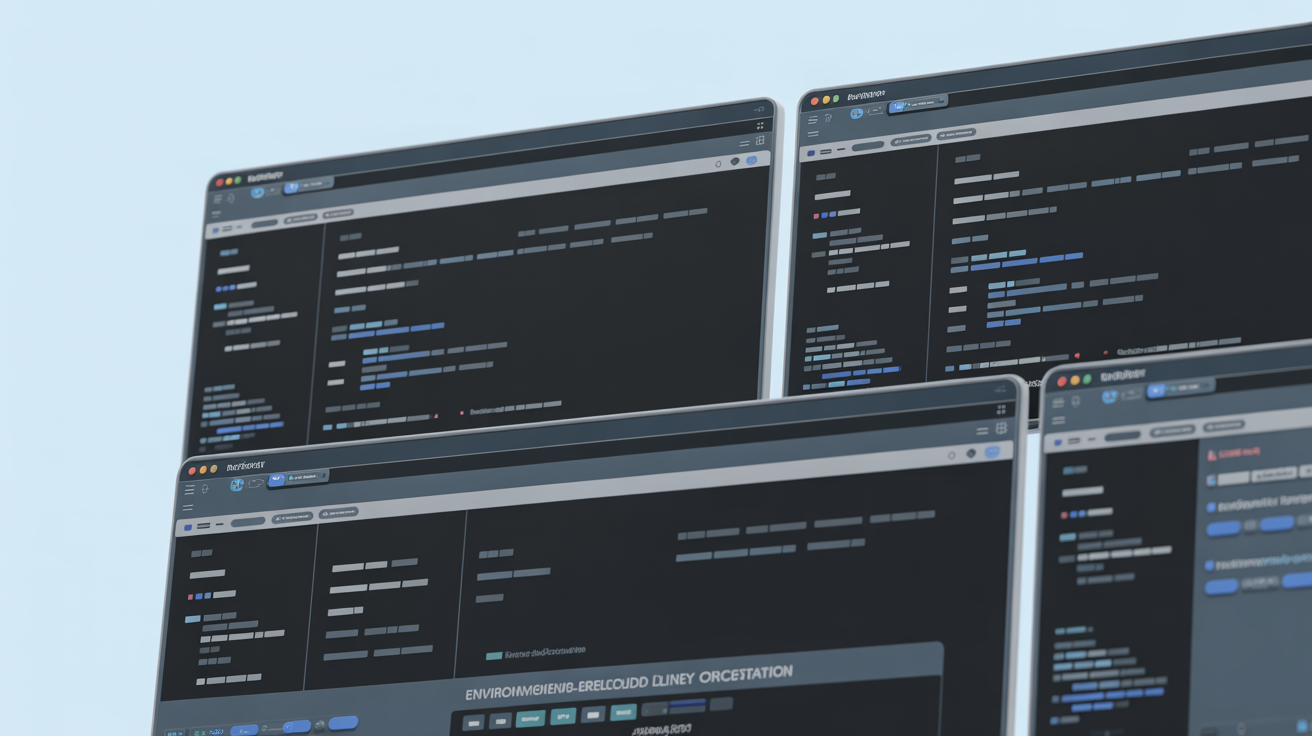
Real browser management is environment-level orchestration of unmodified browser binaries. This means controlling what surrounds the browser rather than patching what’s inside it. The architecture isolates profiles through system-level containers while preserving authentic browser signatures.
Environment-level browser control operates by managing separate data containers for each profile. Cookies, localStorage, IndexedDB, cache, and network state remain isolated without modifying the browser executable. Stock browser orchestration keeps the Chrome or Firefox binary exactly as Google or Mozilla shipped it.
This approach contrasts sharply with binary modification methods used in antidetect browser development. Modified browsers patch Chromium source code to spoof fingerprints. They alter TLS stacks, HTTP/2 implementations, and rendering engines. Every modification creates detection surface.
Vendor-signed binaries maintain identical TLS fingerprints to 3+ billion legitimate Chrome users. The handshake, cipher suites, and protocol negotiation match authentic Chrome exactly. Detection systems cannot distinguish environment-controlled profiles from regular Chrome users because they use the same binary.
The fundamental difference lies in approach. Fingerprint spoofing tries to make fake browsers look real. Environment control uses real browsers and manages their context.
How Does Environment-Level Control Work?

Environment isolation separates profile data at the system level without touching browser code. Each profile runs in its own isolated container with separate data stores and network configurations.
Here’s how the process works:
Create isolated profile container. The system generates separate directories for cookies, cache, localStorage, IndexedDB, and session data. Each profile gets its own data sandbox.
Configure environment variables. Timezone, locale, and geolocation settings get applied at the operating system level before browser launch. The browser inherits these settings naturally.
Launch unmodified browser binary. Chrome, Firefox, or Brave starts normally using the vendor-signed executable. No patching or modification occurs.
Apply proxy and network routing. Network traffic routes through specified proxies at the system level. The browser sees this as normal network connectivity.
Maintain profile isolation. Each browser instance operates independently with its own data stores. Cross-profile contamination becomes impossible.
Each profile maintains separate cookies, localStorage, IndexedDB, and network state containers. When you switch profiles, you switch entire environments. The browser binary remains constant across all profiles.
Stock browser orchestration model ensures every profile uses identical browser fingerprints. TLS signatures, HTTP/2 frames, and JavaScript engine behavior stay authentic because nothing gets modified.
Environment Control vs Binary Modification: Architecture Comparison

| Feature | Environment Control | Binary Modification |
|---|---|---|
| Browser Binary | Unmodified vendor executable | Patched Chromium source code |
| TLS Fingerprint | Authentic Chrome signature | Modified handshake patterns |
| Update Process | Automatic through OS | Manual rebuild required |
| Detection Surface | Zero anomalies | 15+ detectable modifications |
| Maintenance Overhead | Decreases over time | Increases with each Chrome release |
| Binary Integrity | Vendor-signed passes verification | Fails signature validation |
Binary modification requires Chromium source code patching to alter fingerprint elements. Developers fork the Chromium repository, modify APIs, patch TLS implementations, and rebuild the browser. Every change creates detection opportunities.
Vendor-signed binary advantage means Chrome’s digital signature validates correctly. Modified browsers fail binary integrity checks because their signatures don’t match Google’s certificate. This happens at the transport layer before any JavaScript executes.
Browser binary patching introduces timing anomalies in TLS handshakes. Modified browsers negotiate cipher suites differently than stock Chrome. HTTP/2 SETTINGS frames contain non-standard values. Canvas rendering produces inconsistent pixel patterns.
Environment control preserves all authentic behaviors because it uses authentic browsers. The TLS stack, rendering engine, and JavaScript implementation remain untouched. Only the surrounding environment changes.
Modified Chromium creates 15+ detectable anomalies in TLS handshake and HTTP/2 frames. These signatures appear before content loads, before proxies matter, before any spoofing code runs.
Why Do Stock Browsers Beat Fingerprint Spoofing?

Fingerprint spoofing creates detectable inconsistencies in browser behavior that transport layer analysis catches immediately. Stock browsers avoid this entirely by presenting authentic signatures.
Here are the key detection advantages:
• TLS authenticity preservation. Stock Chrome produces identical handshake patterns to billions of legitimate users. Modified browsers generate unique TLS signatures that detection systems flag instantly.
• Binary integrity validation. Vendor-signed executables pass digital signature verification. Patched binaries fail these checks because their signatures don’t match the original certificate.
• Behavioral consistency maintenance. Canvas fingerprints, WebGL rendering, and audio context generation match expected patterns exactly. Modified browsers introduce subtle timing and rendering anomalies.
• HTTP/2 frame alignment. SETTINGS frames, WINDOW_UPDATE messages, and stream prioritization follow RFC specifications precisely. Patched implementations deviate from standard behavior patterns.
Native TLS fingerprint preservation means JA3 and JA3S hashes match authentic Chrome exactly. These cryptographic signatures get generated during the initial connection setup. Modified Chromium browsers produce different hashes because they alter the underlying TLS implementation.
Transport layer detection happens in the first 3 network packets before any JavaScript executes. By the time fingerprint spoofing code runs, detection systems have already flagged the connection as suspicious.
What Does Automatic Update Inheritance Mean?

Automatic updates improve detection resistance over time by keeping browser fingerprints current with the latest Chrome release. Stock browsers inherit all security patches and behavioral changes automatically through operating system update mechanisms.
When Google releases Chrome updates every 14-35 days, environment-controlled profiles get these improvements instantly. TLS implementations stay current. HTTP/2 behavior matches the latest specification. Canvas rendering incorporates new optimizations. The fingerprint evolves naturally with the authentic browser ecosystem.
Vendor-signed binary updates flow through official Chrome distribution channels. Windows Update, macOS Software Update, and Linux package managers handle the process automatically. Users don’t need to rebuild or patch anything.
Stock browser orchestration means every profile benefits from Chrome’s security improvements immediately. Vulnerability patches, performance optimizations, and protocol updates apply universally. The fingerprint authenticity actually strengthens over time.
Modified browsers face the opposite trajectory. Every Chrome update potentially breaks their patches. TLS implementations drift further from authentic signatures. Maintenance overhead compounds with each release. The detection surface expands as the gap between modified and authentic browsers widens.
Automatic update inheritance eliminates the maintenance burden that plagues binary modification approaches. Environment control gets more effective as Chrome evolves. Modified browsers get harder to maintain.
Frequently Asked Questions
What’s the difference between real browser management and antidetect browsers?
Real browser management uses unmodified Chrome/Firefox binaries controlled at the environment level, while antidetect browsers patch Chromium source code to spoof fingerprints. The environment approach preserves authentic TLS fingerprints that match legitimate browsers, avoiding transport layer detection that catches modified binaries.
Can you manage multiple accounts with unmodified browsers?
Yes, through profile isolation at the system level rather than browser modification. Each profile gets separate cookies, cache, localStorage, and network state while the browser binary remains untouched. This maintains authenticity while providing complete account separation.
How does browser environment control prevent detection?
Environment control isolates account data without modifying the browser’s TLS stack, binary signature, or HTTP/2 behavior. Detection systems see an authentic browser because it IS authentic, the fingerprint matches millions of legitimate Chrome users exactly.