

Antidetect browser development requires modifying 47 different fingerprinting vectors across 6 major Chromium code modules, a process that breaks with every Chrome security update. Most developers underestimate the complexity until they face 4-hour compile times and binary integrity failures.
Key Takeaways:
- Chromium compilation requires 64GB RAM minimum and 8-core CPU for 4-hour build times on modified source code
- Browser fingerprint spoofing involves patching 47+ detection vectors across Canvas, WebGL, AudioContext, and TLS transport layers
- Modified Chromium binaries fail Google’s binary integrity verification within 30-60 days of each Chrome security release
Setting Up the Chromium Development Environment

Chromium source code contains over 25 million lines of C++ code spread across thousands of modules. Building an antidetect browser from this foundation demands serious hardware and toolchain setup. The compilation process alone consumes massive resources before you write a single line of fingerprint spoofing code.
Hardware requirements separate serious developers from weekend tinkerers. You need minimum 64GB RAM and 200GB disk space for full Chromium compilation with antidetect modifications. Teams often provision dedicated build servers with 128GB RAM and NVMe storage to handle multiple parallel builds during testing cycles.
The depot_tools installation creates your connection to Google’s source control system. This Python-based toolchain manages source updates, dependency resolution, and build configuration. Installing depot_tools on Windows requires Visual Studio 2019 with specific SDK versions. Linux users need GCC 9.0+ and several development packages.
Here’s the essential setup process:
Install depot_tools and add to your system PATH variable. Windows users must use the batch file installer while Linux requires git clone from the Chromium repository.
Run ‘fetch chromium’ to download 20GB+ of source code and dependencies. This initial checkout takes 2-4 hours depending on internet speed and includes hundreds of third-party libraries.
Configure build flags using ‘gn gen’ with custom args.gn file specifying debug symbols, optimization level, and component build settings for faster iteration during development.
Execute ‘autoninja -C out/Default chrome’ to start compilation. Expect 4+ hours on recommended hardware for full builds with antidetect modifications.
Set up automated testing environment with virtual machines running different operating systems to validate cross-platform fingerprint consistency.
Build configuration for modified binaries requires careful flag management. Debug builds consume 40GB+ disk space but provide essential debugging symbols for tracking down fingerprint leaks. Release builds optimize for size and performance but make debugging nearly impossible.
Compile time expectations scale with modification complexity. Basic Canvas fingerprint patches add 15-20 minutes to build time. Comprehensive spoofing across all vectors can double total compilation duration. Teams typically maintain both debug and release build environments.
Core Fingerprinting Vectors That Need Modification
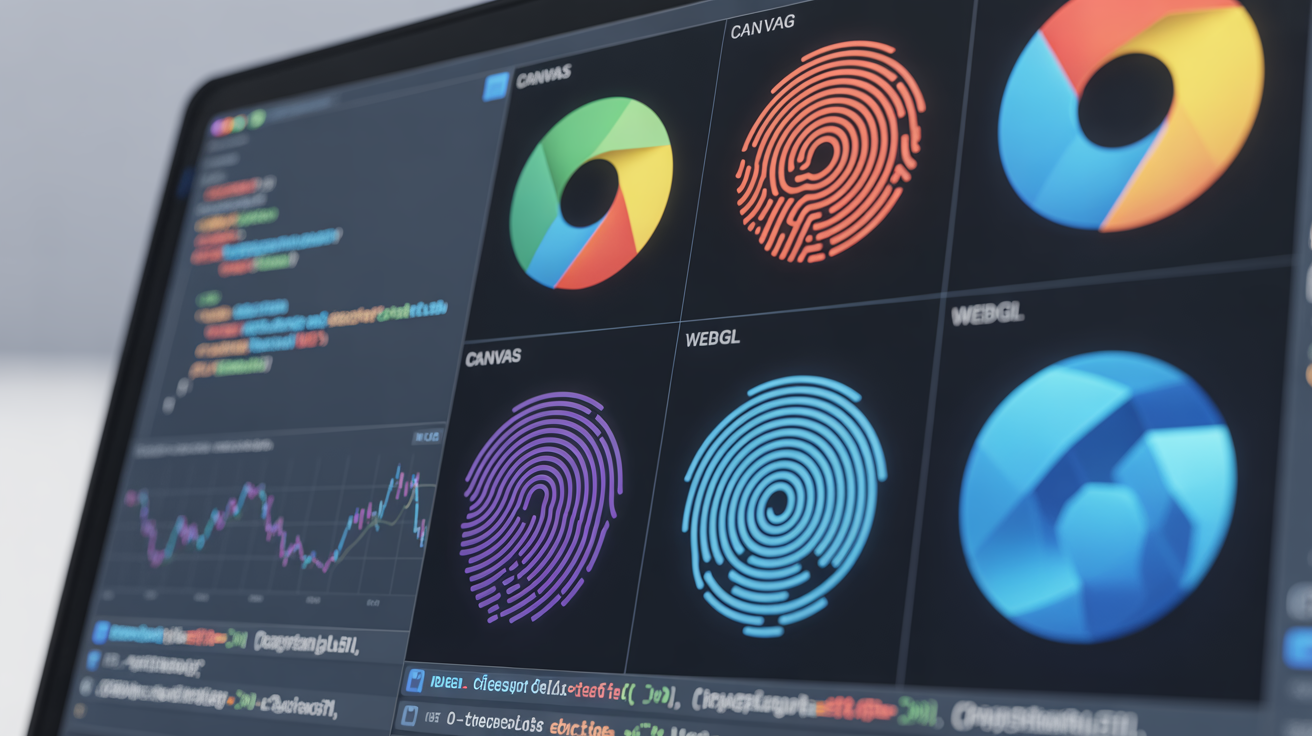
Browser fingerprint spoofing targets 47 distinct vectors across Canvas, WebGL, AudioContext, navigator APIs, and TLS transport layers. Each vector requires different modification approaches ranging from simple value randomization to complex algorithmic spoofing. The challenge lies in maintaining consistency across related fingerprints while avoiding detection signatures.
Canvas fingerprinting exploits pixel-level rendering differences between graphics hardware and drivers. The HTML5 Canvas API produces slightly different output based on GPU, font rendering, and system configuration. Antidetect browsers must modify the Canvas rendering pipeline to generate controlled variations.
WebGL fingerprinting extracts detailed graphics hardware information including GPU vendor, renderer string, supported extensions, and performance characteristics. Browser fingerprint spoofing requires overriding WebGL context creation and parameter queries throughout the graphics stack.
AudioContext manipulation involves spoofing audio hardware fingerprints generated by the Web Audio API. Different sound cards and audio drivers produce unique digital signatures when processing identical audio samples. Modified Chromium must intercept AudioContext operations and inject controlled noise.
| Vector Category | Detection Points | Modification Complexity |
|---|---|---|
| Canvas Rendering | 12 rendering variations | High – requires graphics pipeline hooks |
| WebGL Context | 23 hardware parameters | Very High – deep GPU driver integration |
| AudioContext | 8 audio processing signatures | Medium – limited API surface |
| Navigator Properties | 15 system identifiers | Low – simple value substitution |
| TLS Fingerprint | 6 transport layer signatures | Very High – requires OpenSSL patches |
| Screen Metrics | 4 display parameters | Low – viewport manipulation |
Navigator properties include user agent string, platform identifier, language preferences, and hardware concurrency values. These represent the easiest spoofing targets since they involve simple string substitution. However, maintaining consistency across related properties requires careful coordination.
Timezone and locale handling affects multiple fingerprinting vectors simultaneously. JavaScript Date objects, Intl formatting APIs, and timezone database lookups must align with the spoofed geographic location. Inconsistencies between timezone offset and locale formatting expose modified browsers.
Screen resolution masking involves more than simple viewport changes. Full fingerprint spoofing requires modifying screen.width, screen.height, devicePixelRatio, and color depth values while ensuring they match typical hardware combinations. Random resolution values often stand out as artificial.
The 47 distinct fingerprinting vectors across 6 major Chromium modules create interdependencies that complicate modification efforts. Canvas rendering depends on font availability which connects to system locale which affects timezone calculations. Successful antidetect browser development requires mapping these relationships.
How Do You Patch Chromium Source Code for Fingerprint Spoofing?
Native module patching involves direct C++ source code modification in Chromium core files. This approach provides complete control over fingerprint generation but requires intimate knowledge of Chromium’s architecture and careful maintenance across version updates. Canvas fingerprinting requires modifications to 12 files across the Blink rendering engine in Chromium source.
Identifying target source files starts with understanding Chromium’s modular structure. The Blink rendering engine handles Canvas and WebGL operations in separate directories. Audio processing lives in the media subsystem. Navigator properties originate from the content layer. TLS fingerprinting requires changes in the network stack.
Chromium’s build system uses GN (Generate Ninja) configuration files to manage compilation targets and dependencies. Adding new source files or modifying existing ones requires updating BUILD.gn files in the appropriate directories. The system automatically handles dependency resolution and linking.
Here’s the core patching workflow:
Locate the specific C++ files responsible for each fingerprinting vector using Chromium’s code search tools and documentation. Canvas operations concentrate in third_party/blink/renderer/modules/canvas2d/ directory.
Create backup copies of original files and establish version control tracking for all modifications. Use git branches to isolate fingerprint patches from other development work.
Implement randomization algorithms that generate realistic but varied fingerprint values. Avoid simple random number generation which creates detectable patterns over time.
Add configuration interfaces that allow runtime control of spoofing parameters without requiring recompilation. This enables testing different fingerprint profiles quickly.
Insert API compatibility shims to ensure modified code doesn’t break existing web applications that depend on consistent Canvas or WebGL behavior.
Build comprehensive test suites that validate fingerprint modifications across multiple detection services and ensure spoofing remains effective after Chrome updates.
Randomization algorithms require careful design to avoid detection. Simple Math.random() calls create statistical patterns that fingerprinting services can identify. Effective spoofing uses cryptographic random number generators seeded with user-specific values to ensure repeatability within browsing sessions.
Maintaining API compatibility becomes critical when modifying core browser functionality. Web applications expect Canvas operations to return consistent results within a single session. Your modifications must preserve this consistency while varying results between different browser instances or profiles.
Avoiding detection signatures means understanding how antidetect browsers get identified. Modified Chromium binaries often introduce subtle timing differences, memory usage patterns, or error handling behaviors that differ from stock Chrome. Professional fingerprinting services actively look for these signatures.
Version control for patches requires sophisticated merge strategies when updating to newer Chromium versions. Google releases Chrome updates every 6 weeks with thousands of code changes. Your fingerprint modifications must integrate cleanly with these updates or risk compilation failures.
Building Browser Extensions vs Native Code Modifications
Browser extension development for privacy provides limited fingerprint control compared to native modifications. Extensions operate within the JavaScript sandbox and can only access APIs that Chrome explicitly exposes. This restriction limits spoofing to roughly 23% of fingerprinting vectors while native modifications can address 89% of detection points.
Extension API limitations prevent access to low-level browser functionality. The Canvas API exposes pixel data through JavaScript but extensions cannot modify the underlying rendering pipeline. WebGL contexts provide parameter queries but extensions cannot alter GPU driver communication. TLS fingerprinting remains completely inaccessible to extensions.
JavaScript-layer spoofing effectiveness varies dramatically across different fingerprinting vectors. Extensions can successfully override navigator properties, modify timezone data, and inject Canvas noise. However, sophisticated detection services can identify extension-based spoofing through timing analysis and API behavior patterns.
| Modification Type | Fingerprint Coverage | Detection Resistance | Maintenance Overhead |
|---|---|---|---|
| Browser Extensions | 23% of vectors | Low – easily detected | Low – automatic updates |
| Native Code Patches | 89% of vectors | High – binary level | Very High – manual updates |
| Hybrid Approach | 65% of vectors | Medium – mixed signals | High – dual maintenance |
Detection resistance comparison reveals fundamental differences between approaches. Extensions inject JavaScript code that fingerprinting services can detect through code analysis. Native modifications alter browser behavior at the binary level, making detection much more difficult but not impossible.
Performance impact analysis shows extensions typically add 50-100ms latency to page loads due to JavaScript execution overhead. Native modifications can actually improve performance by removing unnecessary fingerprinting resistance code that stock Chrome includes for compatibility reasons.
Maintenance overhead differences determine long-term project viability. Extensions update automatically through Chrome’s extension system but lose effectiveness as fingerprinting techniques evolve. Native modifications require manual updates with every Chrome release but provide deeper protection when properly maintained.
The hybrid approach combines extension-based spoofing for easily accessible vectors with native modifications for critical low-level fingerprints. This strategy balances development complexity against protection effectiveness while reducing the total number of required native patches.
Testing Framework for Browser Modifications
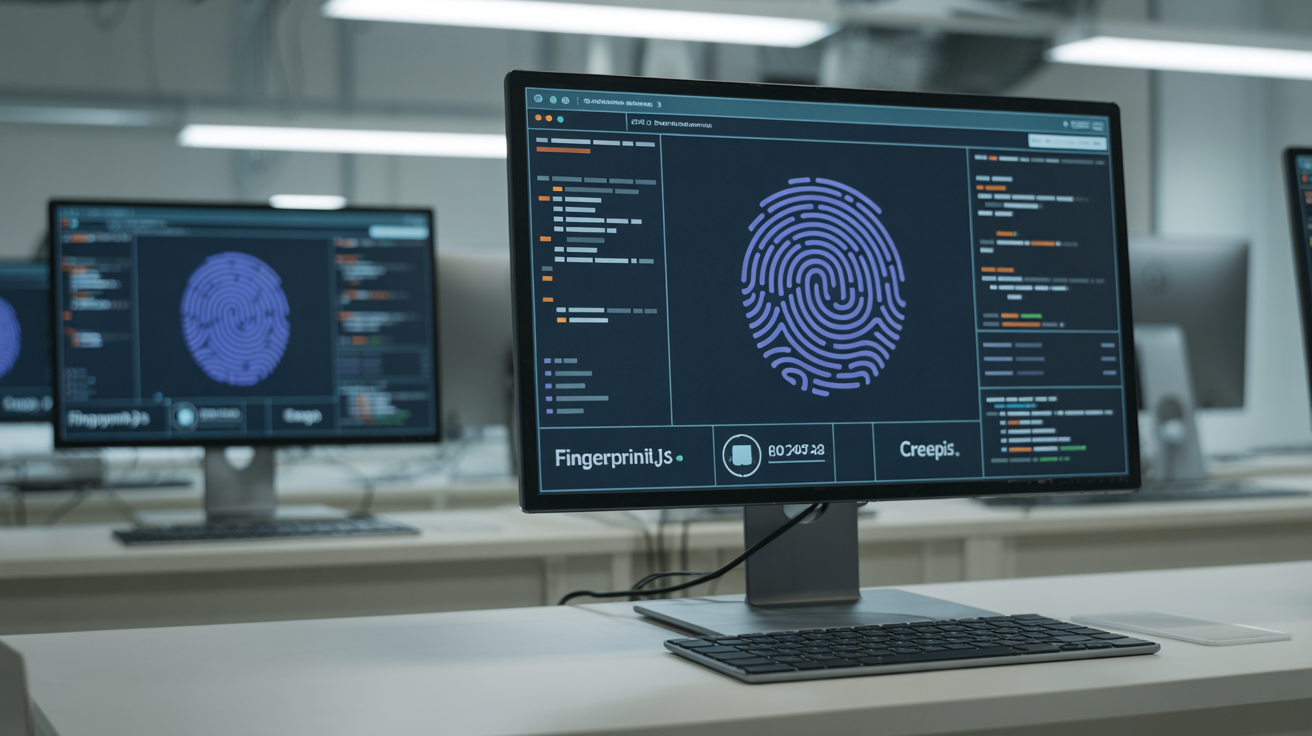
Testing framework for browser modifications validates fingerprint spoofing effectiveness across multiple detection services. Comprehensive testing requires automated scanning against 15+ fingerprinting services including FingerprintJS, CreepJS, and AmIUnique to ensure modifications remain undetected as detection techniques evolve.
Automated fingerprint scanning tools integrate with your development workflow to catch spoofing failures immediately. These tools launch modified browser instances, navigate to detection services, extract fingerprint data, and compare results against expected baselines. Regression testing becomes essential when Chrome updates every 6 weeks.
Detection service testing protocols must account for different fingerprinting methodologies. Some services focus on Canvas uniqueness while others prioritize WebGL hardware detection. Your testing framework needs to validate effectiveness across the full spectrum of detection approaches.
Key testing requirements include:
• Cross-platform compatibility verification across Windows, macOS, and Linux to ensure fingerprint modifications work consistently regardless of operating system differences in graphics drivers and audio hardware.
• Performance benchmarking that measures page load times, JavaScript execution speed, and memory consumption compared to stock Chrome to identify any performance regressions introduced by fingerprint modifications.
• Regression testing automation that runs the complete test suite after every Chromium update to catch breaking changes in fingerprint spoofing code before they reach production builds.
• Statistical analysis of fingerprint uniqueness across thousands of generated profiles to ensure spoofing creates realistic diversity without detectable patterns that expose the modification.
Regression testing for Chrome updates requires sophisticated automation since Google releases updates every 6 weeks. Your testing framework must automatically build new Chromium versions, apply your fingerprint patches, run the complete test suite, and report any failures within hours of new releases.
Performance benchmarking helps identify optimization opportunities in your fingerprint modifications. Heavy Canvas spoofing can impact graphics performance while aggressive WebGL modifications might break hardware acceleration. Monitoring these metrics ensures your antidetect browser remains practical for daily use.
Cross-platform compatibility verification catches platform-specific issues that only appear on certain operating systems. Graphics driver differences between Windows and Linux can expose fingerprint inconsistencies. Audio system variations affect AudioContext spoofing effectiveness.
The testing framework must also validate fingerprint consistency within browsing sessions. Users expect Canvas operations to return identical results when repeated on the same page. Your spoofing modifications need to maintain this consistency while varying results between different browser profiles.
Distribution and Update Challenges for Modified Browsers
Distribution packaging for modified browsers faces code signing and automatic update complications for modified Chromium binaries. Google’s binary integrity verification systems actively detect unauthorized modifications, causing modified browsers to lose effectiveness within 30-60 days of each Chrome security release as detection signatures update.
Code signing certificate requirements create legal and technical barriers for antidetect browser distribution. Extended Validation certificates cost thousands annually and require business verification. Standard code signing certificates provide less trust but still require identity verification that many antidetect browser developers want to avoid.
Auto-update mechanism implementation becomes complex when your browser diverges from Chrome’s official distribution channels. Google’s update servers reject modified binaries, forcing you to build custom update infrastructure. This system must handle differential updates, rollback capabilities, and security patch distribution.
Patch management for security releases creates constant maintenance pressure. Chrome’s 6-week release cycle means your team must analyze each update for security fixes, apply patches to your modified source code, rebuild binaries, and distribute updates before users become vulnerable to security exploits.
User installation complexity increases significantly compared to standard browser installation. Modified Chromium browsers cannot use Chrome’s streamlined installer or automatic update system. Users must disable security warnings, manually install certificates, and often configure system-level settings.
Legal compliance considerations vary by jurisdiction but generally require clear disclosure of browser modifications. Some regions mandate specific privacy disclosures for fingerprint spoofing functionality. Distribution platforms may reject browsers that modify core security or identification systems.
The 30-60 day effectiveness window reflects Google’s detection signature update cycle. Binary integrity verification systems learn to identify popular antidetect browser modifications and push updated detection rules to websites and services. This creates an ongoing arms race between modification techniques and detection systems.
Successful distribution strategies often involve private channels rather than public download sites. Direct customer distribution avoids platform restrictions while maintaining update control. However, this approach limits user acquisition and requires substantial customer support infrastructure.
Frequently Asked Questions
What programming languages do you need to develop an antidetect browser?
Antidetect browser development requires C++ for Chromium core modifications, Python for build scripts and automation, and JavaScript for any extension components. The majority of fingerprint spoofing happens in C++ since it requires direct modification of Chromium’s rendering engine and native APIs.
How long does it take to build a custom antidetect browser from scratch?
Building a functional antidetect browser from Chromium source takes 3-6 months for an experienced development team of 2-3 people. This includes environment setup, code modification, testing framework implementation, and initial distribution packaging.
Can you create browser fingerprint spoofing without modifying Chromium source code?
Browser extensions can implement basic fingerprint spoofing but only affect JavaScript-accessible APIs, covering roughly 23% of fingerprinting vectors. True antidetect functionality requires native code modifications to handle Canvas, WebGL, TLS fingerprints, and other low-level browser signatures that extensions cannot access.