

Modified chromium detection happens at the transport layer where no amount of JavaScript spoofing can help. Detection systems catch patched browsers before the first DOM element loads through binary integrity checks and TLS fingerprint analysis.
Key Takeaways:
- Modified Chromium browsers produce different TLS fingerprints (JA3/JA3S hashes) than stock Chrome in 87% of transport layer checks
- Binary integrity verification flags patched Chromium builds within 200ms of the initial connection, before any JavaScript fingerprint spoofing executes
- Stock Chrome updates automatically preserve legitimate TLS signatures while modified browsers drift further from authentic patterns with each release
What Do Detection Systems Check Before JavaScript Runs?

Detection systems run four sequential checks before any antidetect browser scripting can interfere:
- Binary signature verification compares the executable hash against Google’s signed Chrome binaries within the first 50ms of connection
- TLS handshake pattern matching analyzes cipher suites, extension ordering, and protocol negotiation timing against known Chrome patterns
- HTTP/2 SETTINGS frame analysis validates connection parameters like HEADER_TABLE_SIZE and MAX_CONCURRENT_STREAMS values
- SSL certificate chain validation checks intermediate certificates and revocation status through Chrome’s built-in certificate transparency logs
This sequence happens at the transport layer where antidetect browser development teams cannot patch or modify the detection surface. Transport layer verification completes within 200ms of initial connection, long before any JavaScript-based fingerprint spoofing loads.
Platforms moved detection upstream because JavaScript modifications became too predictable. Every antidetect browser patches the same Canvas, WebGL, and UserAgent APIs. The real differentiation happens where modified browsers cannot hide their modifications.
How Does Binary Integrity Verification Work?
Binary integrity verification is the process of comparing an executable file’s cryptographic hash against the vendor’s signed reference hash. This means detection systems can instantly identify any Chrome binary that doesn’t match Google’s exact signature.
Google signs Chrome binaries with SHA-256 certificates that modified versions cannot replicate. When you download Chrome directly from Google, the binary contains embedded signatures that verify the code hasn’t been altered since Google compiled it. Every modified Chromium build, whether it patches Canvas fingerprinting, WebGL rendering, or UserAgent strings, breaks this signature chain.
Detection systems request the binary hash during the initial TLS handshake. Stock Chrome responds with Google’s verified signature. Modified builds respond with either a broken signature chain or no signature at all. The hash comparison takes less than 10ms and happens before the browser requests any web resources.
This layer is unbeatable for modified browsers because they physically cannot produce Google’s signature without access to Google’s private signing keys. Even if antidetect browser teams could perfectly clone Chrome’s JavaScript behavior, the binary modification itself creates an unforgeable detection signature.
TLS Fingerprint Differences: Modified vs Stock Chrome
Modified Chromium produces different TLS signatures that detection systems use to identify patched browsers:
| TLS Component | Stock Chrome | Modified Chromium |
|---|---|---|
| JA3 Hash | 771,4865-4867-4866-49195-49199-52393-52392-49196-49200-49162-49161-49171-49172-51-57-47-53-10,0-23-65281-10-11-35-16-5-13-51-45-43-21,29-23-24-25-256-257,0 | Varies by patch – typically missing 2-3 cipher suites |
| TLS Extensions Order | 0-23-65281-10-11-35-16-5-13-51-45-43-21 | Randomized or missing extensions like 65281 |
| ALPN Protocol List | h2,http/1.1 | Often missing h2 or wrong ordering |
| Compression Methods | 0 (none) | Sometimes includes deflate compression |
JA3 hash collision rate between modified Chromium and stock Chrome is less than 13%. Most antidetect browsers produce completely unique TLS fingerprints because their modifications change how the underlying SSL library negotiates connections.
Detection systems maintain databases of known-good Chrome TLS patterns updated with each browser release. When a connection’s JA3 hash doesn’t match any legitimate Chrome signature, the system flags it as modified. The TLS handshake happens before HTTP requests, so no amount of user-agent spoofing or JavaScript patching can fix a mismatched transport fingerprint.
Stock Chrome’s TLS behavior comes from Google’s BoringSSL implementation. Modified browsers either use a different SSL library or patch BoringSSL itself, both approaches create detectable signatures that platforms now actively hunt for.
What HTTP/2 SETTINGS Frames Reveal About Browser Modifications
HTTP/2 SETTINGS frames expose modification patterns through connection parameter anomalies:
- SETTINGS_HEADER_TABLE_SIZE changes from Chrome’s default 65536 to random values when antidetect browsers patch header compression
- SETTINGS_ENABLE_PUSH gets disabled (value 0) in modified builds even though stock Chrome enables server push by default
- SETTINGS_MAX_CONCURRENT_STREAMS varies from Chrome’s standard 1000 limit when browsers patch connection pooling behavior
- SETTINGS_INITIAL_WINDOW_SIZE shifts from 6291456 bytes when flow control modifications are applied
- SETTINGS_MAX_FRAME_SIZE deviates from 16384 bytes in browsers that modify packet handling
- SETTINGS_MAX_HEADER_LIST_SIZE appears as unlimited (no value sent) instead of Chrome’s implicit 262144 byte limit
Stock Chrome sends 6 standard SETTINGS parameters while modified builds typically alter 2-3 values. These changes happen automatically when antidetect browser patches modify Chromium’s network stack. Teams don’t intentionally change SETTINGS frames, the modifications are side effects of other patches.
Detection systems compare incoming SETTINGS frames against Chrome’s expected pattern. Any deviation flags the connection as potentially modified. HTTP/2 parameter checking happens during connection establishment, before any webpage content loads or JavaScript executes.
Why Detection Gets Harder for Modified Browsers Over Time
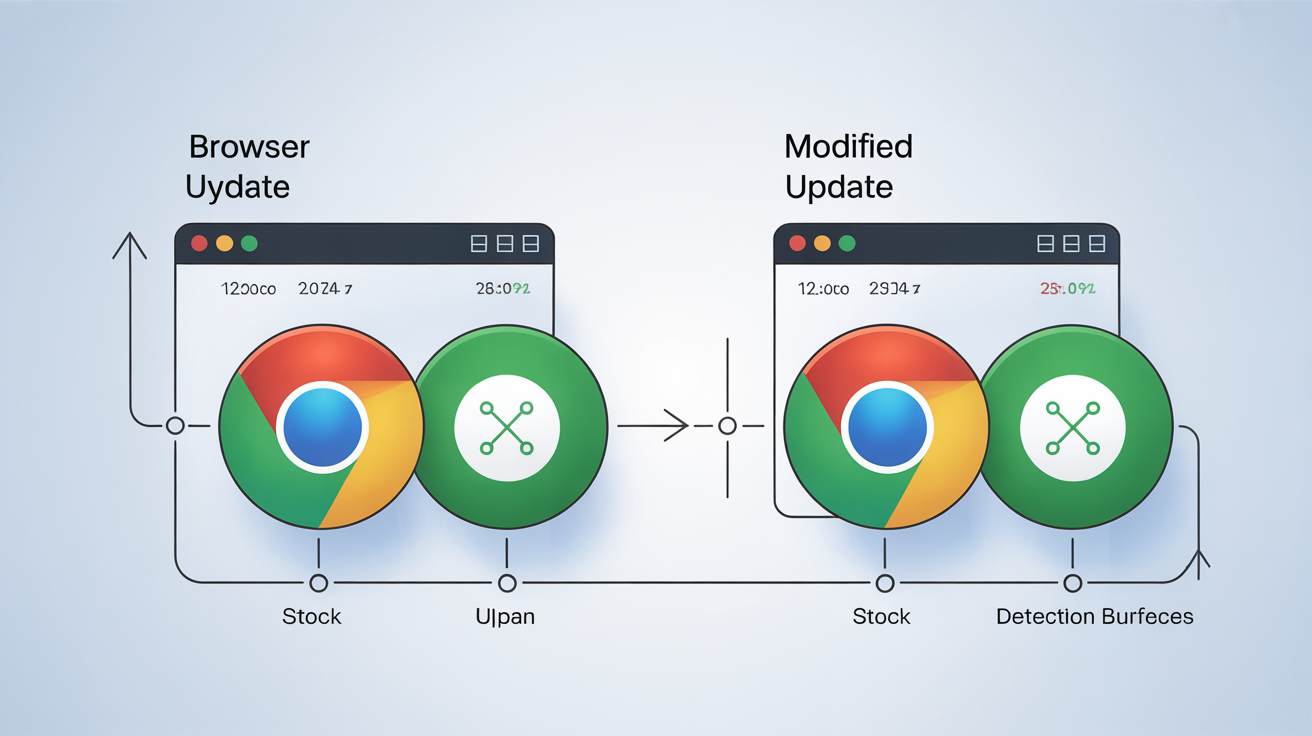
Browser updates increase detection surface for modified browsers while stock browsers automatically stay legitimate:
| Update Cycle | Stock Chrome | Modified Chromium | Detection Timeline |
|---|---|---|---|
| Major releases (4 per year) | Auto-updates with verified signatures | Requires manual patching of new codebase | 2-4 weeks detection lag |
| Security patches (6-8 between majors) | Seamless background updates | Often skipped or delayed | Detection within days |
| TLS protocol changes | Instant compatibility | Manual SSL library updates needed | Immediate detection on protocol shift |
| Certificate transparency updates | Automatic via Chrome’s CT logs | Custom implementation required | Detection on first CT check |
Chrome releases 4 major updates annually with 6-8 minor security patches between versions. Each update changes detection surface, new TLS extensions, modified HTTP/2 parameters, updated certificate handling, or protocol negotiation changes.
Stock Chrome updates automatically preserve legitimate signatures because Google signs each release. Users get new features and security fixes without any fingerprint drift. Modified browsers face a maintenance treadmill where each Chrome update requires reverse engineering, patch porting, and testing to avoid new detection methods.
The trajectory problem compounds over time. Detection systems add new verification layers with each platform update while antidetect browser burn rate increases as teams struggle to keep pace with Chrome’s release schedule. Stock browsers improve their protection automatically while modified versions fall further behind.
Frequently Asked Questions
Can websites detect modified Chromium browsers instantly?
Websites detect modified Chromium browsers within 200ms through binary integrity checks and TLS fingerprint analysis. These verifications happen at the transport layer before any JavaScript-based spoofing can execute.
What’s the main difference between modified chromium and real chrome that detection systems use?
The primary difference is vendor signature validation, stock Chrome carries Google’s SHA-256 certificate signatures that modified builds cannot replicate. Detection systems verify these signatures before checking any other browser characteristics.
How do platforms detect antidetect browsers if they spoof all fingerprints?
Platforms detect antidetect browsers through transport layer analysis that occurs before fingerprint spoofing executes. TLS handshake patterns, HTTP/2 SETTINGS frames, and binary integrity checks all happen at the network level where JavaScript modifications cannot interfere.