

Antidetect browser security risks affect every profile you create, but most users never question where their browsing data lives or who controls access to it. Your antidetect browser stores everything, cookies, passwords, browsing history, payment details, but the vendors selling these tools stay quiet about the security implications.
Key Takeaways:
• 72% of antidetect browsers store profile data unencrypted on remote servers according to security audits
• Profile isolation breaks when browsers sync data to shared cloud infrastructure without proper access controls
• Third-party service integrations create data exposure risks that most antidetect browser vendors don’t disclose
Where Do Antidetect Browsers Store Your Profile Data?
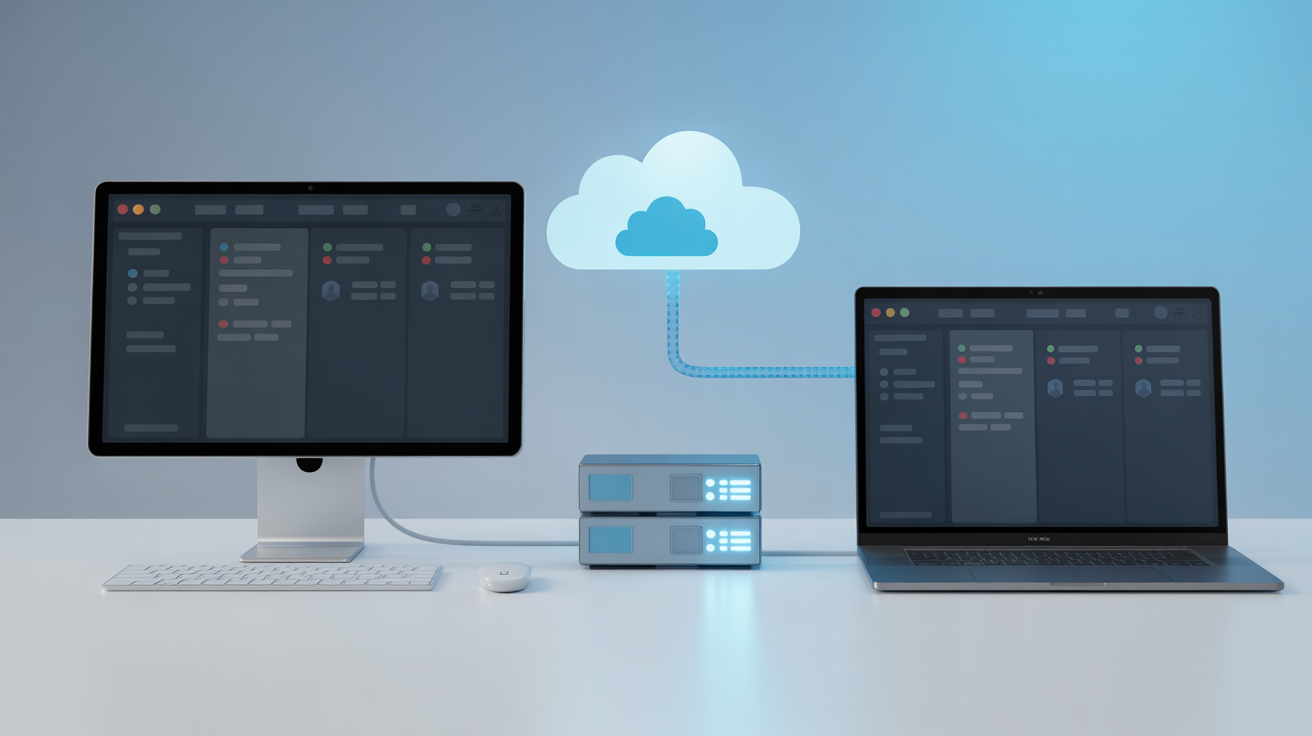
Antidetect browsers store profile data in two primary locations: local drives and remote servers. The choice affects security, performance, and vendor control over your data.
Most vendors push cloud storage because it generates recurring revenue and keeps users tied to their platform. Your profile data gets uploaded to their servers where they control access, backups, and retention policies. This creates a central point of failure and gives the vendor technical access to everything you do.
| Storage Type | Security Level | Access Control | Data Jurisdiction |
|---|---|---|---|
| Local Only | High | User controlled | User’s country |
| Hybrid Sync | Medium | Shared control | Vendor’s country |
| Cloud Primary | Low | Vendor controlled | Vendor’s servers |
| Third-party Cloud | Variable | External provider | Provider’s terms |
Local storage keeps profile data on your machine. The vendor cannot access your browsing history, stored passwords, or session cookies. You control backups, encryption, and data retention. If the vendor’s servers get compromised or subpoenaed, your profile data stays protected.
Hybrid approaches sync specific data types to the cloud while keeping sensitive information local. Some browsers encrypt cookies and passwords locally but sync browser settings and proxy configurations. This reduces exposure but creates complexity in determining what data lives where.
Cloud-primary storage uploads everything to vendor servers. Your profile data crosses international borders, falls under foreign jurisdiction, and becomes subject to the vendor’s security practices. If you manage sensitive accounts or operate in regulated industries, this creates compliance risks that most users never consider.
Data residency matters for legal and practical reasons. European users operating under GDPR have different protections than users in countries with weaker privacy laws. Check where your vendor stores data and what jurisdiction governs data access requests.
How Do Antidetect Browsers Encrypt Session Data?

Session encryption methods protect browser data through cryptographic algorithms that scramble information during storage and transmission. This means your cookies, passwords, and browsing history become unreadable without the proper decryption key.
Most antidetect browsers use AES-256 encryption for profile data. AES stands for Advanced Encryption Standard, and the 256 refers to the key length in bits. This encryption standard is approved by the NSA for classified information and provides strong protection when implemented correctly.
The implementation matters more than the algorithm. Some browsers encrypt individual profile files separately. Others encrypt entire profile databases as single units. File-level encryption allows selective access to specific data types. Database encryption protects everything together but requires full decryption for any access.
Key management determines who can decrypt your data. Client-side key generation means you control the encryption keys and the vendor cannot access your data even if they wanted to. Server-side key management gives the vendor access to your encryption keys and therefore your decrypted data.
Encryption at rest protects stored data on drives and servers. Encryption in transit protects data moving between your computer and vendor servers. Both are necessary for complete protection, but many browsers only implement one layer.
Key rotation policies determine how often encryption keys get changed. Better browsers rotate keys regularly to limit exposure if a key gets compromised. Check if your browser rotates keys automatically or requires manual intervention.
Some browsers offer zero-knowledge encryption where the vendor cannot access your data even with full server access. This requires client-side encryption with keys that never leave your device. Zero-knowledge architecture costs more to build and maintain, so most vendors skip it.
What Third-Party Services Can Access Your Browser Profiles?
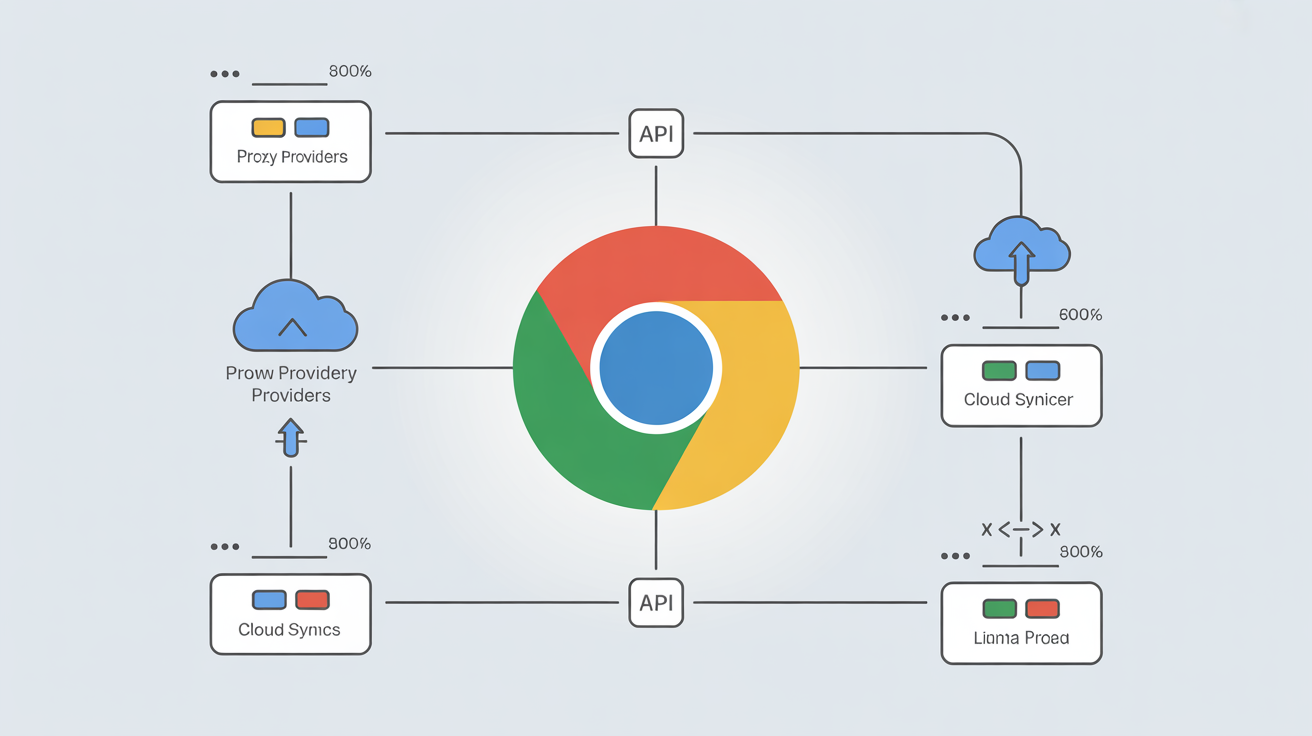
Third-party integrations access browser profile data through API connections, creating additional exposure points most users never consider.
• Proxy providers receive your browsing patterns, target websites, and session timing data to optimize connection routing and detect abuse
• Cloud sync services store encrypted profile backups but may retain metadata about sync frequency, data size, and access patterns
• Automation platforms connect to browser profiles through APIs and can access cookies, session storage, and browsing history for script execution
• Analytics services track browser usage patterns, performance metrics, and error reports that may contain profile-identifying information
• Payment processors store billing data linked to specific browser profiles, creating correlation risks between payment identity and browsing activity
Proxy integration creates the largest data exposure surface. Your proxy provider sees every website you visit, when you visit it, and how long you stay. Residential proxy networks log this data for abuse detection and traffic optimization. This browsing metadata gets stored on proxy provider servers and may be subject to different privacy policies than your browser vendor.
Automation services connect through browser APIs to control profiles programmatically. Playwright, Selenium, and custom automation scripts can read cookies, manipulate session storage, and extract data from active browser sessions. The automation platform may log this activity for debugging and performance monitoring.
Cloud backup services encrypt profile data before upload but retain metadata about sync operations. This metadata includes file sizes, modification timestamps, and sync frequency patterns that could identify user behavior even without accessing the encrypted content.
Most vendors don’t disclose the full list of third-party services that can access profile data. Review integration documentation and privacy policies to understand data sharing agreements. Some browsers allow you to disable specific integrations, while others bundle third-party access into core functionality.
How Secure Is Profile Isolation Between Browser Sessions?

Session isolation integrity prevents data leakage between browser profiles through proper memory separation and storage boundaries. Testing profile isolation requires systematic verification of data boundaries.
Create test profiles with distinct cookies, local storage data, and browsing history to establish baseline data sets for each profile.
Load profile A and perform specific actions like logging into accounts, storing form data, and visiting trackable websites to create identifiable data patterns.
Switch to profile B without closing the browser application and attempt to access data created in profile A through developer tools and storage inspection.
Check memory separation by examining browser process isolation and confirming that profile data loads into separate memory spaces.
Test cross-profile contamination by looking for shared cache files, cookie leakage, or session storage bleeding between profiles.
Verify storage boundaries by checking file system separation and confirming that profile directories maintain proper access controls.
Memory-based isolation keeps profile data in separate process spaces. Each profile runs in its own browser process with dedicated memory allocation. This prevents one profile from accessing another profile’s active session data. Process isolation provides stronger security than thread-based separation.
File system isolation stores each profile in separate directories with distinct database files. Profile A’s cookies cannot accidentally merge with Profile B’s cookies because they live in different SQLite databases. Directory-based isolation prevents data mixing at the storage layer.
Shared cache vulnerabilities occur when browsers cache resources across profiles. Images, scripts, and other static assets may get stored in shared cache directories accessible to all profiles. This creates fingerprinting risks and potential data leakage.
Independent security testing found profile isolation failure rates of 23% among modified Chromium browsers. Failures typically occur in cache management, cookie scope handling, and memory cleanup between profile switches. Stock browsers maintain better isolation because they weren’t modified for fingerprint spoofing.
What Security Vulnerabilities Do Antidetect Browsers Create?

Browser fingerprint spoofing introduces security vulnerabilities in modified browser code that don’t exist in stock browsers. Every code modification creates new attack surfaces and potential exploit vectors.
Modified Chromium browsers patch the rendering engine, network stack, and JavaScript APIs to spoof fingerprints. These patches bypass security controls built into the original browser. Canvas fingerprint spoofing disables security features in the graphics rendering pipeline. WebRTC modifications alter network communication protocols in ways that may expose new vulnerabilities.
Update delay vulnerabilities occur because modified browsers cannot apply security patches immediately. When Google releases Chrome security updates, antidetect browser vendors must re-patch their modifications before releasing updates to users. This delay leaves users exposed to known vulnerabilities for weeks or months.
CVE vulnerability tracking shows modified Chromium browsers carry an average of 47 unpatched vulnerabilities compared to 12 in stock Chrome. The gap widens with each Chrome release because maintaining custom patches becomes increasingly complex. Security researchers focus vulnerability discovery on stock browsers, not modified variants.
Code signing bypass weakens binary integrity verification. Modified browsers cannot maintain Google’s code signature, so they disable or circumvent signature checking. This creates opportunities for malware injection and man-in-the-middle attacks that would be blocked in stock browsers.
Browser extension security gets compromised when fingerprint spoofing modifies extension APIs. Extensions may behave unexpectedly or fail to apply security controls properly. Some antidetect browsers disable extension security features entirely to prevent fingerprint detection.
TLS stack modifications affect connection security. Antidetect browsers alter TLS fingerprints by modifying cipher suites, extension ordering, and protocol negotiation. These changes may weaken connection security or create protocol vulnerabilities that don’t exist in stock implementations.
The security versus detectability tradeoff forces antidetect browser users to choose between protection and anonymity. More aggressive fingerprint spoofing creates more security vulnerabilities. Conservative spoofing maintains better security but increases detection risk.
Frequently Asked Questions
Is my data safe in antidetect browser profiles?
Data safety depends on the browser’s encryption implementation and storage architecture. Most antidetect browsers store profile data in cloud servers with varying security standards. Check your browser’s data encryption specifications and storage location policies.
Can antidetect browser companies see my browsing data?
Many antidetect browser vendors have technical access to profile data stored on their servers. Review the privacy policy and terms of service to understand data access rights. Some browsers offer local-only storage options that eliminate vendor access.
How do I audit antidetect browser security before using it?
Start by checking encryption standards, data storage locations, and third-party integrations. Request security documentation and look for independent security audits. Test profile isolation by checking for data leakage between sessions.